
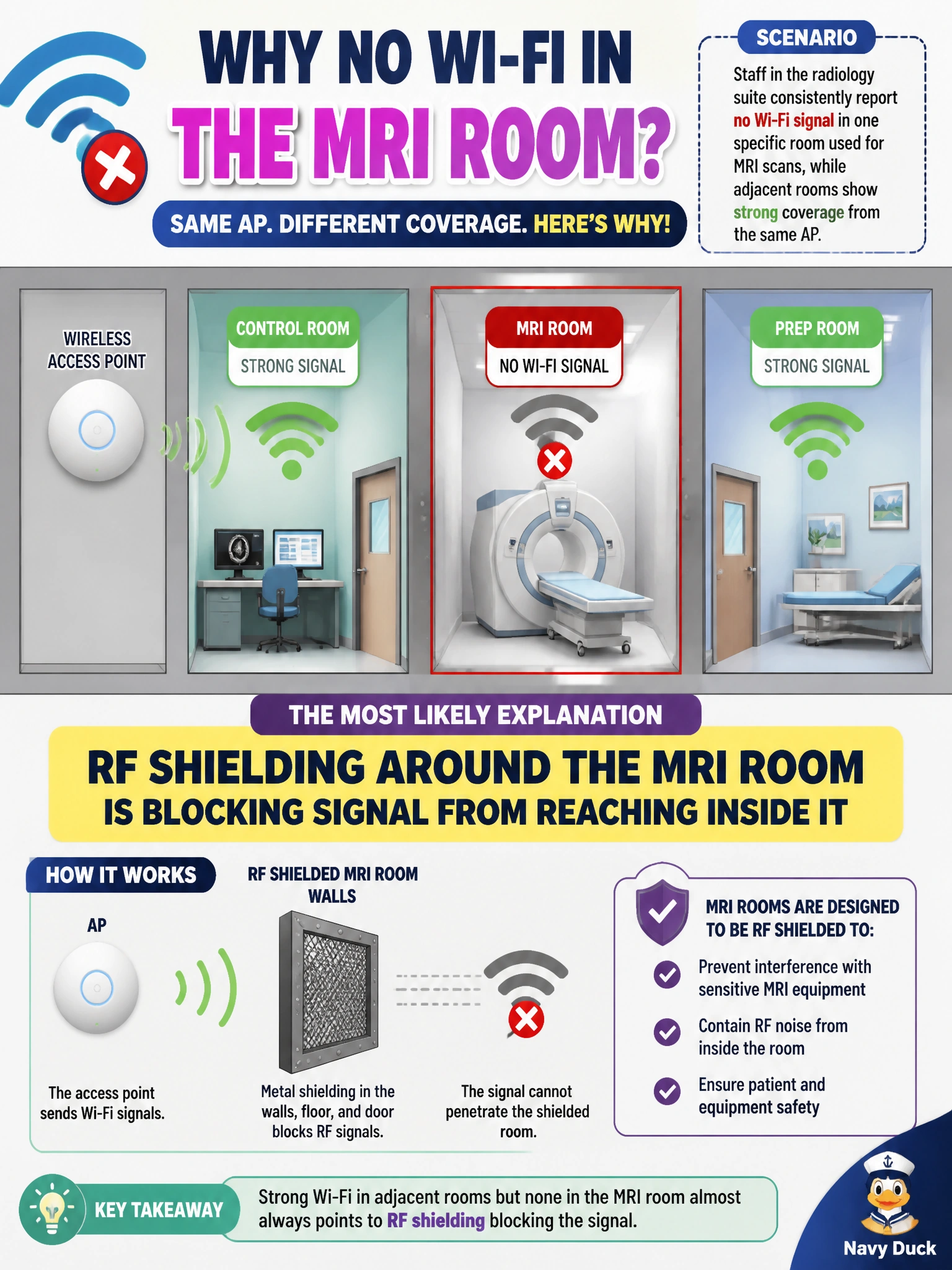
Staff in the radiology suite consistently report no Wi-Fi signal in one specific room used for MRI scans, while adjacent rooms show strong coverage from the same AP. What is the most likely explanation?
Select an answer to reveal the explanation.
Short Explanation
MRI rooms are built with heavy shielding on purpose, to keep radio interference out of the imaging equipment. That same shielding is just as effective at keeping your Wi-Fi signal out of the room. It's not a config problem; it's a wall doing exactly what it was designed to do.
Full Explanation
A dead zone confined to one specific room, while neighboring rooms served by the same access point show strong coverage, points to something physical and localized rather than a network configuration issue, since a config problem (wrong VLAN, RADIUS timeout, DHCP conflict) would typically affect clients regardless of which physical room they're standing in, not just one. MRI suites are specifically constructed with RF-shielded walls (a Faraday cage) to prevent external radio frequency interference from degrading imaging quality, and that same shielding attenuates or completely blocks Wi-Fi signal from reaching devices inside the room from an AP mounted outside it. This is a physical-layer/RF coverage problem rather than an authentication or addressing issue: a VLAN mismatch would produce a client that associates but can't reach the right resources, not a total absence of signal, and a RADIUS timeout only matters once a client can already hear an SSID to associate to. The practical check is a walk-through with a Wi-Fi survey tool to confirm signal strength genuinely drops to near-zero at the shielded room's boundary rather than degrading gradually as distance from the AP increases. The resolution typically requires a dedicated AP (or a low-loss antenna feed) placed inside or immediately adjacent to the shielded space, since no amount of external AP power or channel tuning will overcome a purpose-built shielded enclosure.