
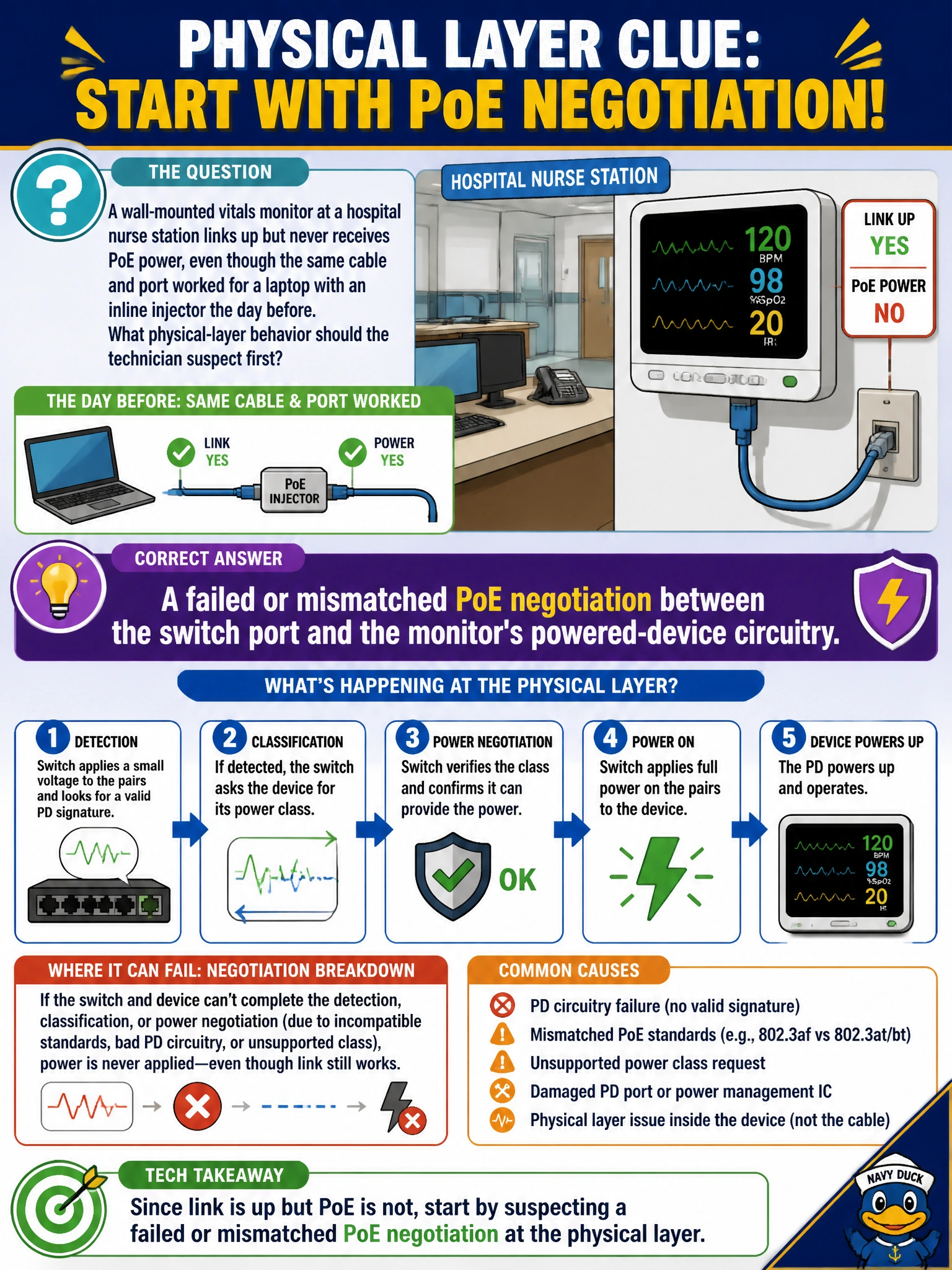
A wall-mounted vitals monitor at a hospital nurse station links up but never receives PoE power, even though the same cable and port worked for a laptop with an inline injector the day before. What physical-layer behavior should the technician suspect first?
Select an answer to reveal the explanation.
Short Explanation
Link comes up but power never does, that's the fingerprint of a PoE handshake going wrong, not a network setting. The switch and the device essentially negotiate over how much power is needed and how it'll be delivered, and if that back-and-forth fails, the device just never gets powered even though data can pass. It's worth checking that negotiation specifically before you look anywhere else.
Full Explanation
PoE delivery depends on a negotiation process where the switch detects a valid powered device and both sides agree on a power class or wattage before power is applied; a link light confirms the data pairs are working, but power delivery is a separate physical-layer process that can fail independently. When a monitor links but never powers up, a plausible physical-layer cause is that its powered-device circuitry is not completing that detection or classification handshake correctly, whether from a hardware fault in the device or an incompatibility with the switch's PoE implementation. A duplicate IP address is a Layer 3 addressing conflict and has nothing to do with whether a device receives electrical power over the cable. An overlapping wireless channel is irrelevant here because the monitor is wired, not wireless, so RF channel contention cannot be the cause. A missing static route would affect reachability to networks outside the local subnet, but it would not prevent power delivery, since routing operates entirely above the physical layer. A reasonable operational check is confirming the port's PoE status and negotiated class, and testing the same monitor on a different PoE-capable port to see whether the behavior follows the device or stays with the original port.