
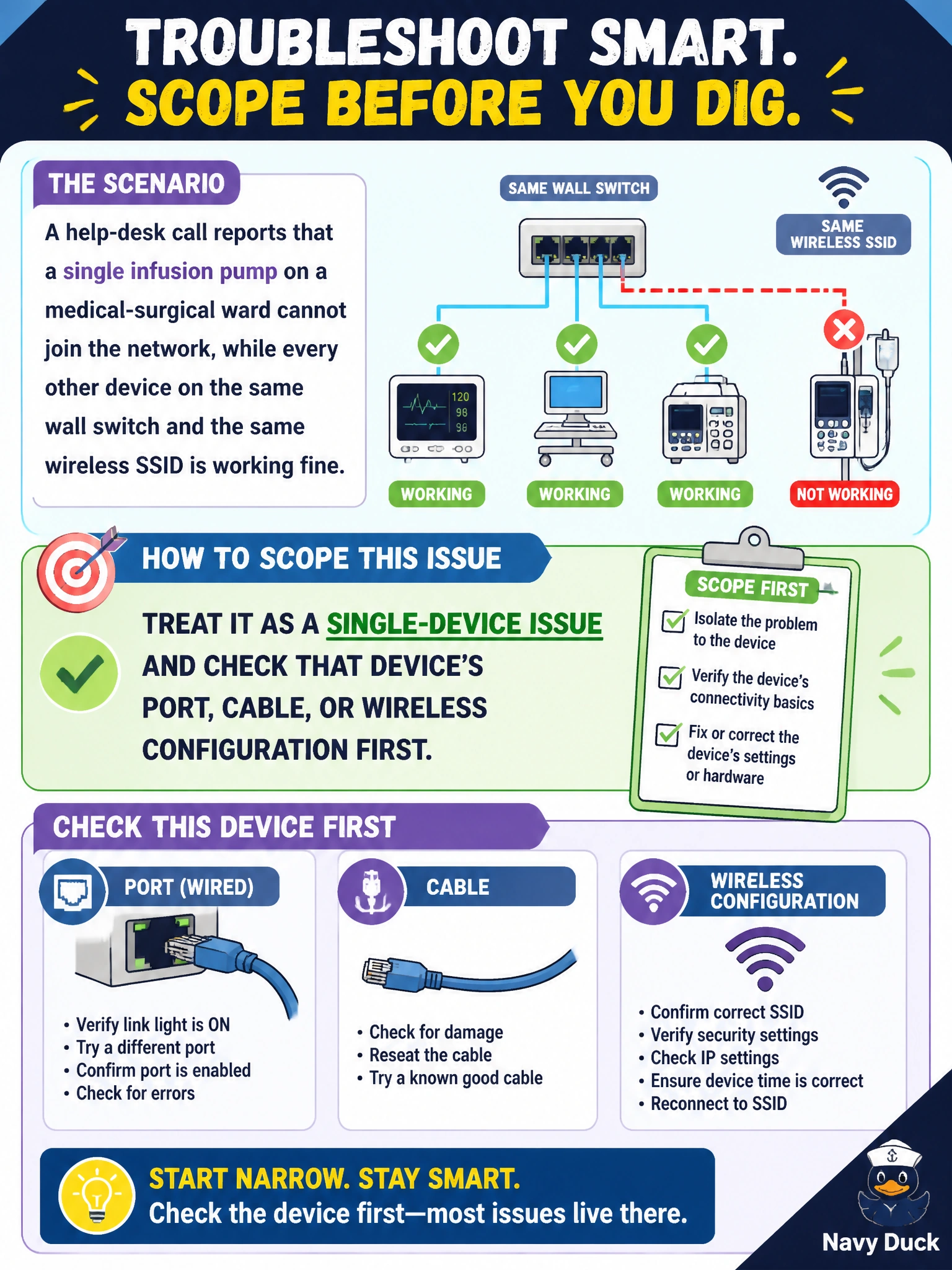
A help-desk call reports that a single infusion pump on a medical-surgical ward cannot join the network, while every other device on the same wall switch and the same wireless SSID is working fine. How should the technician scope this issue before digging further?
Select an answer to reveal the explanation.
Short Explanation
Scope tells you where to look, and here the scope is tiny: one device, everything else around it is fine. That means the fault almost certainly lives right at that pump's connection, not somewhere upstream shared by dozens of other working devices. Chasing the core or the controller first would mean ignoring the evidence right in front of you.
Full Explanation
Determining scope means asking how many users or devices are affected and what they have in common, because the answer points directly at where the fault most likely lives. When only one device fails while everything sharing its switch, VLAN, and SSID continues working normally, the shared upstream infrastructure is functioning correctly, which rules it out as the cause and narrows attention to that device's specific port, cable, or wireless client configuration. Treating this as campus-wide and checking the core switch ignores the fact that a core failure would affect far more than a single pump; that scope simply does not match the symptom. Checking every AP serving the ward makes the same mistake in the wireless direction, since a shared AP or RF problem would degrade multiple clients, not exactly one. Blaming the wireless controller or a management platform serving the whole building has the identical flaw: a platform-wide fault would not present as one isolated device failing while its neighbors succeed. A concrete check consistent with this scope is verifying the pump's own port status, VLAN assignment, or client authentication state before touching any shared device.