
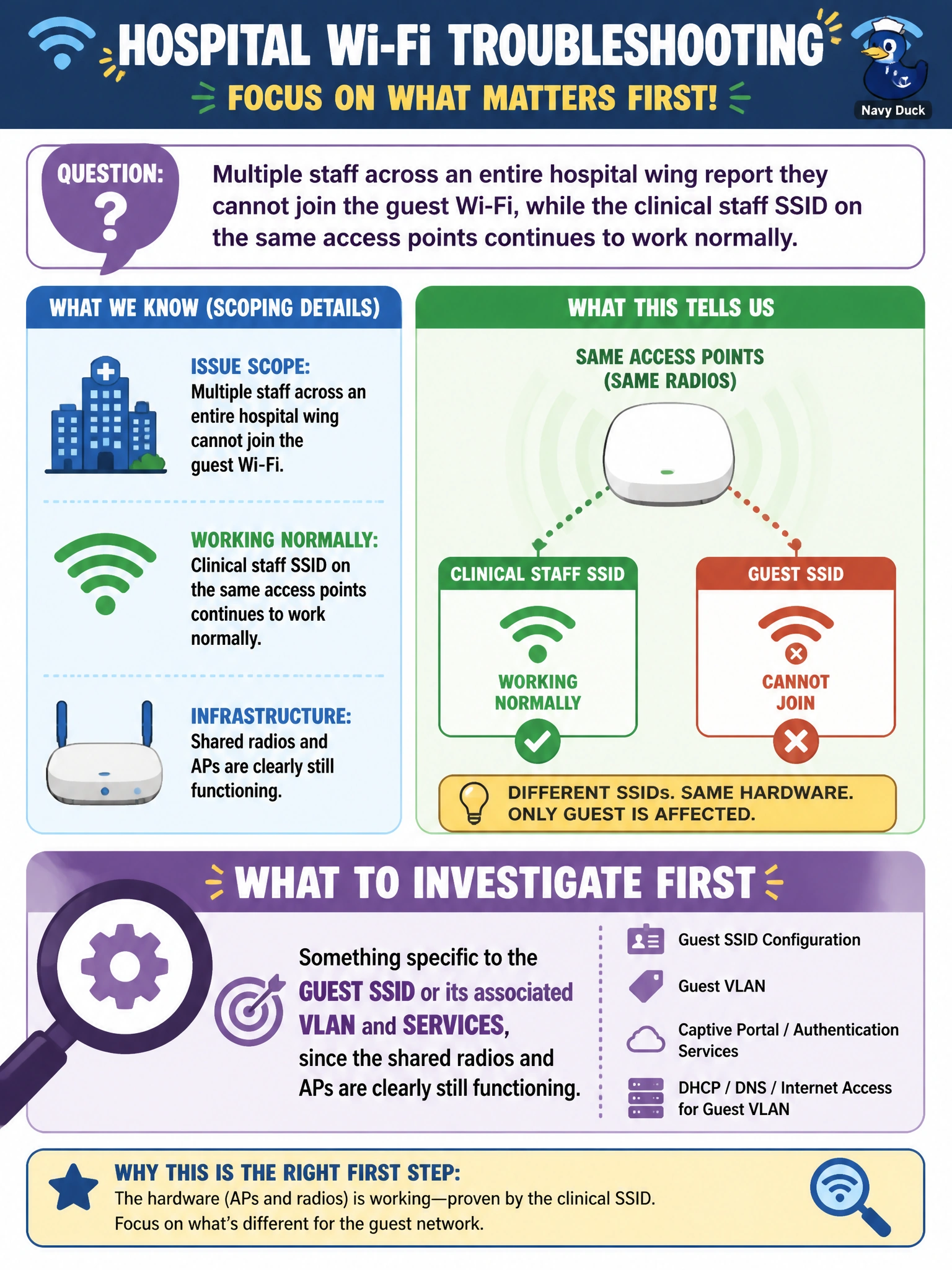
Multiple staff across an entire hospital wing report they cannot join the guest Wi-Fi, while the clinical staff SSID on the same access points continues to work normally. What does this scoping detail suggest the technician should investigate first?
Select an answer to reveal the explanation.
Short Explanation
One SSID down while its neighbor SSID on the same radios works fine is a big clue: the APs and the radios are obviously fine, so look at what's unique to the broken SSID. Whatever guest Wi-Fi depends on that clinical Wi-Fi doesn't, like its own VLAN, DHCP scope, or captive portal, is the likely culprit. That's scoping doing its job before you touch a single cable.
Full Explanation
Scoping an issue means comparing what fails against what still works and using the difference to narrow the search. Here, two SSIDs share the same physical access points and radios, and only one of them fails, which rules out the AP hardware, its cabling, and its radio as the cause, because a fault there would affect both SSIDs identically. The failure must instead trace to something unique to the guest SSID's logical path: its dedicated VLAN, its DHCP scope, a captive portal or authentication service, or an ACL that segments guest traffic from the rest of the network. Investigating AP cabling contradicts the evidence, since the clinical SSID on those same APs is working, meaning the physical connection to the AP is intact. Blaming the core switch assumes a much broader failure than what was reported and ignores that a healthy SSID is riding the same infrastructure right now. Checking individual laptop adapters is also inconsistent with the pattern, since many unrelated devices from many vendors failing on exactly one SSID points to something server-side or network-side, not a coincidence of many broken adapters. A sound next check is confirming DHCP address assignment and captive-portal reachability specifically for the guest VLAN.