
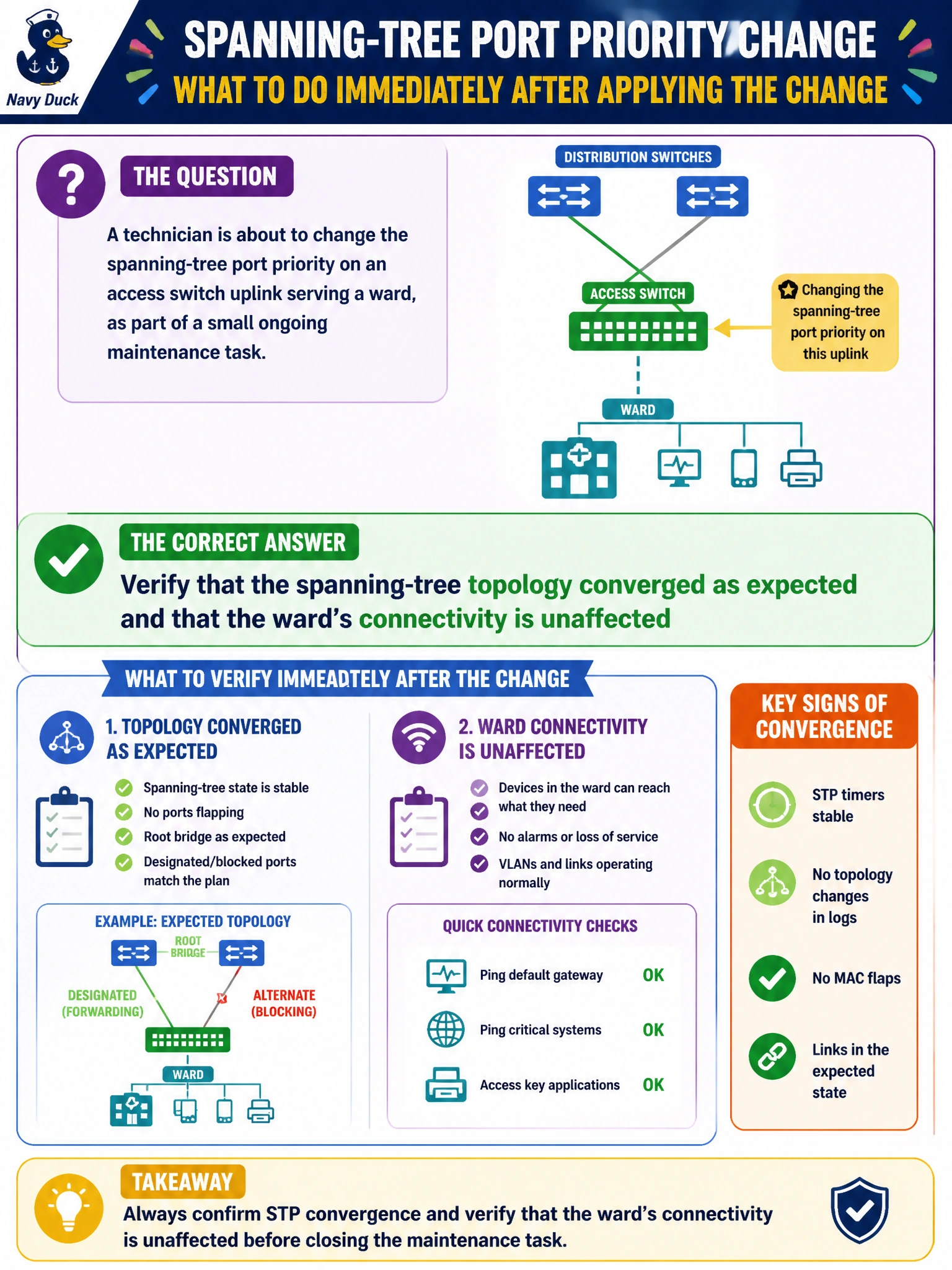
A technician is about to change the spanning-tree port priority on an access switch uplink serving a ward, as part of a small ongoing maintenance task. What should happen immediately after applying the change, before considering the task finished?
Select an answer to reveal the explanation.
Short Explanation
Entering a command without an error isn't the same as the network actually behaving the way you intended. Spanning tree recalculates its topology whenever priorities change, so you want to watch that it settles into the state you expected, not just assume it did. A quick verification right after the change catches a surprise — like an unexpected root bridge shift — while it's still easy to fix.
Full Explanation
Changing spanning-tree port priority influences which port a switch prefers for a given path, and applying that change triggers a topology recalculation across the affected switches; verifying the resulting topology and confirming the ward's traffic still flows as expected closes the loop on whether the change actually did what was intended, rather than just being accepted syntactically. A command completing without an error only confirms the syntax was valid and the value was accepted — it says nothing about whether the resulting spanning-tree topology is the one the technician meant to create, since a priority change can shift the root bridge or blocked ports in ways that aren't obvious from the command line alone. Treating "no error" as proof of success skips the verification step entirely and risks leaving an unintended topology in place undetected. Waiting days until the next scheduled window to check leaves a potentially broken topology live on a production ward network for an unacceptable length of time — verification belongs immediately after a live change, not on a delayed schedule. Doing nothing further assumes the change is inherently correct just because it was entered, which is the same gap as trusting the absence of an error message. A caveat: on a campus with several interconnected switches, a priority change can have effects beyond the single switch it was applied to, so checking neighboring switches' view of the topology is worth including. As an operational check, confirm the expected root port and forwarding state on the affected switch immediately after the change.