
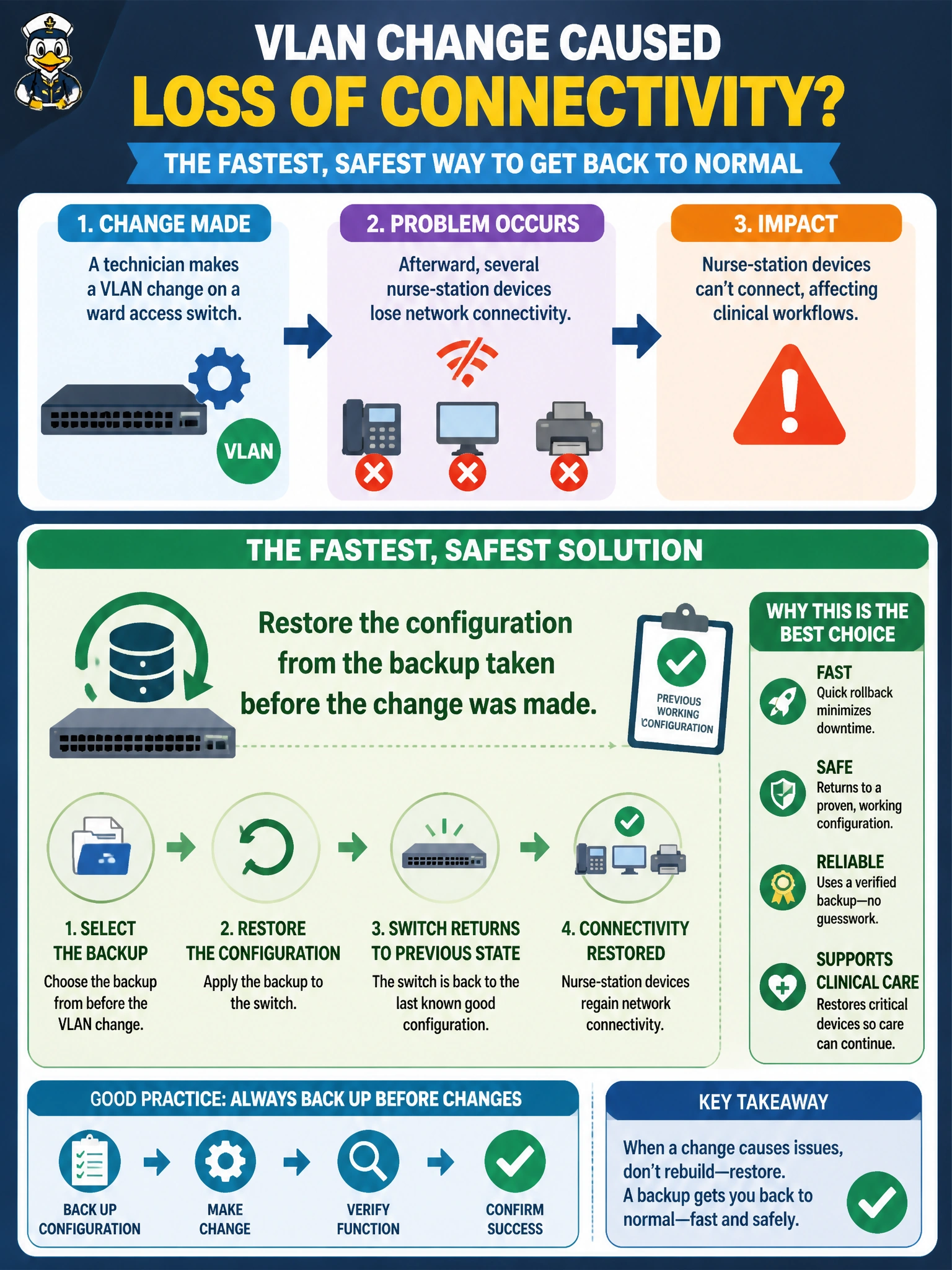
A technician makes a VLAN change on a ward access switch, and afterward several nurse-station devices lose network connectivity. What is the fastest, safest way to return the switch to its previous working state?
Select an answer to reveal the explanation.
Short Explanation
When a change breaks something, the fastest fix isn't guessing your way back — it's replaying the exact state you know worked. Restoring the pre-change backup puts every VLAN and port setting back the way it was in one step, instead of hunting for what went wrong. That's the whole reason a backup gets taken before touching a live switch in the first place.
Full Explanation
Restoring a saved configuration reloads the complete, known-good state that existed before the change, which resolves connectivity issues caused by that change in a single, predictable action rather than requiring the technician to first diagnose exactly which setting broke and then correct it under time pressure. This is the direct payoff of the earlier backup step: the recovery path is a restore, not a rebuild. Manually retyping every setting from memory is slow and error-prone, and it's exactly the risk a pre-change backup exists to eliminate — a small typo or forgotten port setting can introduce a new problem while trying to fix the first one. Repeatedly rebooting the switch does not undo a configuration change; the flawed VLAN setting persists across reboots because it's saved in the running or startup configuration, not caused by a transient state that a reboot would clear. Replacing the hardware entirely is a drastic, costly response to what is a software configuration issue, and the replacement switch would still need the same correct configuration applied to it. A caveat: if the change was already saved to the switch's startup configuration, the restore should be followed by confirming the switch actually boots from the intended configuration afterward, not just that the restore command succeeded. As an operational check, verify the affected nurse-station devices regain connectivity immediately after the restore completes.