
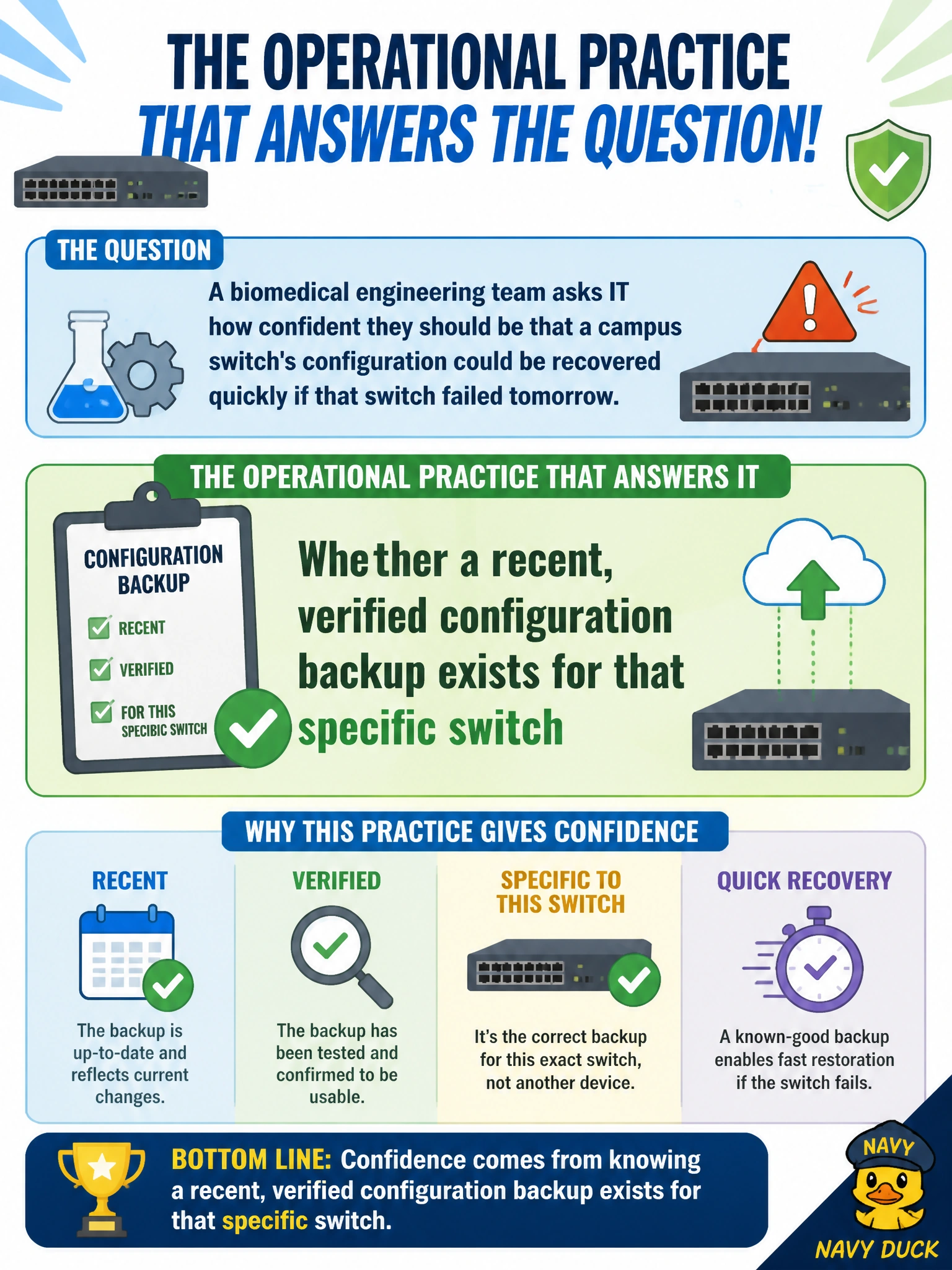
A biomedical engineering team asks IT how confident they should be that a campus switch's configuration could be recovered quickly if that switch failed tomorrow. What operational practice actually answers that question?
Select an answer to reveal the explanation.
Short Explanation
Confidence in fast recovery isn't about how new the firmware is or whether a light is green — it's about whether there's a recent, working copy of that switch's settings sitting somewhere safe. Think of it like an insurance policy: it only pays off if it's current and you actually know it works. A stale or untested backup gives false confidence, which is worse than knowing you don't have one.
Full Explanation
Recovering quickly from a hardware failure depends on having configuration data available to push onto a replacement device, so the practice that answers the biomedical team's question is routine, verified configuration backup — not a one-time backup years ago, but a recent one confirmed to be complete and restorable. Firmware upgrade recency speaks to whether the switch is running current, patched software, which is a different concern from whether its configuration is backed up; a switch can be fully up to date on firmware and still have no usable backup. A green status LED indicates the switch is currently powered and passing basic self-checks, but that tells you nothing about disaster recovery readiness for a failure that hasn't happened yet. SSID membership in guest Wi-Fi is a wireless configuration detail on a completely different part of the network and has no bearing on a wired switch's backup posture. A caveat worth raising with the biomedical team: a backup schedule should be paired with an occasional restore test on non-production hardware, since an untested backup can turn out to be incomplete or corrupted exactly when it's needed most. As an operational check, confirm both the date of the last successful backup and that it was validated, not just scheduled.