
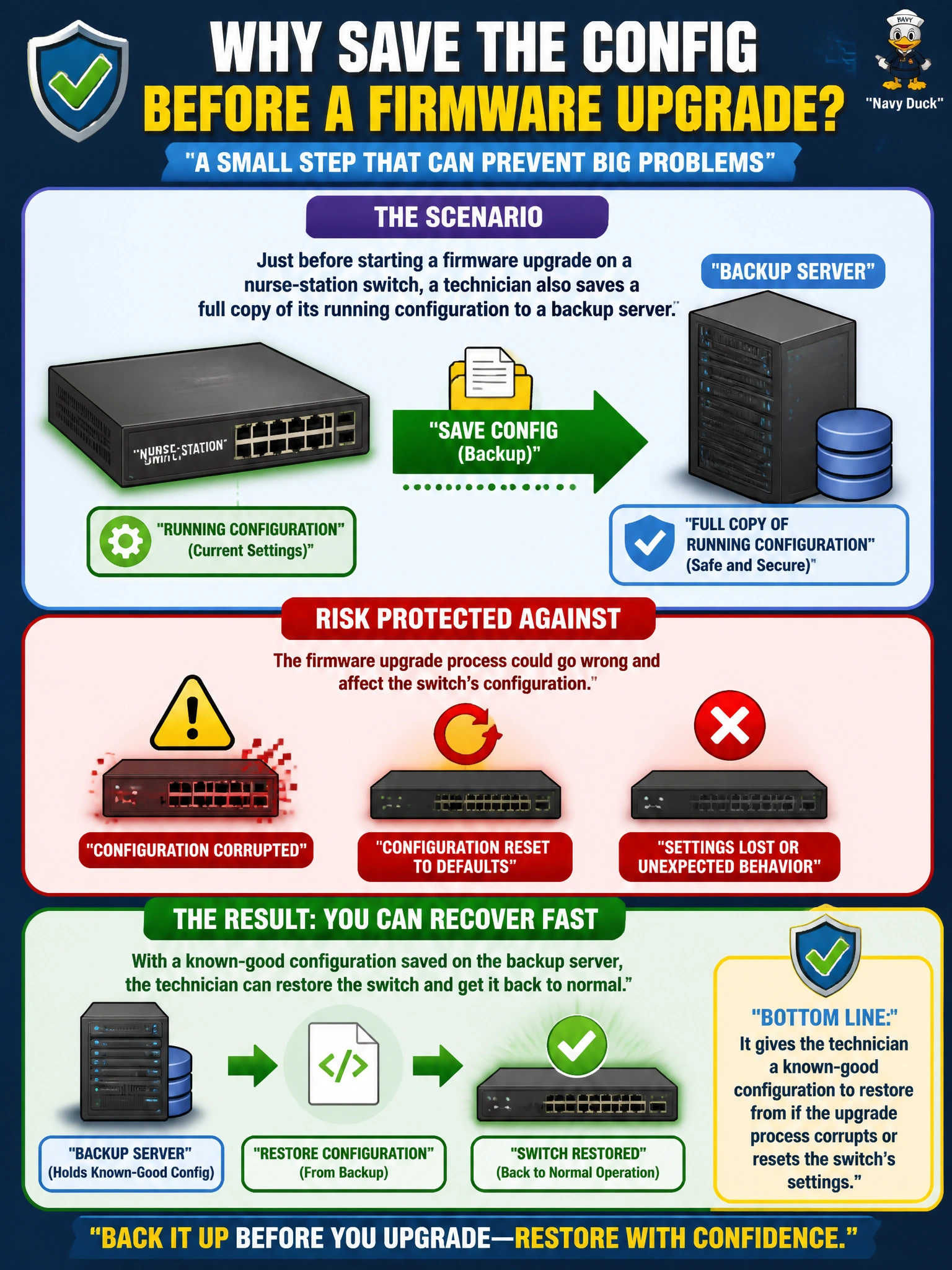
Just before starting a firmware upgrade on a nurse-station switch, a technician also saves a full copy of its running configuration to a backup server. What risk does this specific step protect against?
Select an answer to reveal the explanation.
Short Explanation
A config backup right before a risky change is like taking a photo of your furniture layout before movers show up. If the upgrade goes sideways and wipes or corrupts settings, you're not rebuilding VLANs and port assignments from memory under pressure. You just restore the saved file and get the ward back to normal fast.
Full Explanation
A firmware upgrade occasionally interacts badly with existing configuration — a factory-default reset triggered by a failed upgrade, or configuration corruption from an interrupted process — and having a fresh, pre-change backup means that scenario has a fast, low-risk fix: restore the saved configuration rather than manually re-entering VLANs, port settings, and trunk assignments from memory or scattered notes. The timing matters specifically because a backup taken well before the change might be missing recent legitimate edits, so a backup taken immediately before the upgrade captures the exact state the technician needs to return to. Download speed is governed by network bandwidth and image size, not by whether a separate configuration file was saved elsewhere. Configuration backups are not tied to documentation systems, so saving one does not automatically update a network diagram — diagram maintenance is a distinct, manual documentation task. VLAN capacity is a function of switch hardware and software licensing, unrelated to whether a config backup exists. A caveat: a backup only helps if it's actually usable — verify the file is non-empty and readable before proceeding, not after something has already gone wrong. As an operational check, confirm the backup file's timestamp and size look correct before starting the upgrade.