
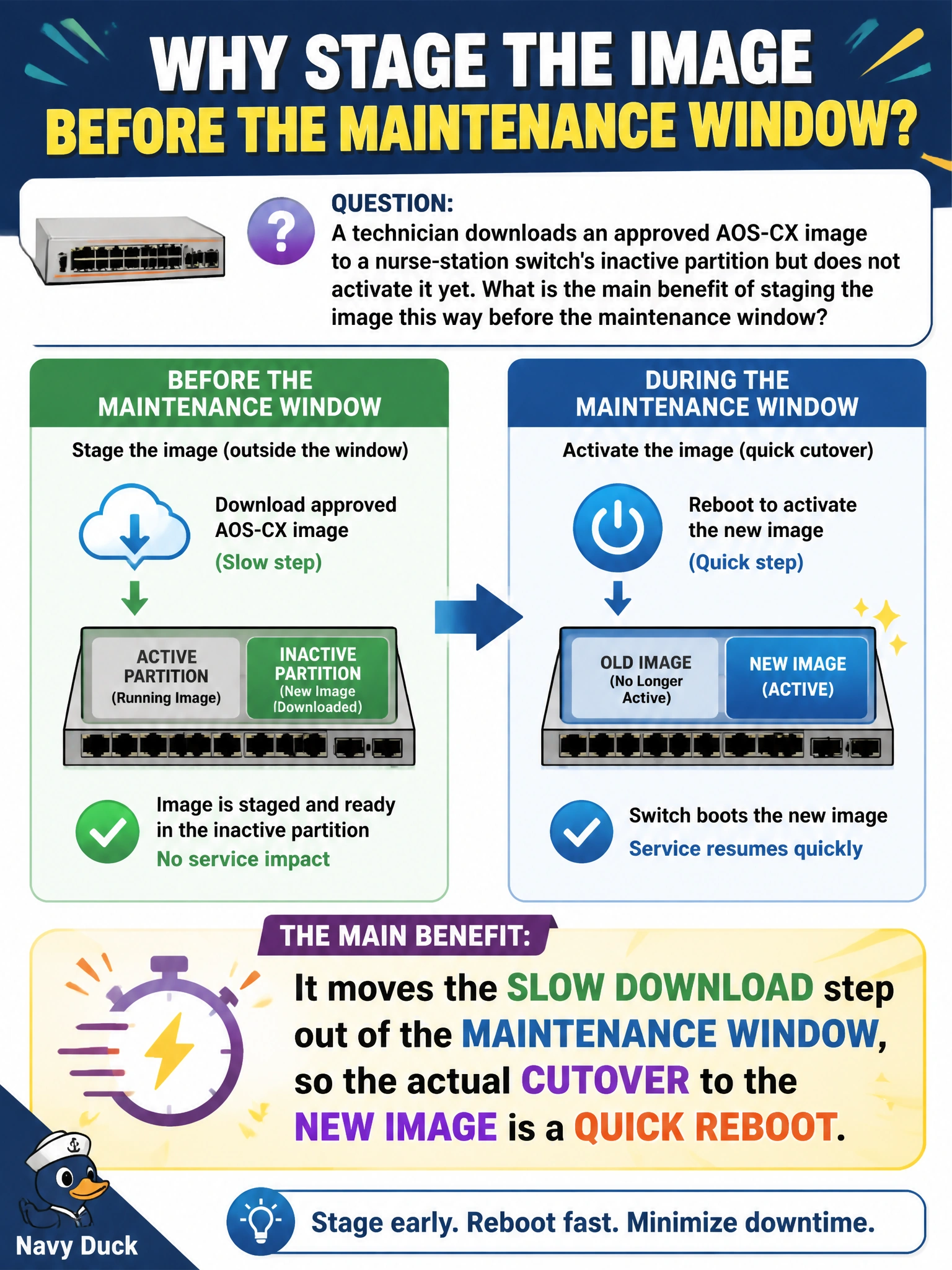
A technician downloads an approved AOS-CX image to a nurse-station switch's inactive partition but does not activate it yet. What is the main benefit of staging the image this way before the maintenance window?
Select an answer to reveal the explanation.
Short Explanation
Staging is like pre-loading a moving truck the night before: the heavy lifting happens on your schedule, not the tenant's. Copying the image to the inactive partition ahead of time means the transfer's slow part is done while the switch keeps forwarding traffic normally. When the maintenance window opens, all that's left is booting into the already-downloaded image, which keeps the outage short.
Full Explanation
AOS-CX switches keep primary and secondary boot partitions; writing a new image to the inactive one is a background copy that doesn't interrupt forwarding, since the switch is still running the active, currently-booted image the whole time. Only when the technician later boots into that staged partition, during the planned window, does the switch actually reload — and that reload is now a short reboot instead of a reboot plus a lengthy transfer. This is why staging is standard practice on switches serving continuously-monitored equipment like nurse-call systems: it minimizes the time the ward-facing switch is actually down. Deleting the running configuration is not a side effect of staging an image to the other partition — the two are independent, and a careless technician who assumes otherwise risks losing settings for no reason. Aruba Central is not automatically informed just because a file was copied locally; any Central-visible status update depends on the switch checking in and reporting its state, not on the staging action itself. Staging also does not substitute for or bypass the compatibility check — that verification has to happen before choosing which image to stage in the first place. As an operational check, confirm which partition is marked active after staging so the technician knows exactly what a subsequent reboot will boot into.