
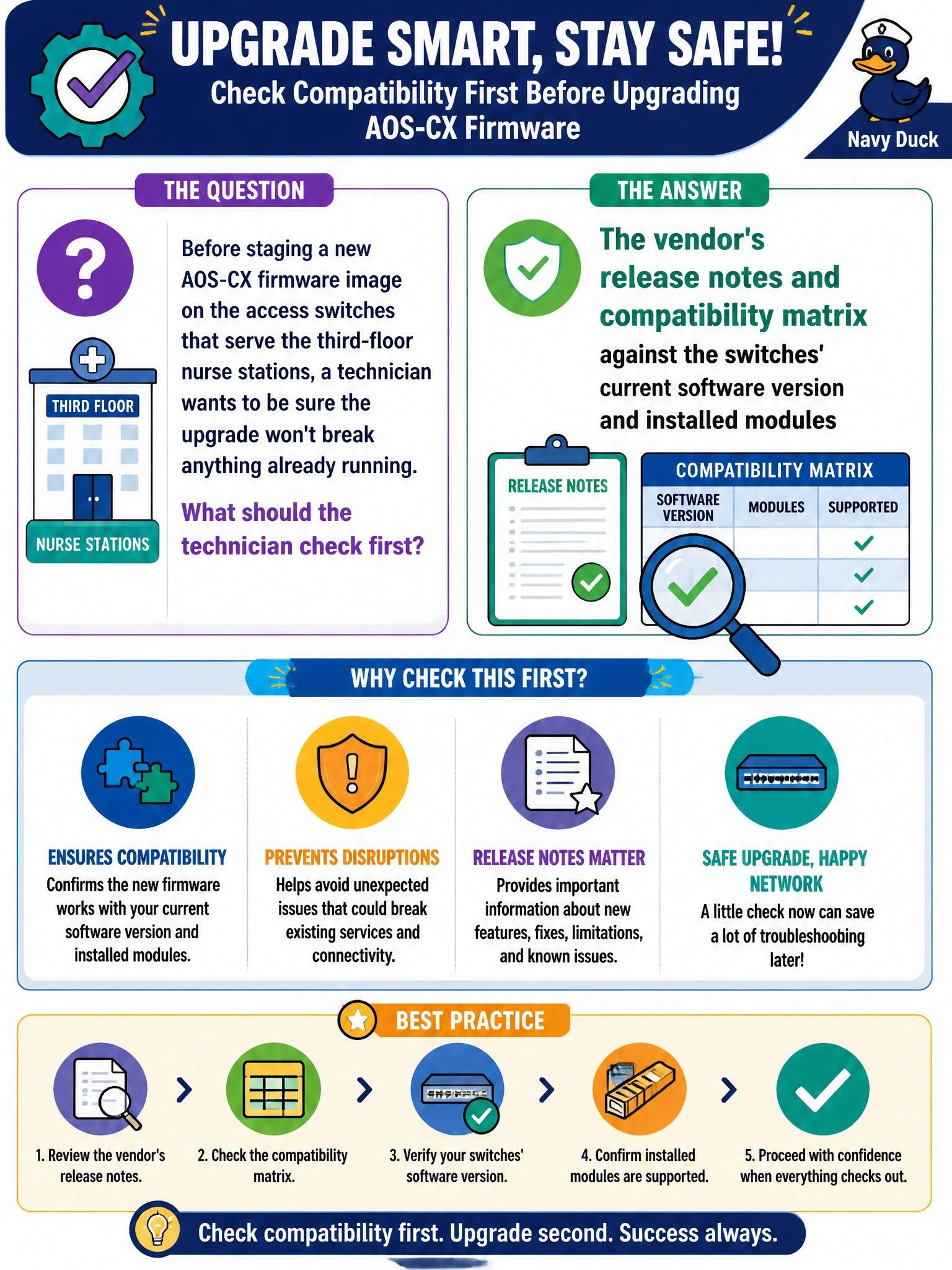
Before staging a new AOS-CX firmware image on the access switches that serve the third-floor nurse stations, a technician wants to be sure the upgrade won't break anything already running. What should the technician check first?
Select an answer to reveal the explanation.
Short Explanation
Think of a firmware upgrade like swapping an engine mid-shift: you check the specs before you touch anything. The compatibility matrix and release notes tell you whether this image actually supports your switch model, current software, and installed modules. Skip that check and you can push an upgrade that quietly breaks something a ward depends on.
Full Explanation
A compatibility matrix maps supported hardware revisions, minimum boot-loader versions, and known interoperability issues for a given firmware release, and release notes call out fixed and newly introduced behavior. Reading both before staging catches a mismatch — an unsupported module, an insufficient minimum version — while the switch is still on known-good code, not after it reboots into a broken state serving live nurse-station traffic. Rebooting a production switch to see if an image "just installs" replaces planning with a live experiment on equipment that clinical staff rely on continuously; if it fails, the ward loses connectivity with no verified way back. Checking an unrelated SSID's broadcast status is a monitoring task, not a pre-upgrade readiness check, and it says nothing about whether the new image is safe for this hardware. Reading a MAC address table diagnoses which devices are seen at Layer 2; it has no bearing on firmware compatibility. A reasonable caveat: even a matrix-approved image should still be validated on one non-critical switch or in a lab before wide deployment, since documentation can lag edge cases. As a concrete check, confirm the switch's current boot-loader or ROM version meets any minimum listed in the release notes before starting the download.