
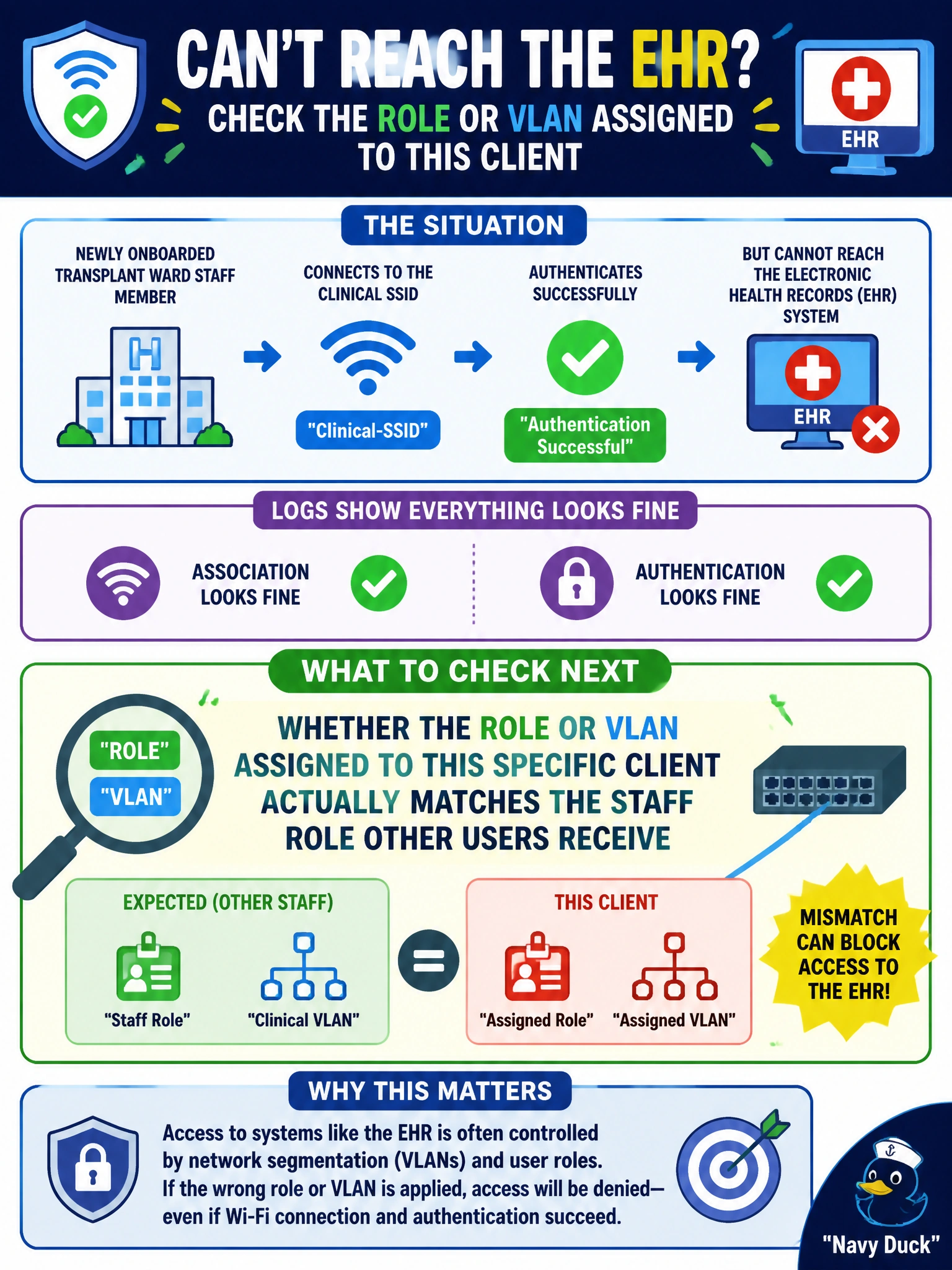
A staff member on the newly onboarded transplant ward can associate to the clinical SSID and authenticates successfully, but reports being unable to reach the electronic health records system that every other staff member on that SSID can reach. Association and authentication both look fine in the logs. What should the technician check next?
Select an answer to reveal the explanation.
Short Explanation
Getting in the door isn't the same as getting the right key. If everyone else on the same SSID can reach the records system and this one person can't, look at whether this session actually landed in the same role as everyone else's.
Full Explanation
When association and authentication both succeed but one user's access differs from peers on the identical SSID, the fault most likely lies downstream of authentication, in role or VLAN assignment for that specific session, such as a stale group membership, a typo in a RADIUS attribute mapping, or the client being caught by an unintended policy exception. Since other staff on the same SSID reach the EHR system fine, the SSID configuration, RADIUS shared secret, and general authentication path are already proven working and don't need to be re-checked as the first move. If the SSID broadcast were disabled, this user would likely not have been able to find and associate to the network at all, which contradicts the fact that authentication already succeeded. A mismatched RADIUS shared secret would break authentication entirely, for every user on that SSID, not selectively for one person while everyone else works fine. A client's power-save setting affects Wi-Fi responsiveness and battery behavior but does not selectively block one specific destination while general connectivity works. The direct next step is comparing this session's actual assigned role and VLAN against a working peer's session to spot exactly where the two diverge.