
An AP that was originally provisioned for the general medical ward is physically relocated to the new pediatric wing, and its AP group membership is changed to match. What is the expected effect of that group change on the AP's wireless behavior?
Select an answer to reveal the explanation.
Short Explanation
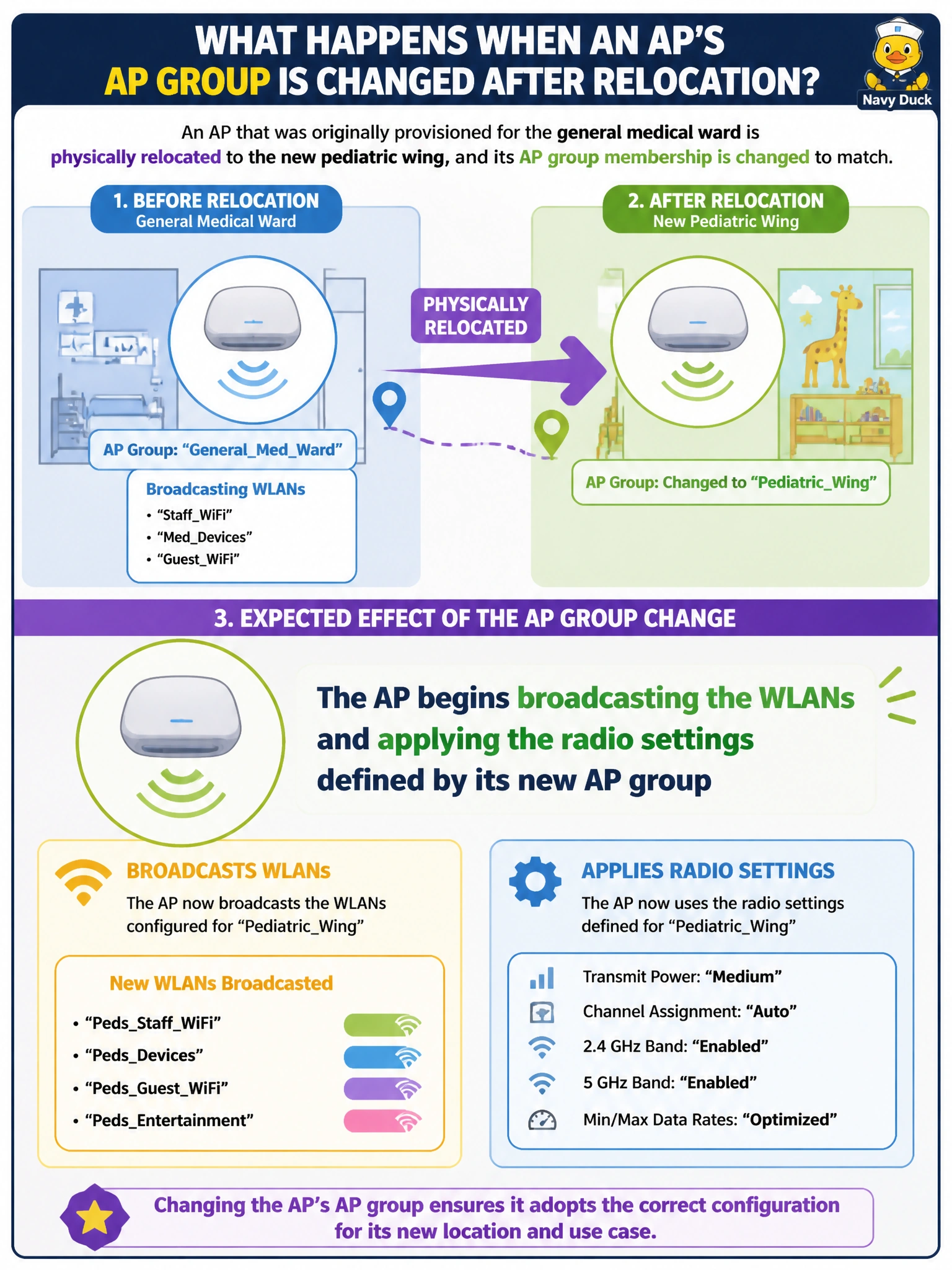
An AP's group is basically its rulebook — swap the rulebook, and its behavior changes to match. Move it into the pediatric wing's AP group, and it starts broadcasting that group's WLANs and using that group's radio settings, not its old ward's.
Full Explanation
AP group membership is what determines which WLAN profiles and radio settings an AP applies, so changing an AP's group to the pediatric wing's group causes it to pick up that group's configuration — new SSIDs, channel/power settings, and any other group-level parameters — replacing whatever the medical ward's group had defined. The claim that configuration never depends on group membership contradicts the entire purpose of AP groups as a scoping mechanism; if that were true, group-based configuration management wouldn't exist as a concept. A group change does not trigger an automatic factory reset — it applies new configuration on top of the AP's existing state, not a wipe back to defaults. The AP does not keep broadcasting its old ward's WLANs alongside the new ones indefinitely; once it adopts the new group's configuration, the prior group's settings are no longer applied unless the same WLAN happens to also exist in the new group. A caveat: a physical move like this should be paired with confirming the AP is also on a switch port/VLAN that supports the new group's WLANs, since group membership and physical connectivity are two separate things that both need to line up. Operational check: after the group change, scan for SSIDs near the AP and confirm only the pediatric wing's WLANs are present, not the old ward's.