
A large hospital network runs its access points as Central-managed rather than tied to an on-site hardware controller. When network staff need to update a WLAN's settings for a whole clinic building at once, where is that change made?
Select an answer to reveal the explanation.
Short Explanation
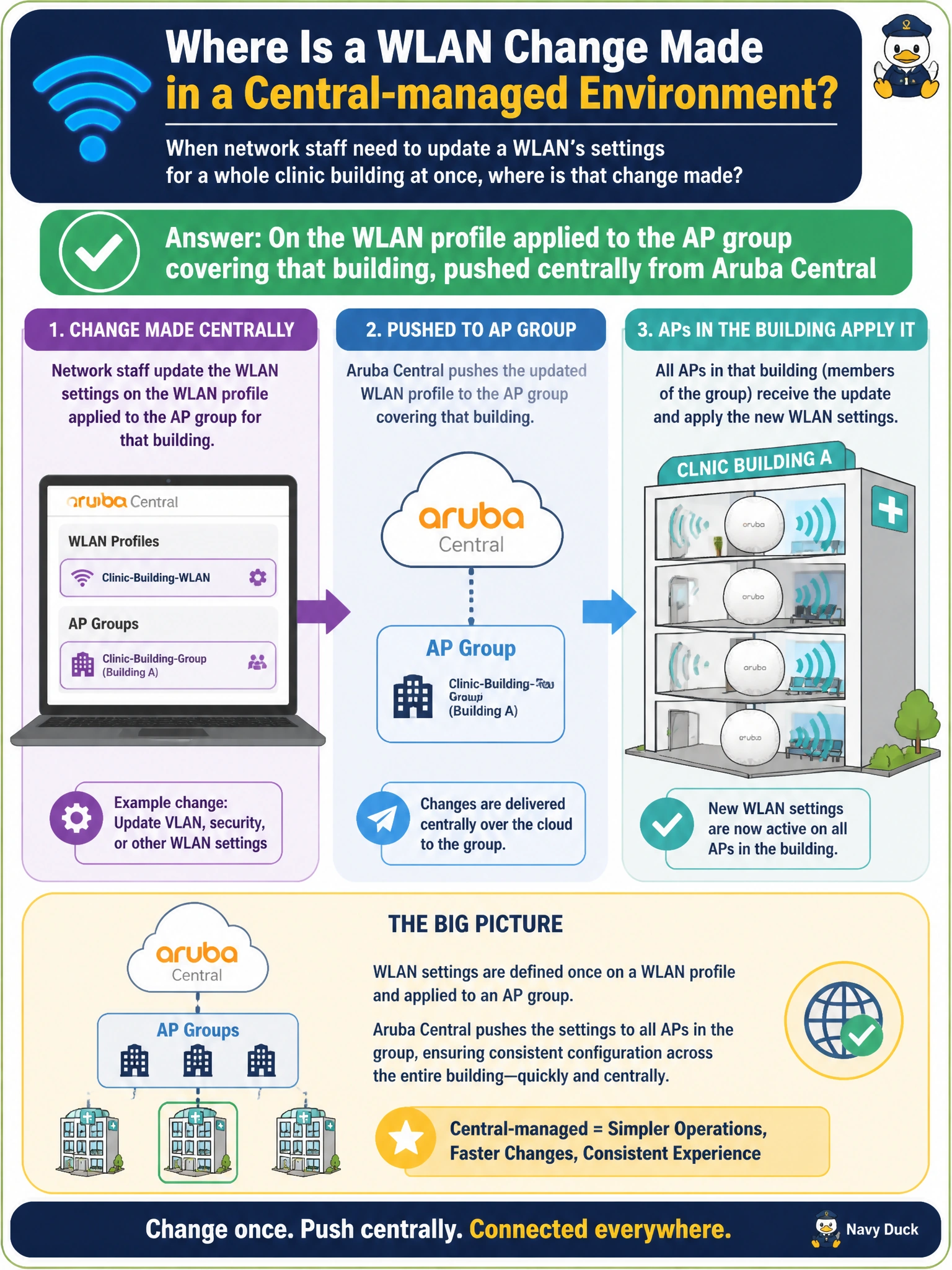
The whole point of a Central-managed model is that you make the change once, in one place, and it rolls out to every AP that belongs to that group. It's the difference between mailing one memo to a department versus knocking on every single office door.
Full Explanation
In the Central-managed model, WLAN configuration lives on a profile that is associated with an AP group, and editing that profile centrally propagates the change out to every AP that is a member of the group — this is the entire value proposition of cloud-managed Wi-Fi over a per-device approach. Touching each AP's local interface individually is the model Central-managed deployments are specifically designed to avoid; doing so at scale is slow, error-prone, and easy to leave inconsistent across a large building. Core switches carry VLANs and provide connectivity for APs, but they have no role in defining WLAN/SSID behavior — that's a wireless-layer construct, not a switching one. Client devices only consume whatever WLAN settings the infrastructure advertises; a visitor's phone cannot alter how the network itself is configured. A caveat: because the change applies at the group level, any AP mistakenly left in the wrong group will either miss the update or receive a change intended for a different building, so group membership accuracy matters as much as the WLAN edit itself. Operational check: after pushing the change, verify the new setting shows as applied against a sample AP in that building's group in Central's device view.