
The hospital's guest and patient WLAN needs all of its traffic sent back to a central point where it can be firewalled and monitored before reaching the internet, rather than exiting directly at each access point. Which wireless forwarding mode should this WLAN be configured to use?
Select an answer to reveal the explanation.
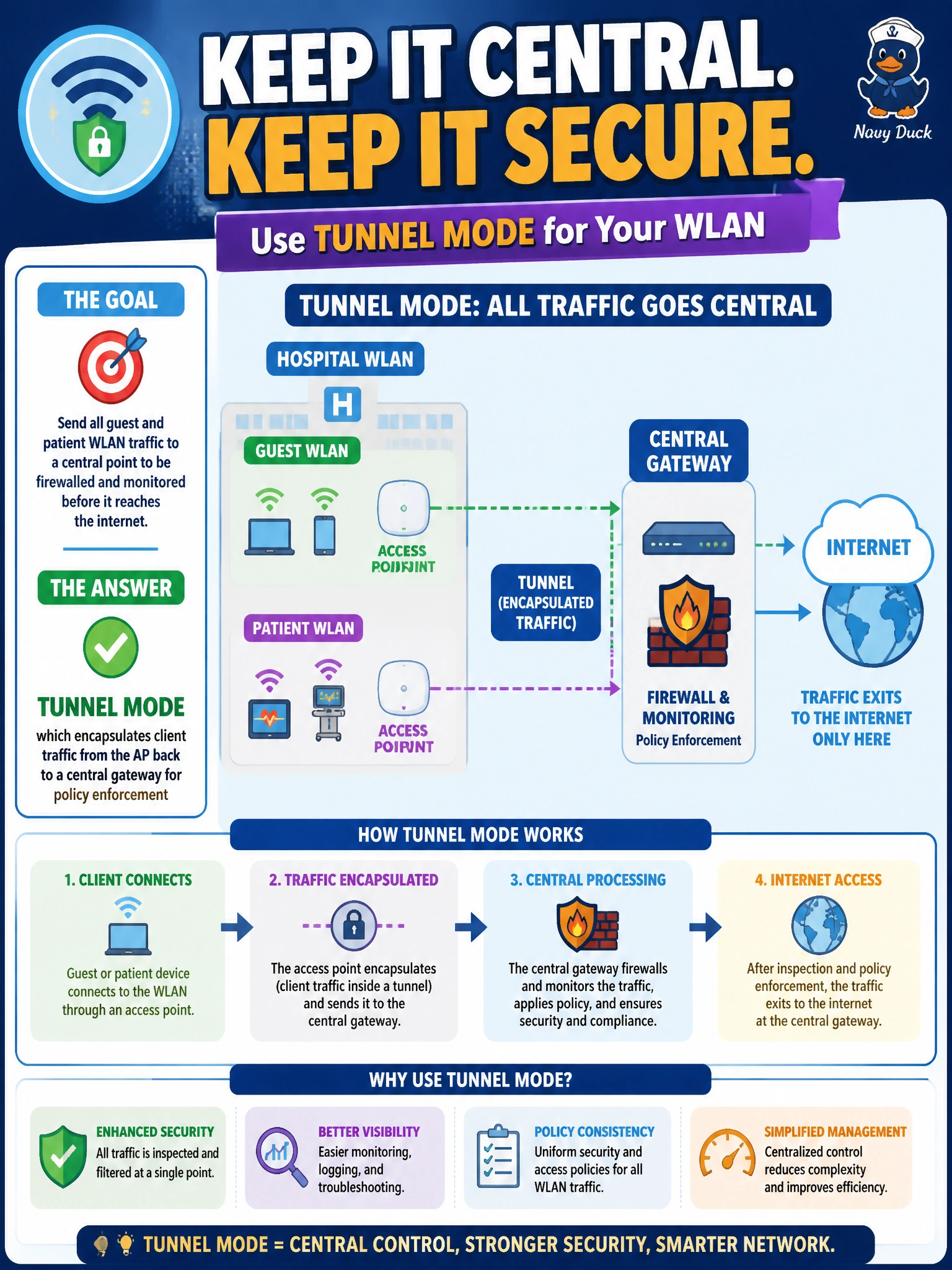
Short Explanation
Picture every clinic wing's guest traffic being handed off locally versus all of it riding one pipe back to a central checkpoint. Tunnel mode is that central checkpoint — it carries client traffic from the AP back to one place where the hospital can apply consistent guest policy and firewalling before anything touches the internet.
Full Explanation
Tunnel mode encapsulates wireless client traffic at the AP and forwards it through a GRE-style tunnel back to a centralized gateway or controller function, which is exactly what lets one policy point apply consistent firewalling, rate-limiting, and monitoring to guest and patient traffic across every building on campus. Bridge mode fails the requirement conceptually because it does the opposite — it switches traffic locally at the AP onto the nearby wired segment, so there is no single chokepoint left to enforce policy centrally. Mesh mode solves a different problem entirely (relaying frames wirelessly between APs when a wired uplink isn't available) and says nothing about where client traffic is ultimately forwarded once it reaches a wired AP. Describing split-tunnel as sending everything locally misrepresents what split-tunnel actually does — it selectively sends some traffic locally and tunnels the rest, so an 'always local' version doesn't meet a requirement for centralized enforcement of guest traffic. A caveat: tunneling everything centrally adds load to the WAN link back to the gateway, which matters for a bandwidth-constrained outpatient annex. Operational check: from the central gateway, confirm guest client traffic is visible and being policed there rather than appearing to originate directly from the local AP's subnet.