
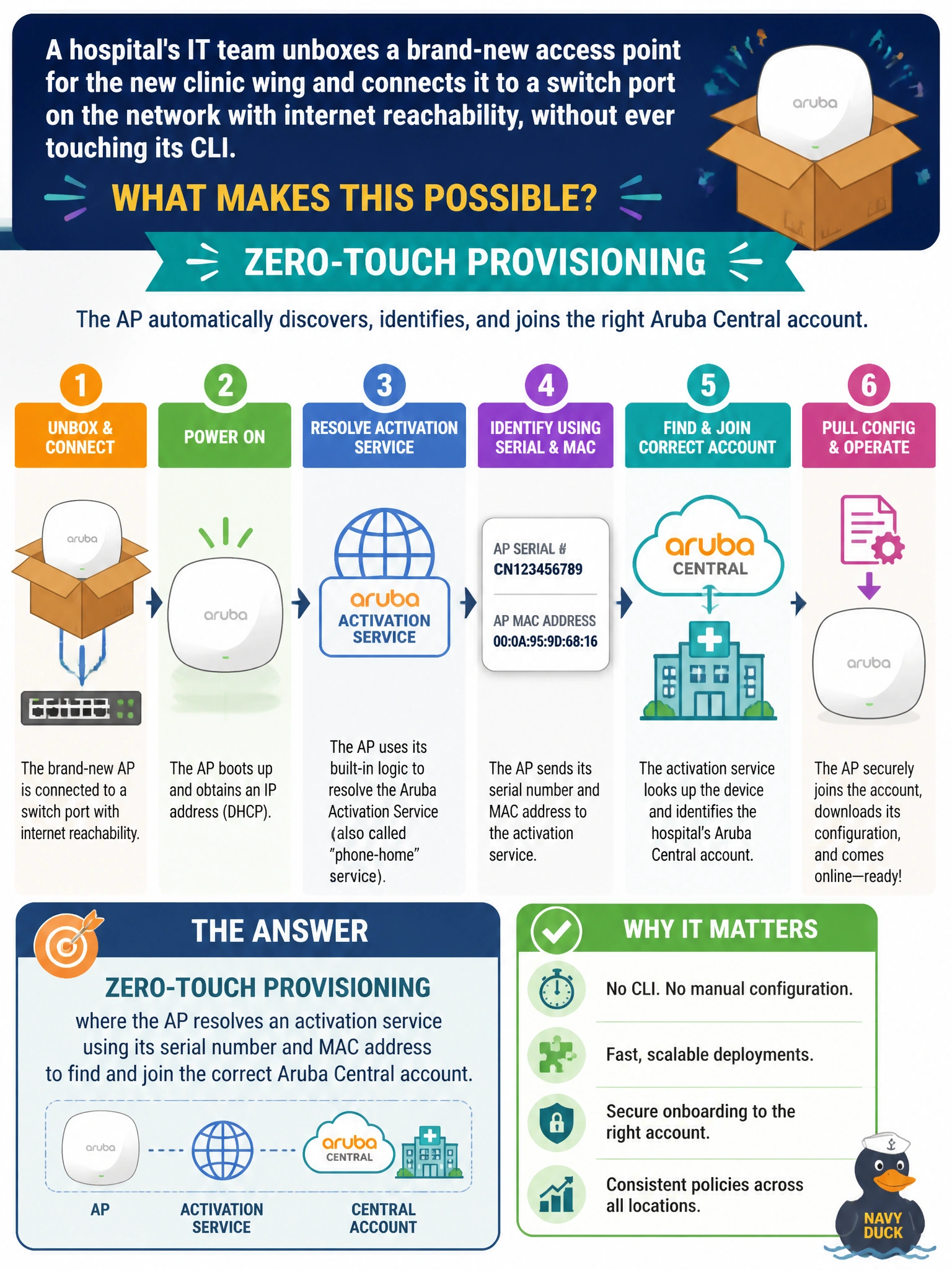
A hospital's IT team unboxes a brand-new access point for the new clinic wing and connects it to a switch port on the network with internet reachability, without ever touching its CLI. The AP is expected to reach out on its own, discover it belongs to the hospital's Aruba Central account, and pull down its configuration automatically. What onboarding mechanism makes this possible?
Select an answer to reveal the explanation.
Short Explanation
Think of it like a new hire showing up with an employee badge that already knows which building to walk into. The AP's serial number is that badge — it lets an activation service match the AP to the hospital's Central account with zero typing. That's zero-touch provisioning: plug it in, and it finds its home on its own.
Full Explanation
Zero-touch provisioning (ZTP) works because every Aruba AP ships with a serial number and MAC address that can be matched, via an activation/onboarding service, to whatever Central account it was assigned to (often at time of purchase or by an installer adding it to inventory). Once the AP has IP reachability and can resolve that service, it authenticates itself, learns which Central account and group it belongs to, and pulls its configuration and firmware baseline down automatically — no console cable, no local login. The local-SSID option fails the concept because that describes manual, human-driven setup, the opposite of zero-touch. A DHCP reservation can hand out an IP and options, but it cannot deliver a full wireless configuration by itself — DHCP is a bootstrap step, not the provisioning engine. Permanent factory-default behavior describes a device that was never added to an account, which is the failure case, not the design. The caveat: ZTP still needs outbound internet or reachability to the activation service, so an isolated clinic-wing VLAN with no route out will strand the AP in an unprovisioned state. Operational check: confirm the AP shows up as expected in the Central device inventory shortly after being powered on and cabled.