
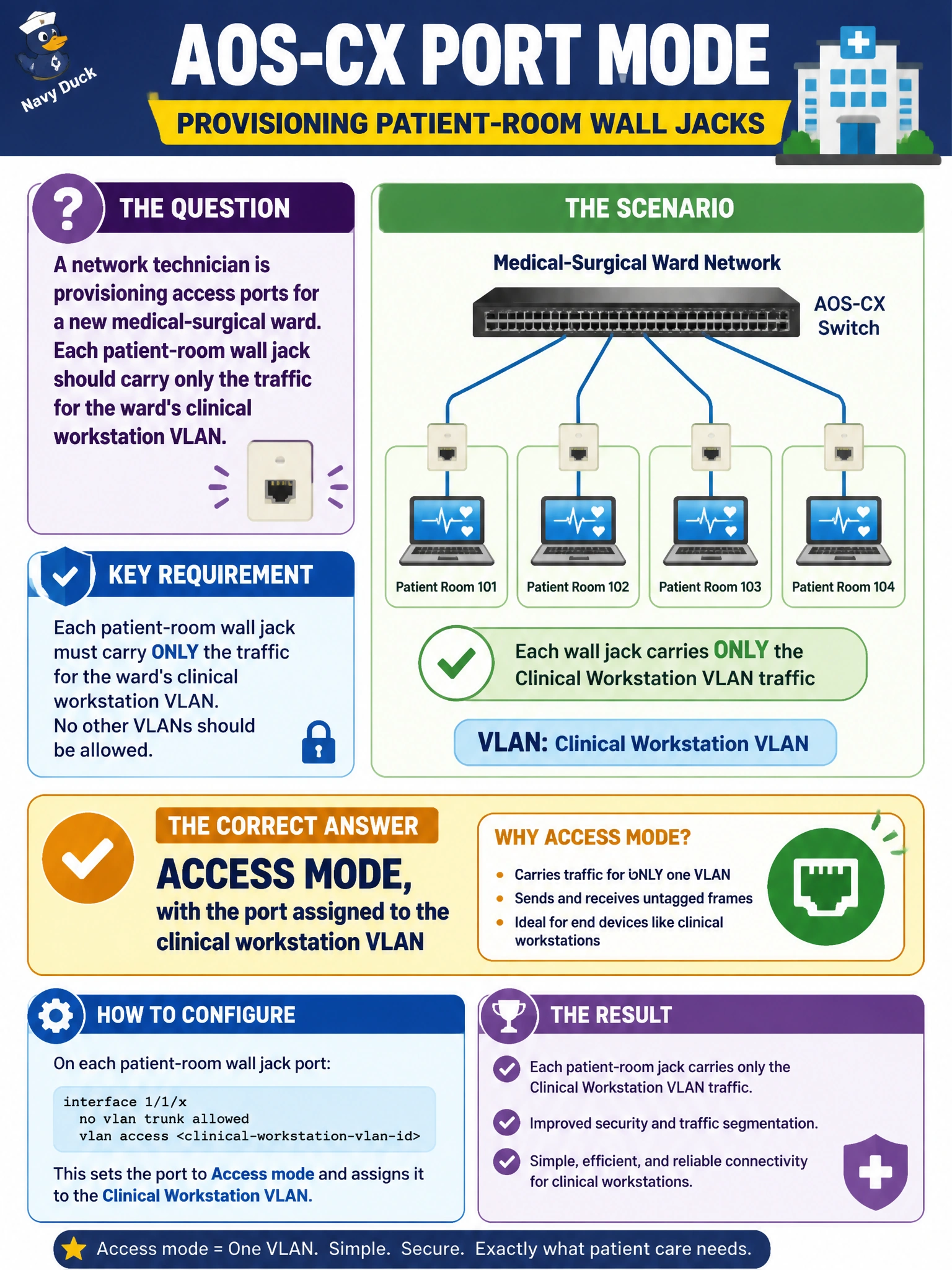
A network technician is provisioning access ports for a new medical-surgical ward. Each patient-room wall jack should carry only the traffic for the ward's clinical workstation VLAN. What is the correct AOS-CX port mode for these jacks?
Select an answer to reveal the explanation.
Short Explanation
A wall jack that only ever sees a workstation doesn't need to carry tags for VLANs it will never use — that's exactly what access mode is for. You lock the port to one VLAN, the workstation sends and receives plain untagged frames, and nothing else can ride that cable.
Full Explanation
An access port forwards and expects only untagged traffic for a single, statically assigned VLAN, which matches a wall jack meant for one clinical workstation: assigning the port to the clinical VLAN in access mode is the minimal, correct configuration. Trunk mode allowing every VLAN fails the concept of least privilege — a single end device never needs to see broadcast domains for guest Wi-Fi, biomedical devices, or voice, and exposing them invites VLAN hopping and unnecessary broadcast traffic reaching the room. Leaving the port on the default VLAN and expecting auto-detection misunderstands how switchports work; AOS-CX does not guess the intended VLAN from traffic patterns, so the device would land wherever the default VLAN happens to route, which is rarely the clinical segment. A trunk with one tagged VLAN and no native VLAN is also wrong in kind — a standard workstation NIC sends untagged frames, so it needs an access port, not a trunk stripped down to one VLAN. Caveat: if the jack later needs to feed both a VoIP phone and a PC, that becomes a case for a voice VLAN alongside the access VLAN, not a full trunk. Operational check: confirm the port's administrative and operating VLAN match the intended clinical VLAN ID after configuration.