
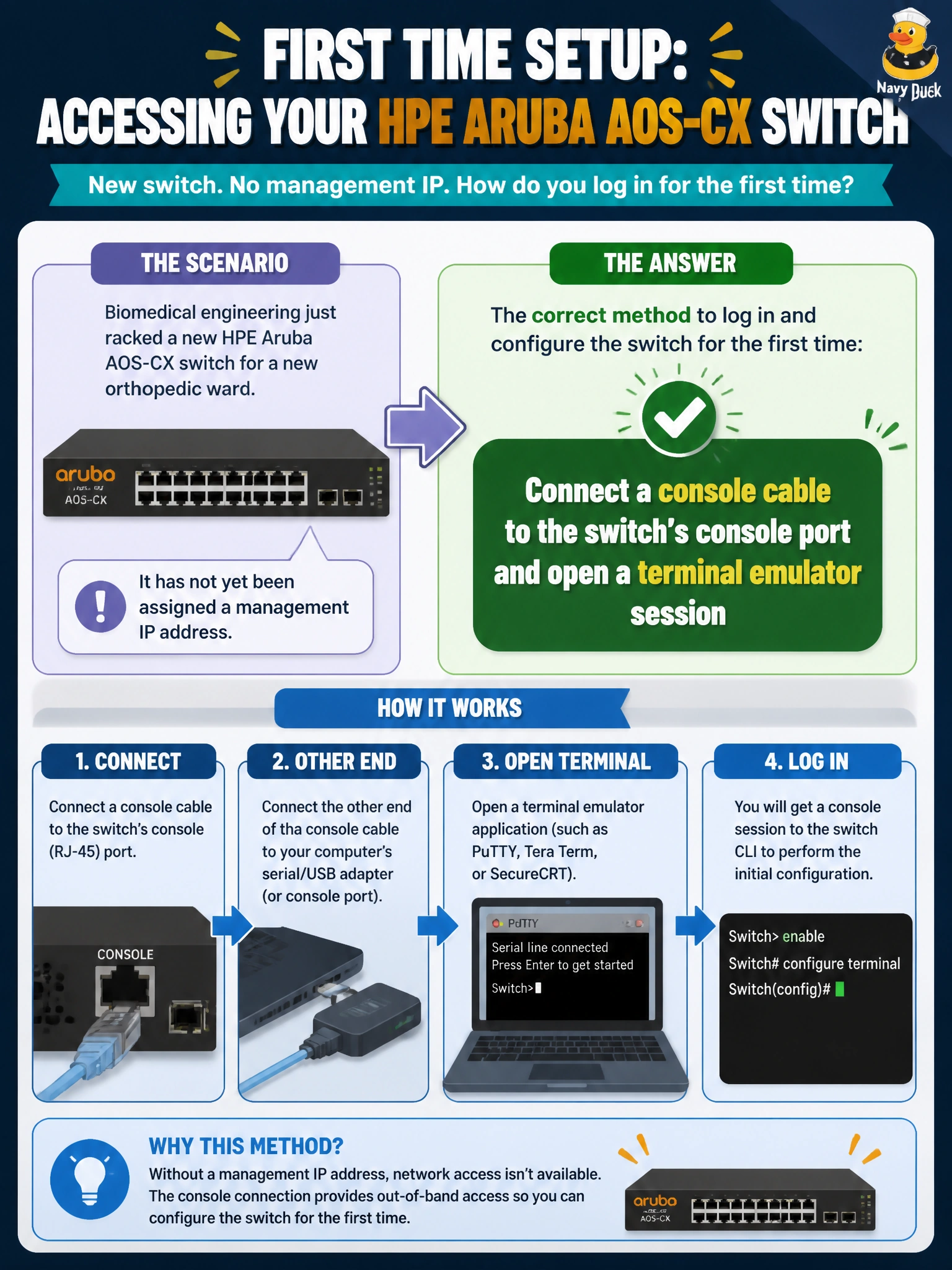
Biomedical engineering just racked a new HPE Aruba AOS-CX switch for a new orthopedic ward, and it has not yet been assigned a management IP address. Which method lets a technician log in to configure the switch for the first time?
Select an answer to reveal the explanation.
Short Explanation
Think of a factory-fresh switch like a phone that has never been set up — nobody can reach it over the network yet because it has no address. A direct console cable skips the network entirely and drops you straight into the CLI so you can set the first management IP and passwords yourself.
Full Explanation
A new AOS-CX switch ships with no management IP address and no guarantee that remote-access services are already reachable, so the only method guaranteed to work is a local, out-of-band connection: a console cable into the switch's console port, opened with a terminal emulator at the correct baud rate. From there the technician assigns a management VLAN, an IP address, and credentials before ever touching the production network. Telnet to a default IP fails the premise twice over — AOS-CX switches do not ship with a pre-set management address, and Telnet is not the recommended management protocol on a hospital network in the first place. SSH to a MAC address is not how IP-based protocols resolve a session; SSH requires a reachable IP, which does not yet exist. Waiting on Aruba Central's zero-touch provisioning has the same flaw in reverse: ZTP still depends on the switch first obtaining an IP address and reaching the internet on its own, so it cannot be the mechanism that gets an unaddressed switch configured in the first place. Caveat: once the mgmt IP is configured, switch to SSH for ongoing access and disable Telnet. Operational check: after the console session, run a show command to confirm the assigned IP and VLAN took effect before disconnecting the console cable.