
Developers create short-lived test environments in their own HCP Terraform workspaces, and many are forgotten and keep running for weeks. The platform team wants such environments torn down automatically when nobody has changed them for a few days. What should it configure?
Select an answer to reveal the explanation.
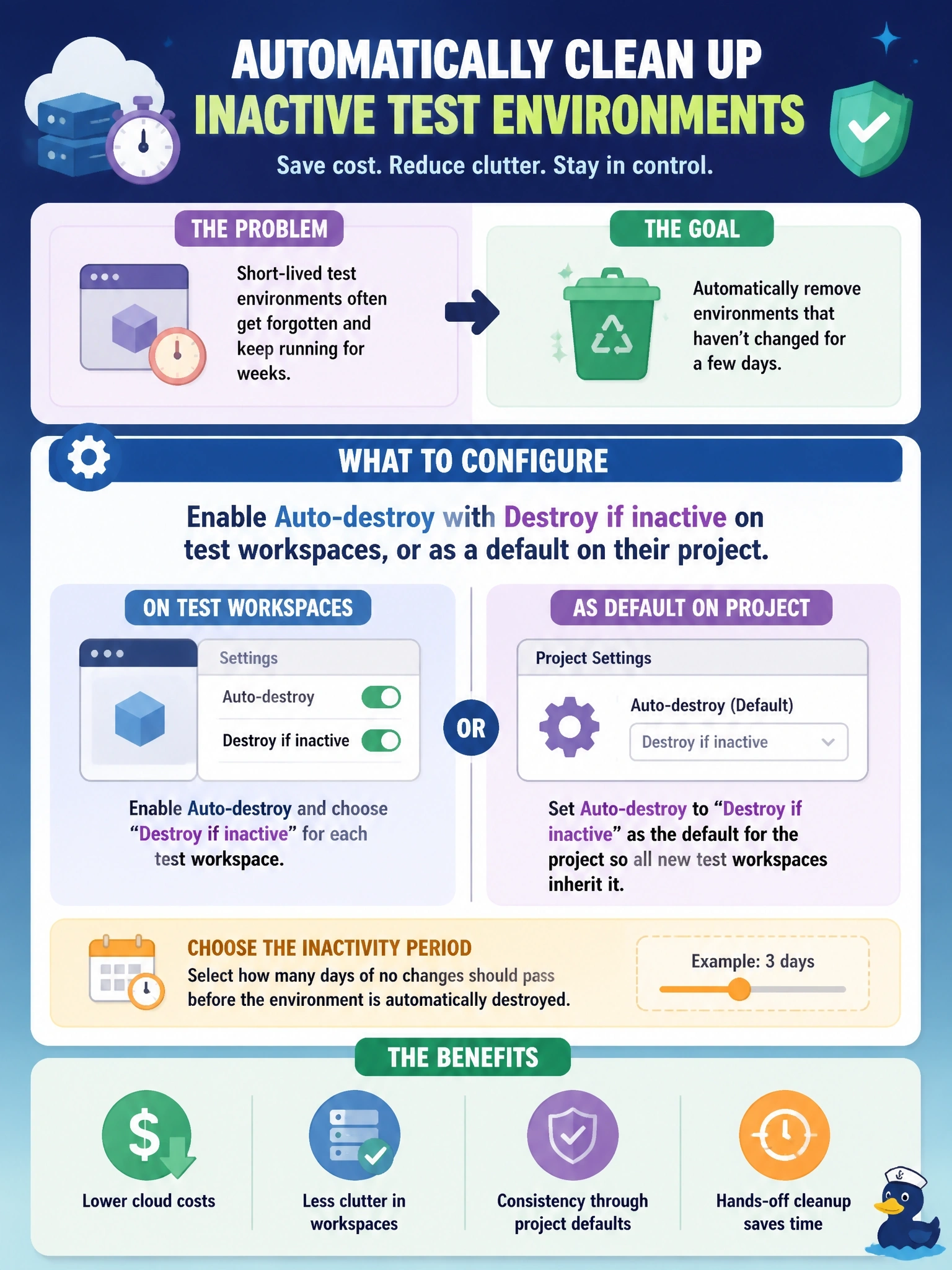
Short Explanation
Think of a hotel room that checks itself out after a few quiet days. Auto-destroy with Destroy if inactive queues the teardown for you; locks and alerts still leave the meter running.
Full Explanation
HCP Terraform workspaces support automatic destruction, the ephemeral workspace capability. A workspace can schedule a destroy run at a specific date and time, or, with Destroy if inactive, destroy its infrastructure after a chosen period in which the workspace state has not changed; any run that updates state pushes the scheduled destroy further out. Workspaces can inherit auto-destroy settings from their project and override them individually, so setting a default on the developers' test project covers new environments automatically. Notifications can warn 12 and 24 hours before an auto-destroy run and report its results. A run trigger queues a run in a downstream workspace after a successful apply upstream; it does not fire on inactivity and cannot destroy another workspace's resources. Locking only blocks runs, and the resources keep running and incurring cost. Drift detection compares real infrastructure with configuration and alerts on differences; idle environments usually have no drift, so nothing would happen. Exam caveat: automatic destroy runs do not ask for apply approval, which is why HashiCorp recommends them only for development environments, and the feature is offered in the Standard and Premium editions. Operational check: configure the setting, confirm the workspace shows a scheduled destroy time, then run an apply and confirm the scheduled time moves later.