
An organization has hundreds of workspaces that nobody has applied in over a year, and many still hold managed resources that cost money. The platform team wants to find them and clean them up safely. Which approach is correct?
Select an answer to reveal the explanation.
Short Explanation
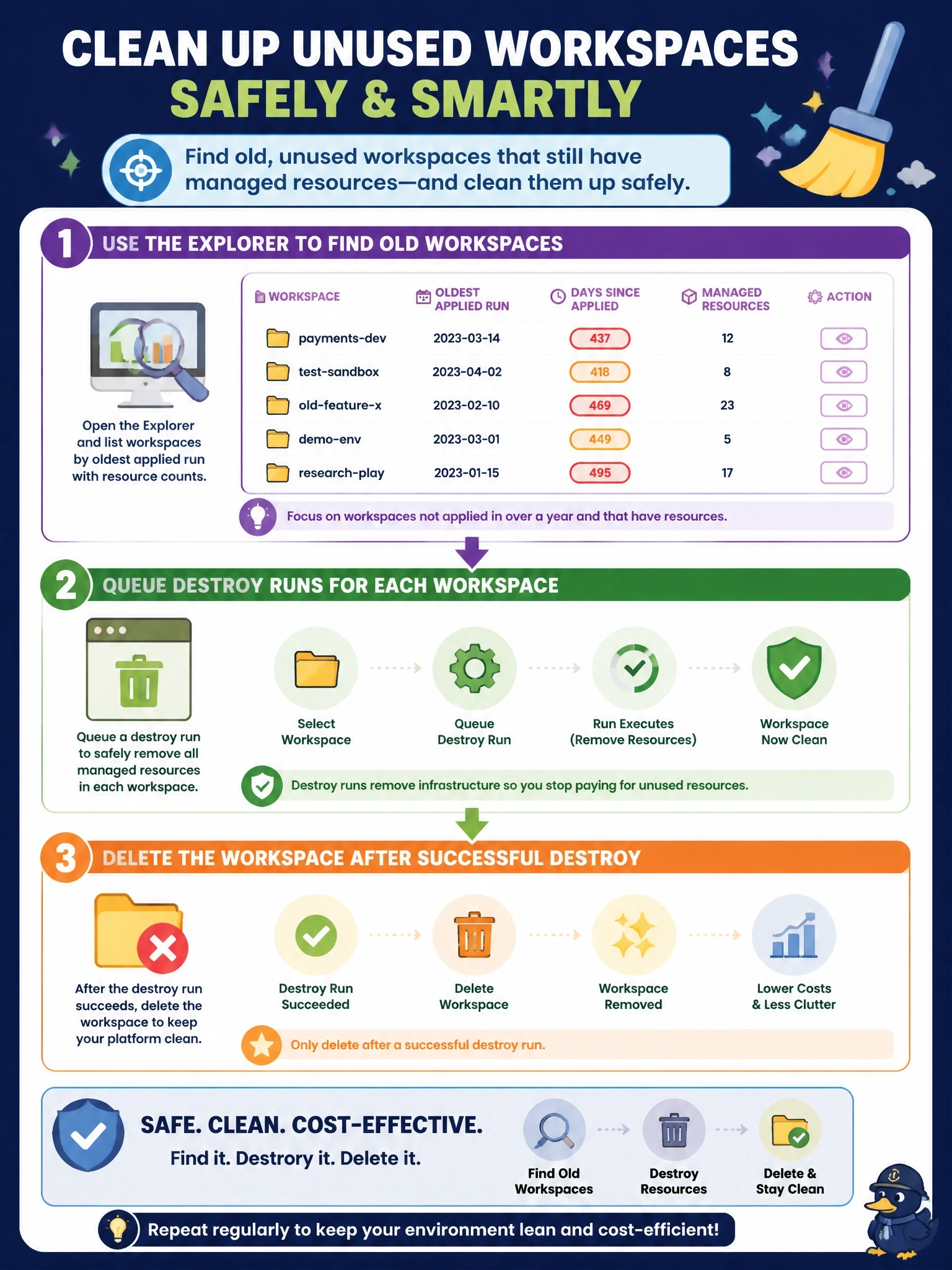
Find them, then empty them, then remove them, in that order. The explorer's oldest-applied view finds the dusty ones; a destroy run empties them; only then do you delete. Delete first and the resources are orphaned but still billed.
Full Explanation
The explorer for workspace visibility includes an Oldest applied workspaces use case that sorts workspaces by the date of their current applied run, and workspace results include resource counts, so the team can identify long-idle workspaces that still manage infrastructure and save the query as a view for follow-up. Cleanup must happen in two steps. A destroy run deletes the infrastructure the workspace manages; this requires allowing destroy plans in the workspace settings. Only after that should the workspace itself be deleted. Deleting a workspace does not destroy its infrastructure: once the workspace and its state are gone, Terraform can no longer track those resources, and they keep running and costing money until someone removes or imports them manually. By default, workspace administrators can only delete workspaces that manage no infrastructure, a guard against exactly that mistake. Locking a workspace prevents runs but leaves the resources and their managed resource count untouched. Health assessments detect drift and run continuous validation; they never destroy resources. Exam caveat: confirm ownership before destroying anything, because a workspace with no recent applies can still be serving production traffic. Operational check: after each destroy run completes, confirm the workspace shows zero resources, then delete it and check that the organization's managed resource count falls on the Usage page.