
Workspaces, team access and variables in an HCP Terraform organization are created by hand in the UI, and settings now differ between teams in ways nobody can explain. The platform team wants every change to these settings reviewed and versioned. What should it do?
Select an answer to reveal the explanation.
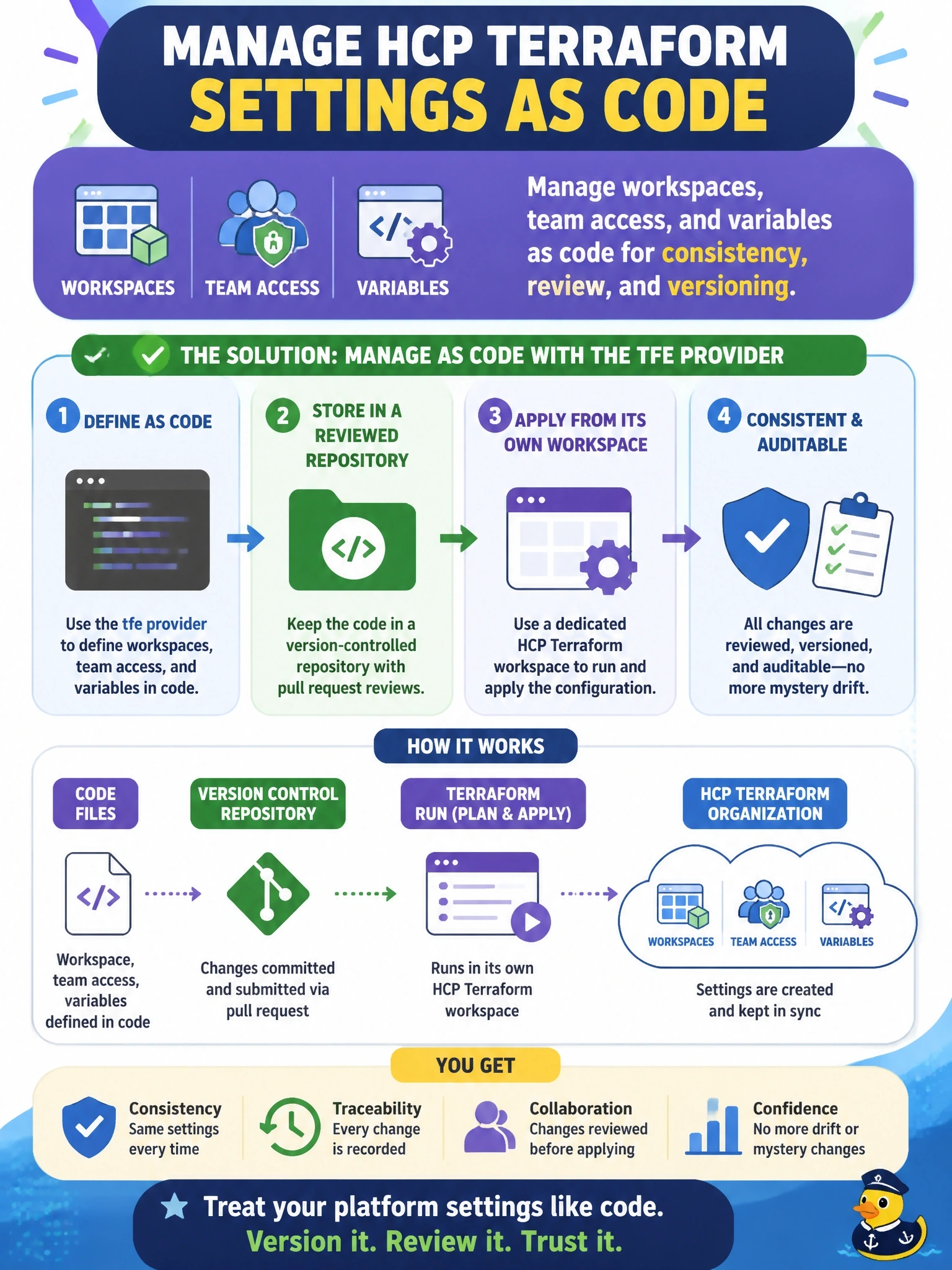
Short Explanation
Treat your HCP Terraform setup like any other infrastructure: write it down in Terraform. The tfe provider turns workspaces, team access and variables into code you can review, diff and roll back.
Full Explanation
The tfe provider manages HCP Terraform and Terraform Enterprise objects with Terraform itself. Resources such as tfe_workspace, tfe_variable, tfe_variable_set and tfe_team_access let a platform team declare workspace settings, variables and permissions in configuration, review changes through pull requests, and reconcile drift by applying the configuration from a dedicated management workspace. Version history then explains who changed what and when, and differences between teams become visible in code rather than hidden in the UI. Health assessments detect drift between a workspace's real infrastructure and its configuration and run continuous validation checks; they do not compare workspace settings with each other. terraform_remote_state reads root module outputs from another workspace's state, and a run cannot use it to change its own workspace settings or team access. Variable sets distribute Terraform and environment variables to workspaces and projects, but they do not create workspaces, set execution options or grant team access. Exam caveat: some workspace settings have moved from tfe_workspace to the tfe_workspace_settings resource in recent provider versions, so check the provider documentation when writing new code. Operational check: import the existing workspaces into the management configuration, run a plan, and confirm it shows only the deliberate changes that align team settings.