
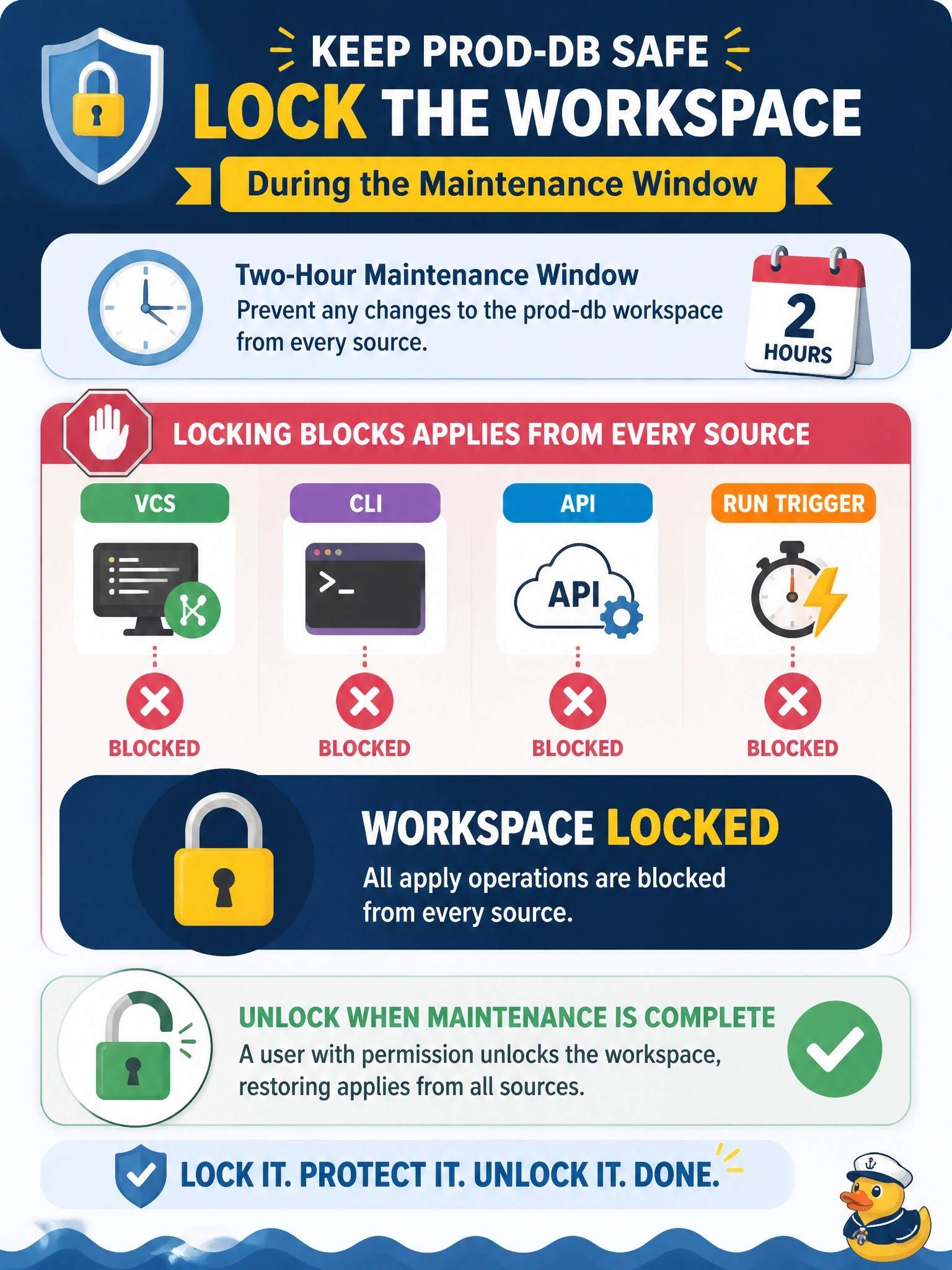
During a two-hour database maintenance window, operations needs to stop anyone from applying changes to the prod-db workspace, whether the run comes from VCS, the CLI, the API or a run trigger. Which action meets this need?
Select an answer to reveal the explanation.
Short Explanation
Locking a workspace is like pulling the key out of the ignition: nobody drives, however they got into the car. Turning off auto-apply just gives you a confirm button that someone could still press.
Full Explanation
Locking an HCP Terraform workspace prevents applies and most plans from proceeding, and it affects runs created through the UI, the CLI, the API and automated systems alike, so it covers VCS webhooks and run triggers as well. The lock stays in place until a user with lock and unlock permission removes it, and users with workspace admin access can force-unlock a lock held by someone else. Only operations that cannot change resources or state, such as plan-only runs, ignore the lock, which is acceptable during a maintenance window. Disabling auto-apply still allows any user with apply permission to confirm a run, so it does not stop changes. Switching to local execution mode changes the execution platform rather than freezing it; anyone with credentials could then apply from a laptop, and changing the mode with planned runs pending causes errors. Disabling speculative plans affects only plans on pull requests and does nothing to merges, CLI runs, API runs or run triggers. Exam caveat: locking also restricts state uploads, which must be made by the user who holds the lock. Operational check: lock the workspace, queue a run from the CLI and from VCS, and confirm neither reaches the apply stage until the workspace is unlocked.