
A team must keep its state in HCP Terraform for locking and history, but its plans and applies have to execute on each engineer's laptop with credentials already present there. Which workspace execution mode should be set?
Select an answer to reveal the explanation.
Short Explanation
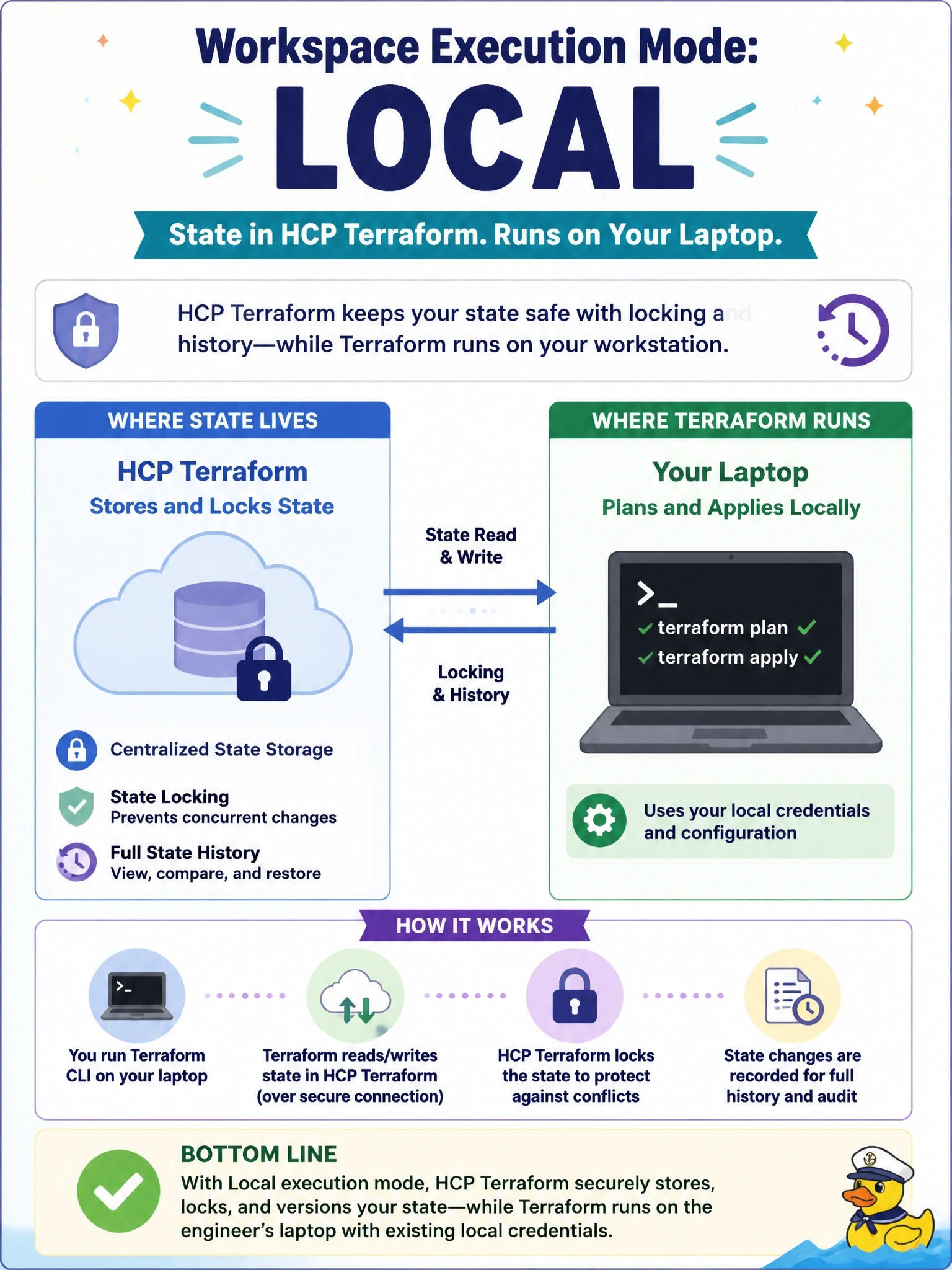
Local mode is like renting a safe-deposit box: HCP Terraform keeps the state locked and versioned, but you do the work at your own desk. Remote and agent modes still run Terraform somewhere other than your laptop.
Full Explanation
A workspace's execution mode decides where Terraform operations run. In local mode, plans and applies run on the machine that invokes the CLI, while the workspace still stores state, provides state locking and keeps state history through the CLI integration. That matches a team whose credentials live on the workstation. HCP Terraform does not evaluate workspace variables or variable sets in local mode, and features that depend on remote runs, such as Sentinel enforcement, cost estimation, notifications and VCS integration, are not available. Remote mode runs Terraform on HCP Terraform's disposable workers even when the run is started from the CLI; output is streamed back, but the provider calls happen remotely and would not see laptop credentials. Agent mode runs operations on HCP Terraform agents deployed in a private network or data centre and is orchestrated by HCP Terraform, which is meant for isolated infrastructure rather than individual laptops. Disabling auto-apply only adds a confirmation step to remote runs; it does not change where they execute. Exam caveat: changing execution mode after a run has been planned makes that run error on apply, so lock the workspace and drain pending runs first. Operational check: after switching to local, run terraform plan and confirm it executes locally, while the workspace's States tab shows a new state version after an apply.