
While debugging, an engineer wants to check the current value of aws_vpc.main.cidr_block and test what cidrsubnet(aws_vpc.main.cidr_block, 8, 2) returns, using the values already in state and without editing configuration or running a plan. Which tool fits?
Select an answer to reveal the explanation.
Short Explanation
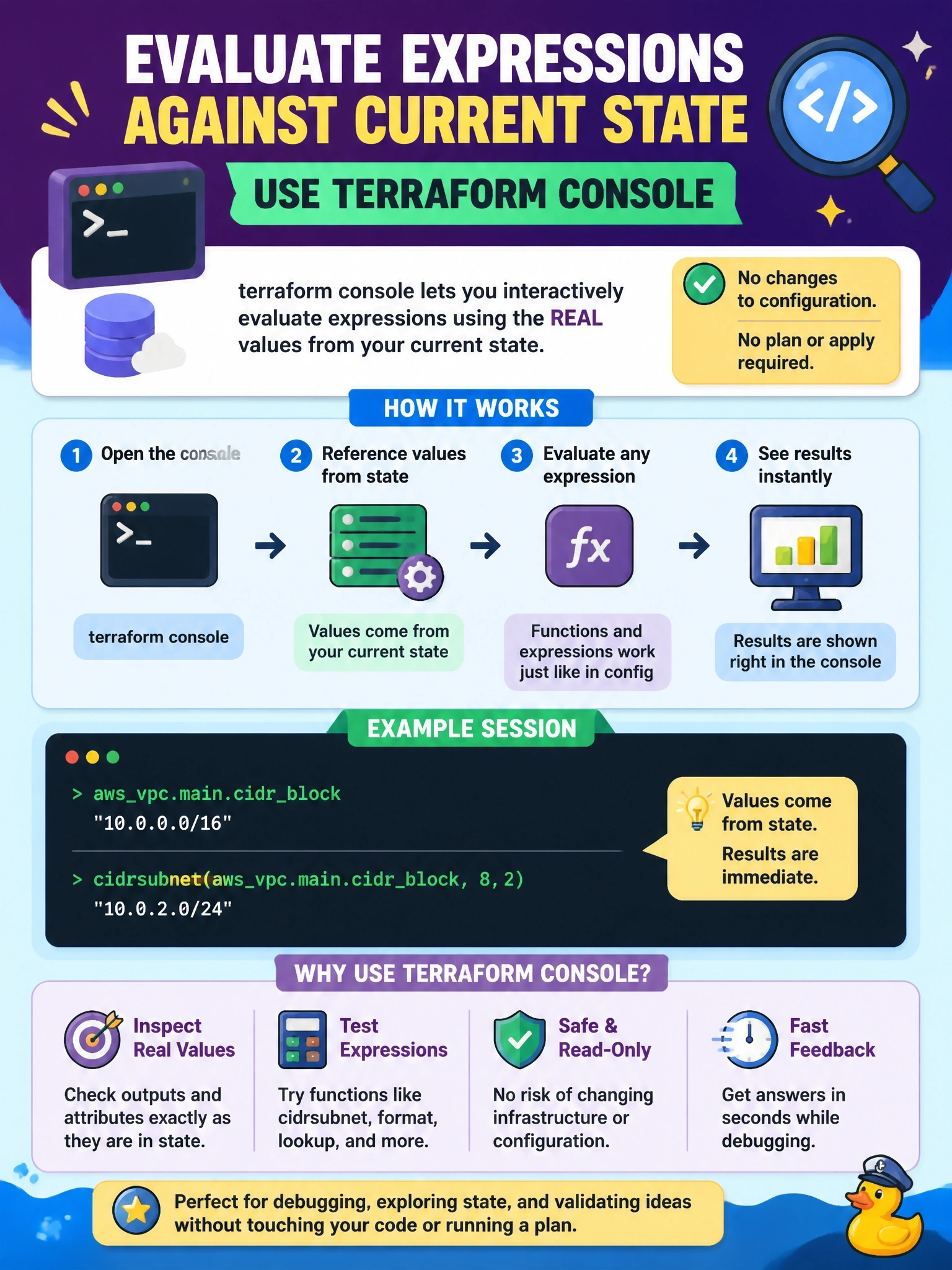
terraform console is your scratchpad calculator wired to real state. You type an expression, it uses the values Terraform already recorded, and you get the answer right there. The trap is state show, which can show you the CIDR but can't run the function for you.
Full Explanation
The terraform console command opens an interactive console for evaluating expressions. By default it evaluates them in the scope of the root module against the current state, reading remote state from the backend if one is configured, so references such as aws_vpc.main.cidr_block resolve to recorded values and function calls such as cidrsubnet can be tested against them. That makes it the right tool for checking an attribute and experimenting with an expression without touching configuration or running a plan. It can also be scripted by piping expressions into it, and it supports evaluating against a plan when needed. The console holds the state lock while open, so it should be closed before other operations that write state. The terraform state show command prints a resource's recorded attributes, which would reveal the CIDR block, but it cannot evaluate functions or arbitrary expressions. The terraform output command prints declared root module outputs by name and does not accept expressions. The terraform validate command checks configuration validity; its JSON mode reports diagnostics, not evaluated values. Exam caveat: resources not yet created have few known attributes in state, so results for them may be unknown. Operational check: open the console, evaluate the attribute and the cidrsubnet expression, compare the result with the intended subnet plan, then exit to release the lock.