
An engineer wants to examine a remote workspace's state offline with jq while investigating an issue, without risking changes to the shared state. Which approach is appropriate?
Select an answer to reveal the explanation.
Short Explanation
Pulling state is like photocopying a document from the records office: read and scribble on your copy all you want. Pushing it back is filing a replacement original, and that's where you can break things for everyone. The trap is the .terraform folder, which holds backend settings, not your workspace's state.
Full Explanation
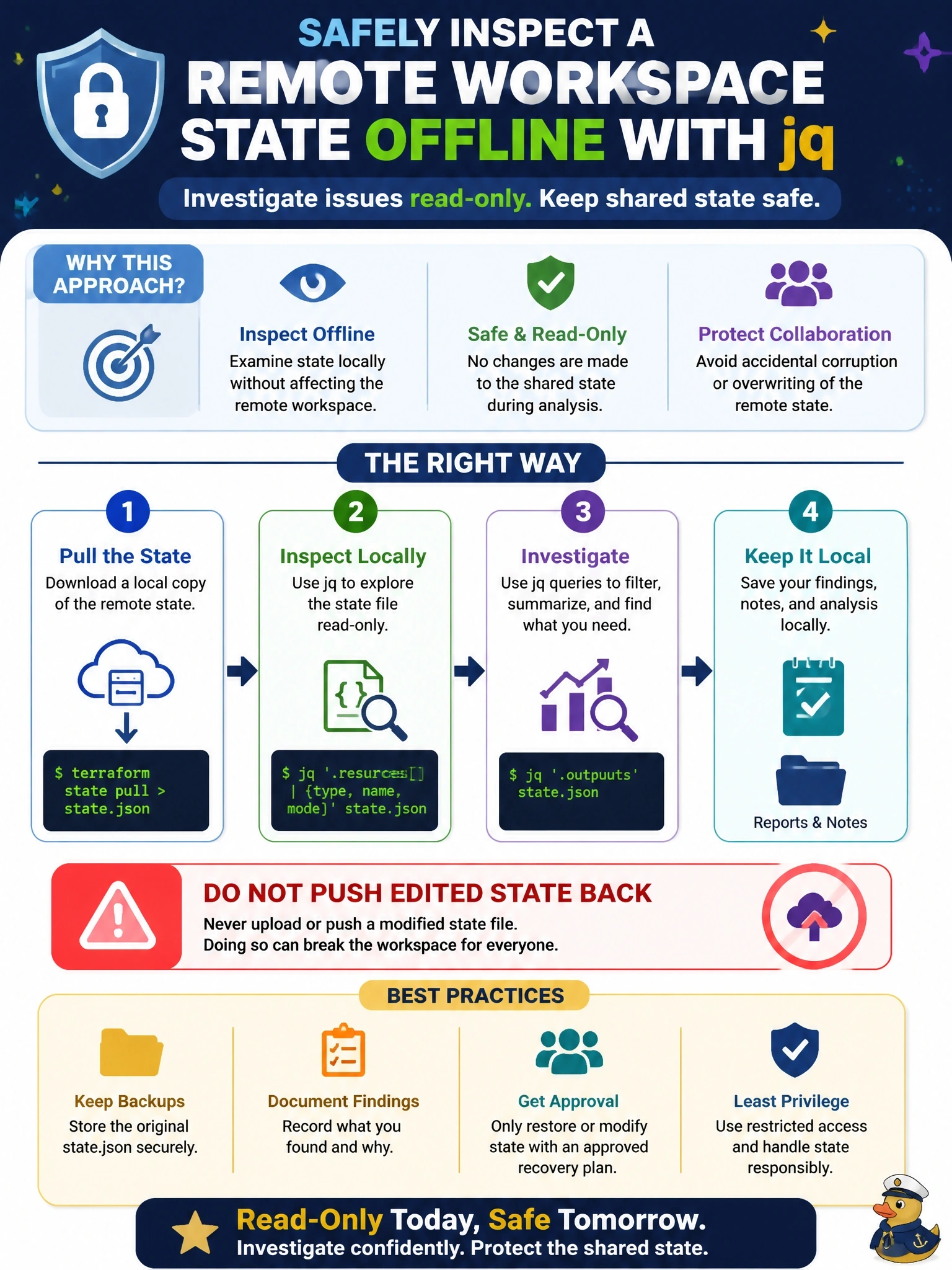
The terraform state pull command downloads state from its current location, upgrades the local copy to the state format of the installed Terraform, and writes the raw state to standard output, so redirecting it to a file gives a snapshot for inspection with tools such as jq. Reading that copy cannot affect the remote state. The risk lies in the opposite command: terraform state push uploads a local state file to the configured backend, replacing what is there, and while it refuses differing lineage or a lower serial, the -force option disables those safety checks. Pushing should be reserved for deliberate recovery with review. Push does not download anything, so using it to obtain a copy misunderstands its direction and could overwrite shared state. In a directory configured with a remote backend, the .terraform/terraform.tfstate file stores the backend configuration that init recorded, not the workspace's managed resources. Editing show -json output and pushing it back is invalid twice over: the JSON output format is a representation for tools, not a state file, and hand editing then pushing is the classic way to corrupt state. Exam caveat: the pulled file contains every secret in state, so store it securely and delete it afterward. Operational check: run terraform state pull redirected to a file in a protected directory, query it with jq, and remove it when the investigation ends.