
Resources in an HCP Terraform workspace changed unexpectedly last week. An engineer wants to see when each state change happened, which run and VCS commit produced it, and what changed between versions. Where should they look?
Select an answer to reveal the explanation.
Short Explanation
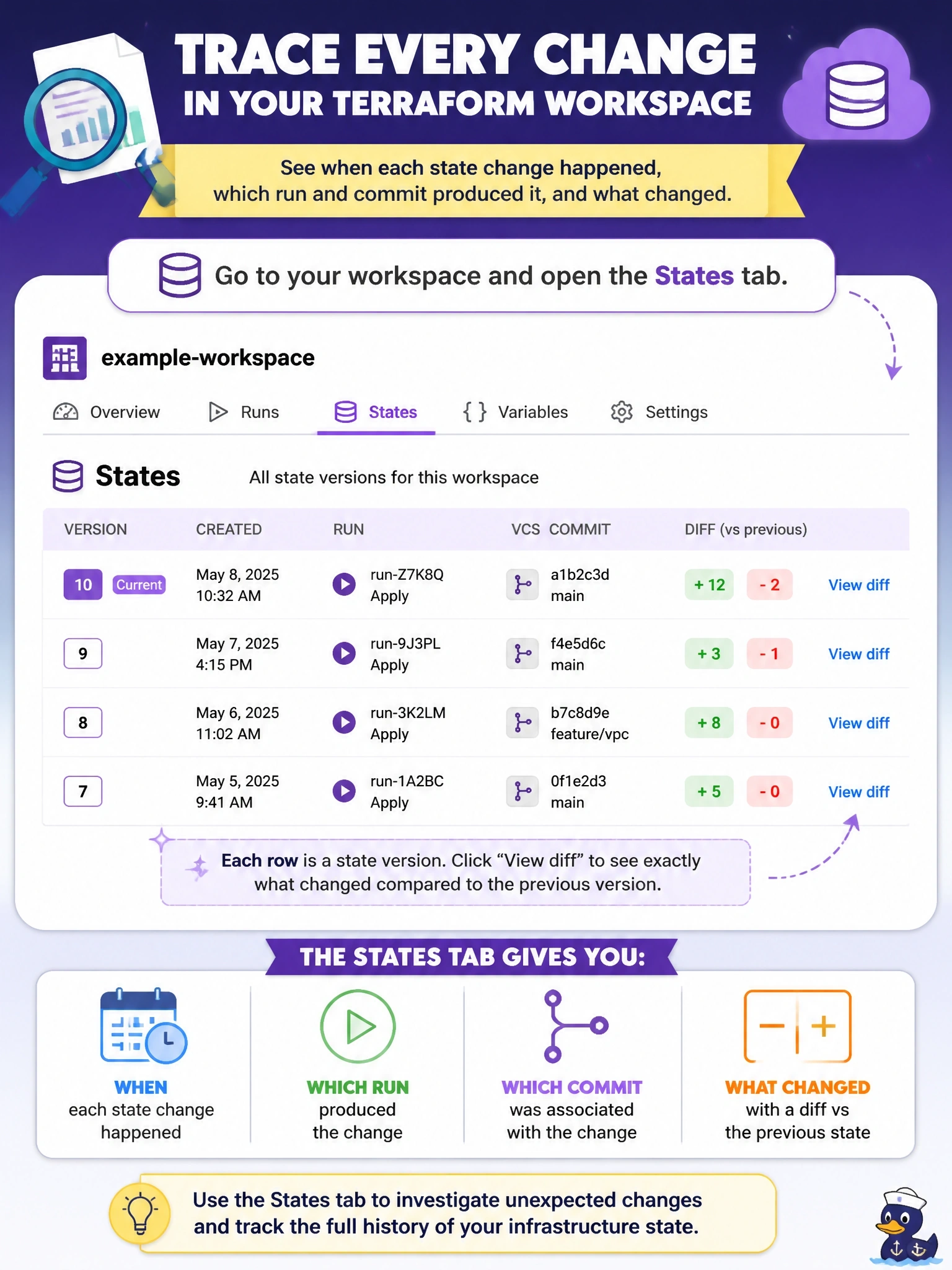
HCP Terraform keeps a logbook of every state version, and the States tab is where you read it. Each entry ties back to the run and commit, and you can diff it against the version before. The trap is the Health page, which reports drift, not history.
Full Explanation
HCP Terraform stores the current state for each workspace along with its historical state versions, and the documentation describes using that history to analyze infrastructure changes over time. In the workspace, the States tab lists the versions; each one indicates which run and, if applicable, which VCS commit it was associated with, and opening a version shows details including a diff against the previous state and a link to the raw state file. Following the associated run leads to its plan, apply and the user or trigger that started it, which answers who changed what and when. The same versions underpin the UI rollback feature. Health assessments report drift detection and continuous validation results for the current infrastructure; they do not keep a history of state versions. Explorer provides organization-wide visibility into workspaces, providers, modules and resources, but it is not the per-version state history with diffs. The terraform state list command prints resource addresses from the current state only, with no run, commit or version information. Exam caveat: state changes made through the CLI, such as state commands run locally against the workspace, also create versions, so the history covers more than VCS-driven runs. Operational check: open the States tab, find the versions created around the incident, review their diffs, and follow the linked runs to their triggering commits.