
A technical project manager wants Copilot to follow the company's incident-response checklist stored as a shared skill. The skill is published in the internal skills directory with install guidance. Which step should the manager take to install external skills for use with Copilot?
Select an answer to reveal the explanation.
Short Explanation
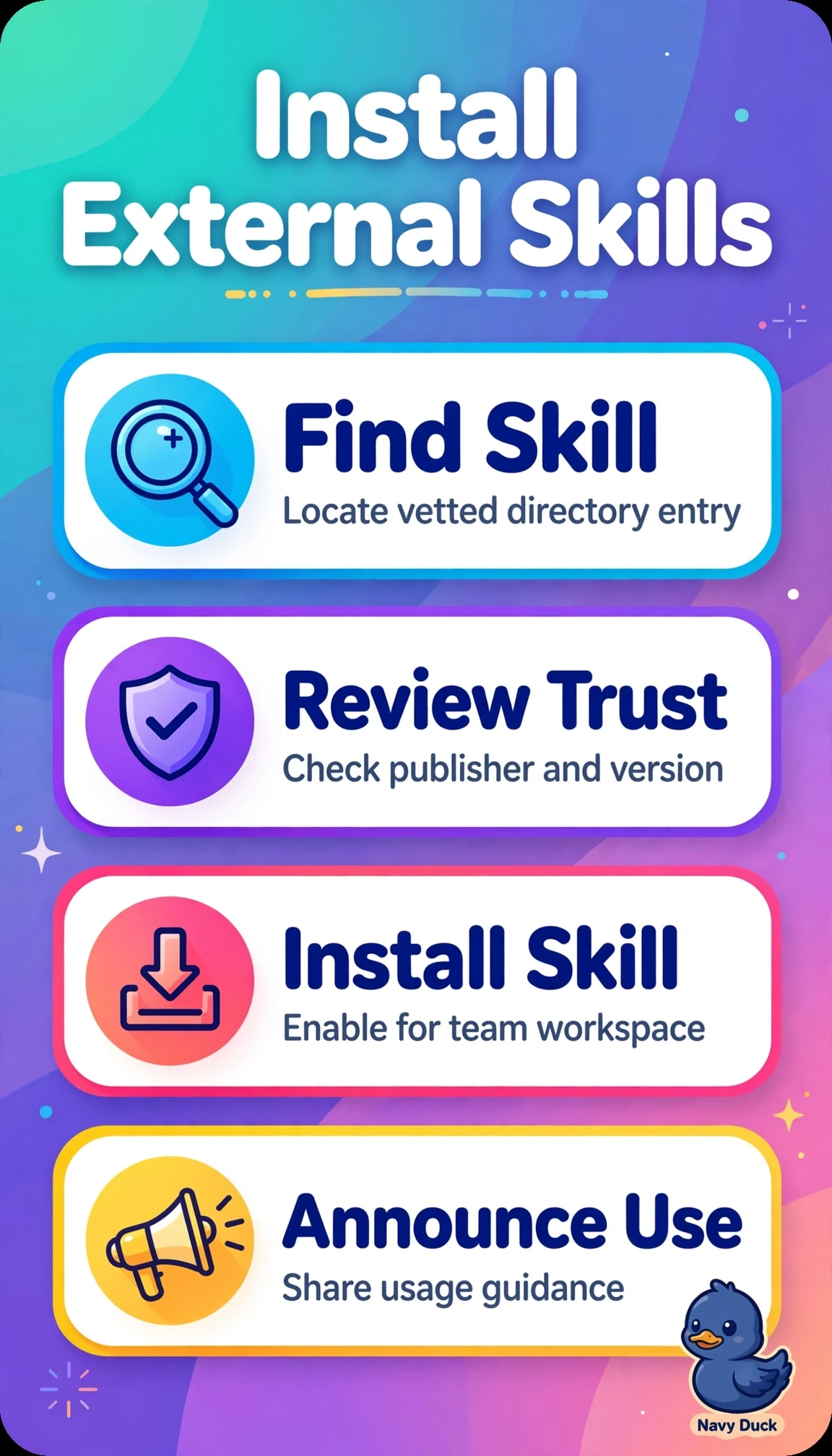
You wouldn’t run a fire drill from a scribbled napkin when there’s an official playbook. Installing the vetted skill and enabling it for the team workspace puts the trusted checklist inside Copilot for everyone who needs it.
Full Explanation
The manager should install the company-vetted shared skill from the internal directory into Copilot and enable it for the team workspace. This makes the official checklist available consistently to collaborators and supports centralized governance, version control, and consistent incident-response behavior. Installing the skill for personal use without enabling the team workspace fails on scope: personal availability does not make it available to the team, even if it can be used in an individual Copilot session. Enabling a built-in Copilot incident template follows a different path and uses a generic template rather than the company’s customized checklist, approvals, and internal links in the vetted skill. Downloading the skill files to a local drive and uploading the checklist into each session is not a persistent skill installation; the context is user-dependent and does not provide registered skill behavior or automatic updates. An exam caveat is to distinguish publication from activation: a skill’s presence in the internal directory does not make it active in a workspace until it is installed and enabled there. As a practical check, open Copilot in the team workspace as a non-admin member and confirm the incident-response skill is enabled and returns the company checklist steps before considering the rollout complete.