
A technical project manager uses Copilot coding agent to restructure onboarding docs. After three iterations the draft lost key compliance steps and the manager needs the version from two checkpoints ago. Which checkpoint approach should the manager use to revert changes by using checkpoints?
Select an answer to reveal the explanation.
Short Explanation
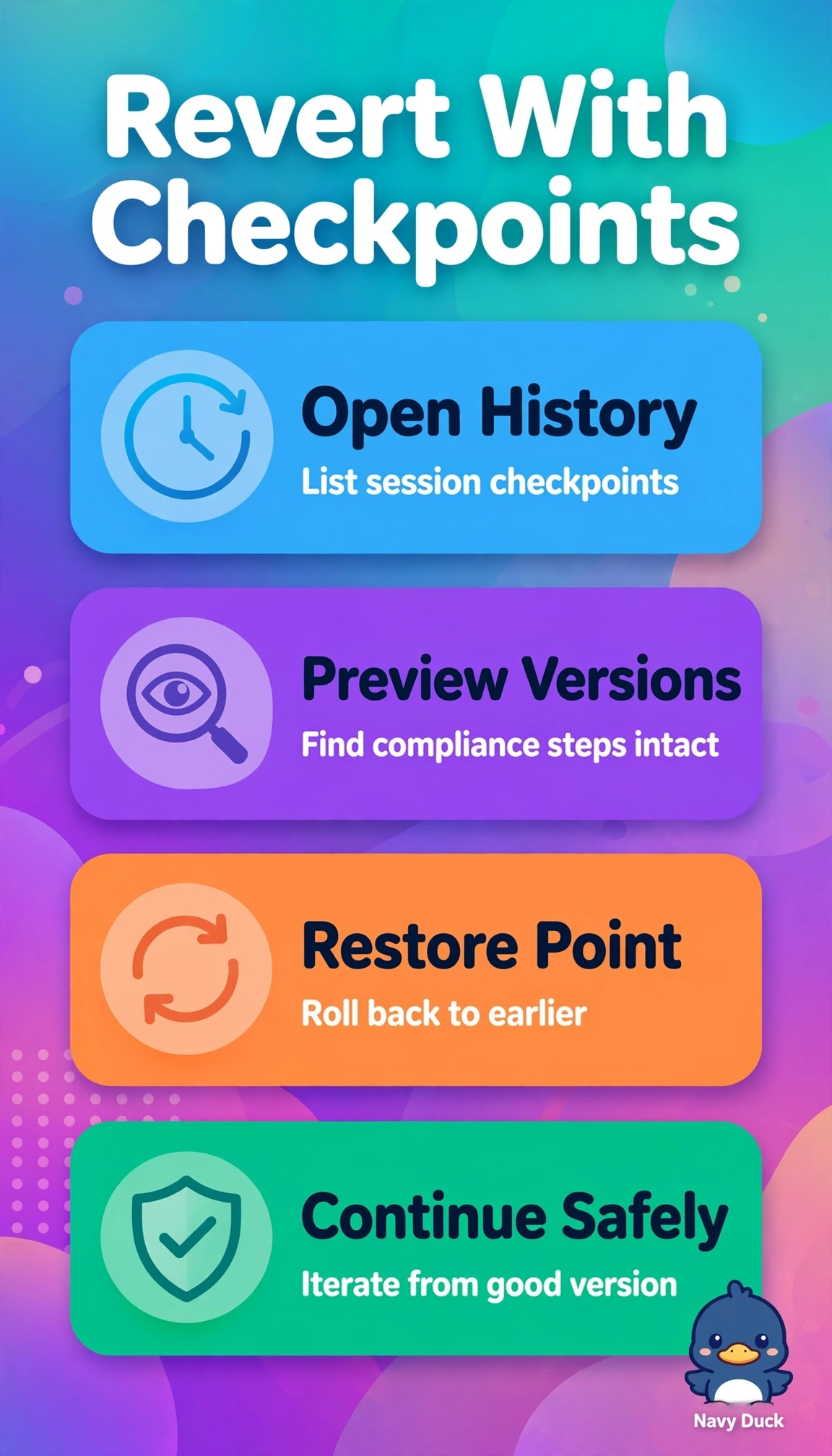
Good news: you have a safety net. Open the session’s checkpoint history and restore the earlier checkpoint that still has the compliance steps—your checkpoint lets you return to a known-good draft.
Full Explanation
The session’s checkpoint history is the right place to restore the earlier checkpoint, because Copilot coding agent checkpoints capture the working session state at discrete points. Choosing a checkpoint from two iterations ago that still contains the compliance steps rolls the draft back to a known-good state while preserving the session’s history. Restoring the most recent checkpoint fails because it retains all three iterations, including the latest draft in which key compliance steps were lost. Restoring the checkpoint from two iterations ago without checking its contents relies on its age alone; that checkpoint may not actually retain the required steps. Using organization-level checkpoint history fails on scope: the onboarding draft’s relevant versions are in the session history, not an organization-wide timeline. Exam caveat: match the action, scope, and target together—restore a checkpoint in this session that is verified to contain the compliance steps—rather than choosing based on “two iterations ago” alone. Before confirming, preview or compare the candidate checkpoint with the current draft to verify that the compliance steps are present and that restoring it will not discard unrelated work.