
A business analyst pastes a 60-line SQL validation query into Copilot Chat in VS Code. The logic works, but auditors need plain-language documentation in the repository for handoff. The code selection is highlighted. Which slash command best generates stakeholder-ready documentation for the selected query?
Select an answer to reveal the explanation.
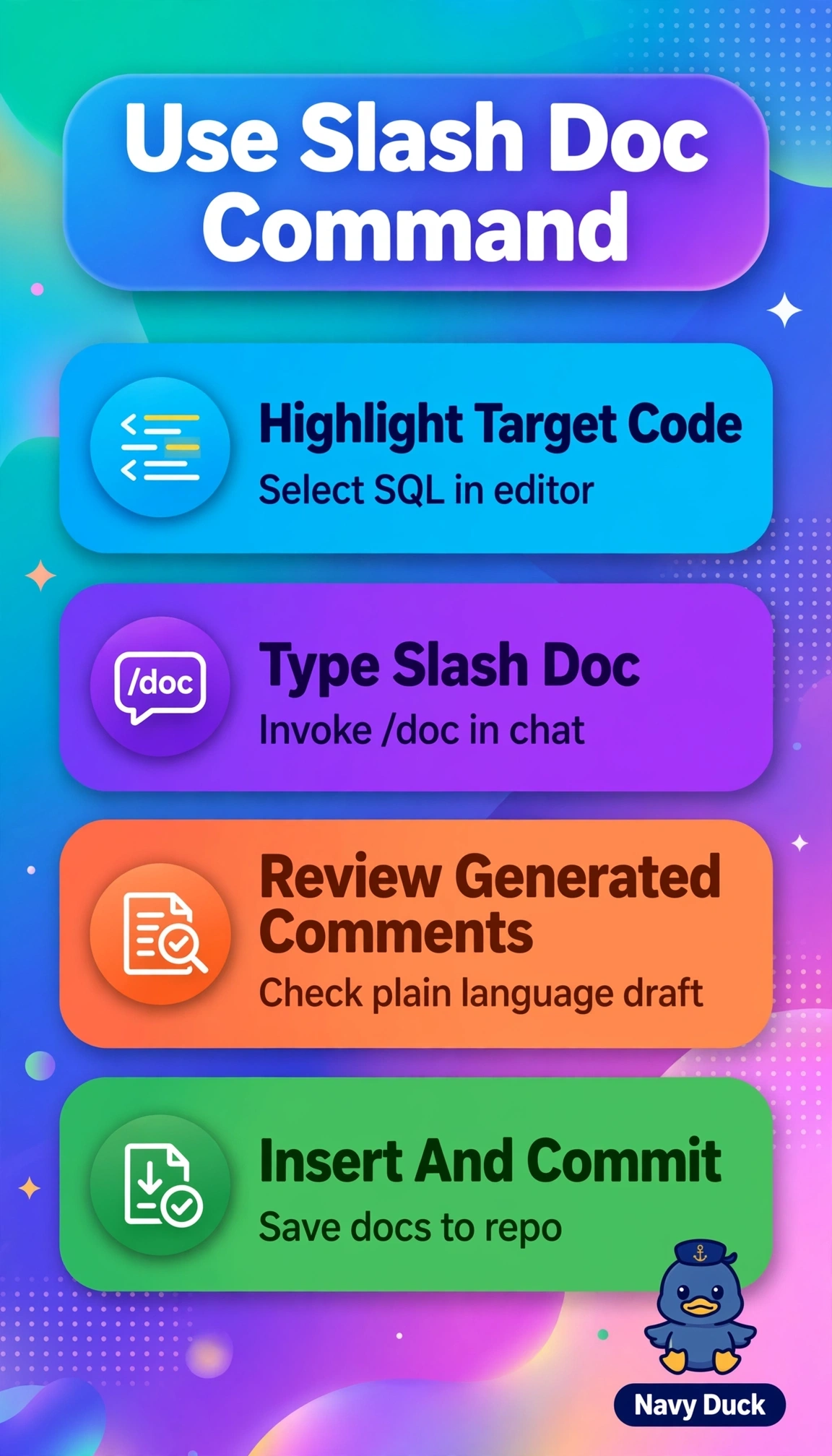
Short Explanation
Handing auditors a readable guide beats handing them a puzzle. The /doc command drafts those ready-to-save comments from your highlight, so you just polish and commit.
Full Explanation
The correct command is right because /doc is purpose-built to generate documentation from the current selection, producing comment blocks or docstrings that can be inserted into code for handoff, while preserving logic unchanged. The /explain approach fails by concept because it returns a conversational explanation in the chat panel for understanding, not insertable documentation artifacts for auditors. The /fix approach fails because it proposes code corrections for errors or bugs, which would alter working validation logic instead of describing it. The /tests approach fails because it scaffolds unit tests to verify behavior, which supports quality assurance but does not produce stakeholder-readable documentation. For the exam, associate each slash command with its output type: understanding, correction, verification, or documentation. As a practical check, after invoking the command, look for an insertable documentation preview with comment syntax rather than a chat-only answer or code patch.