
A product manager wants Copilot to reference live Jira issues, Figma files, and internal docs during planning without copying data into prompts. Security requires scoped, revocable access with clear data sources. When should the team recommend using Model Context Protocol (MCP) servers to connect Copilot to these tools?
Select an answer to reveal the explanation.
Short Explanation
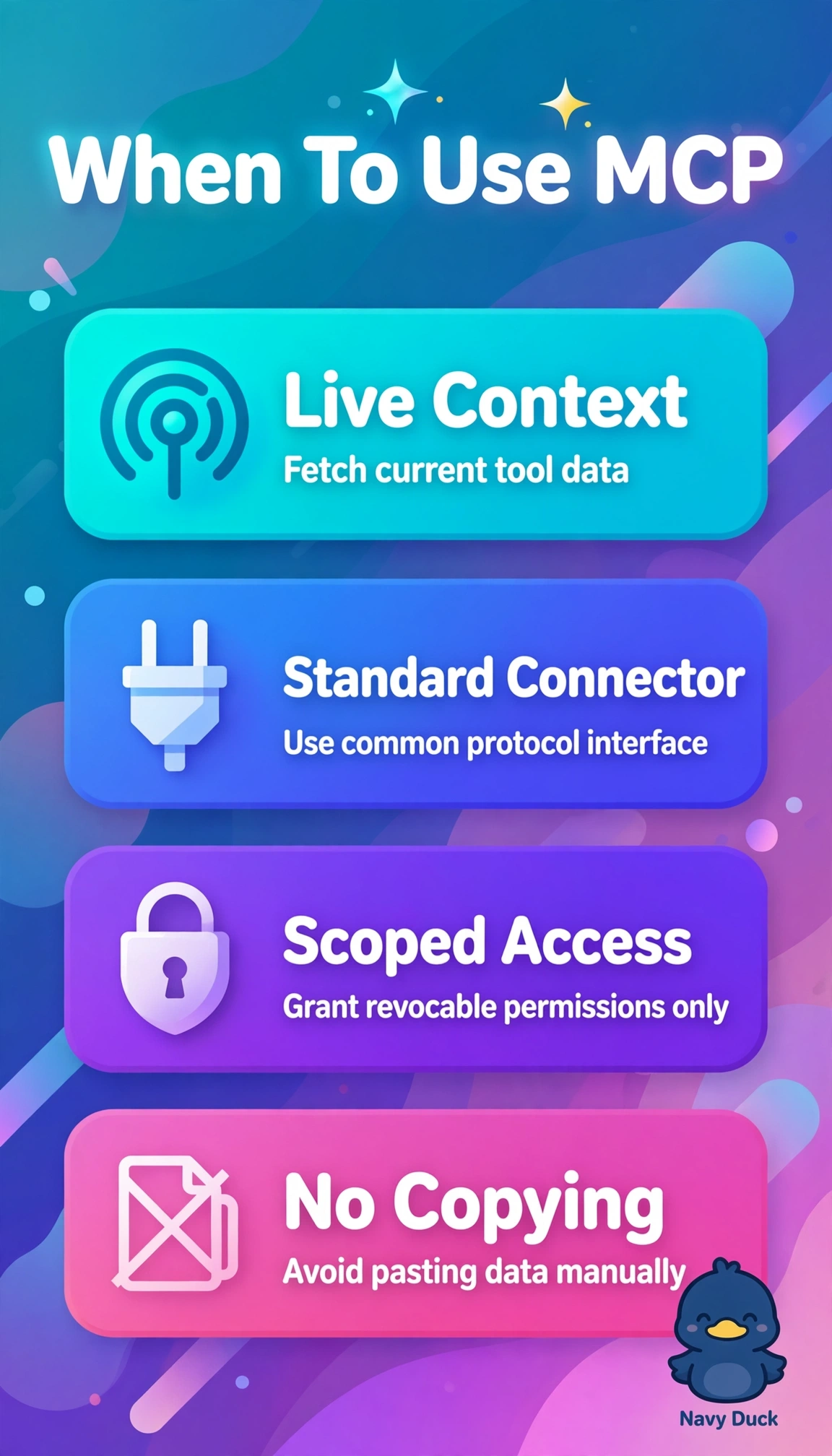
You can keep planning grounded in current Jira and Figma data without copying it into prompts. MCP is your bridge to live, permissioned tools, with access you can scope and revoke.
Full Explanation
Recommend MCP servers because they give Copilot a standard way to call external tools at query time using delegated user permissions. This supports live Jira issues and Figma files without copying sensitive content into prompts, while making data sources visible and access revocable. Indexed Jira and Confluence content synced by knowledge connectors can support fast search, but it is cached rather than live and may miss recent changes during planning. A single shared service account may simplify access, but it does not provide scoped, revocable access in each user’s context and can weaken auditability. Pasting live Jira and Figma exports into prompts can provide context, but it copies data into the prompt and loses permission enforcement and source lineage. As an exam caveat, distinguish on-demand tool calls through MCP from ingestion-based grounding through knowledge connectors: live, permissioned access through a standard connector points to MCP. As a practical check, verify in the admin portal that each MCP server has minimal OAuth scopes, per-user consent, revocation controls, and visible citations before recommending it for planning.