
A program manager at a 40-person fintech startup uses a triage agent to label bugs and draft acceptance criteria, but teammates keep using an outdated copy pasted in chat. The team needs one shared version tied to their GitHub Project and versioned with code. Where should the manager save the custom agent to ensure shared reuse in the GitHub Project?
Select an answer to reveal the explanation.
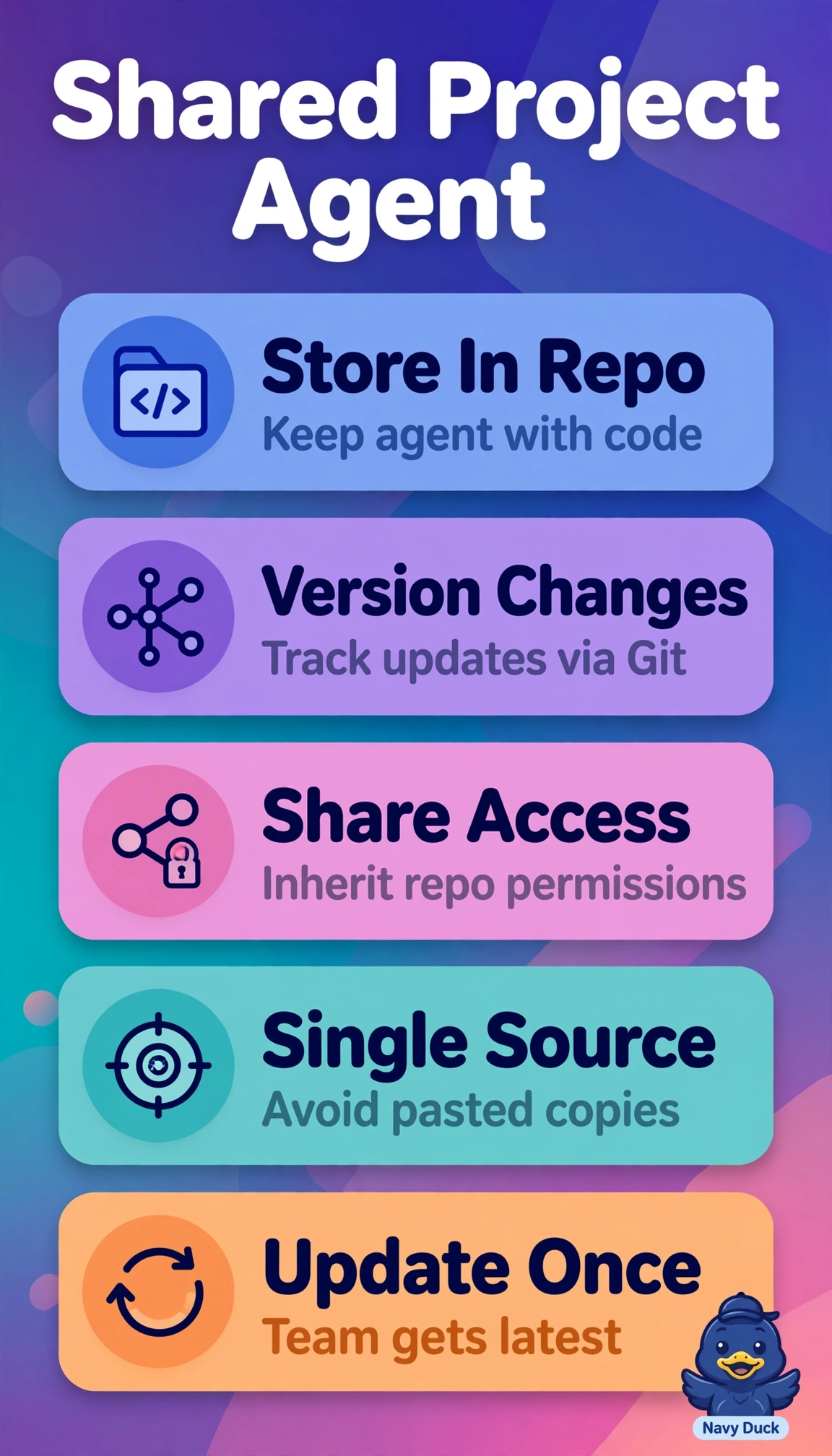
Short Explanation
You can keep everyone on the same page by saving the agent with the work in the connected repository. Versioning gives your team one shared recipe book, with updates tied to the Project and its code.
Full Explanation
Saving the agent definition inside the Project’s connected repository is correct because the prompt is versioned alongside code: changes flow through branches, reviews, and history, giving teammates one current version tied to the Project and eliminating outdated chat copies for bug labeling and acceptance criteria. Publishing the agent to the enterprise gallery can make the latest approved triage version easy to discover and reuse, but it manages the agent at the organization layer rather than alongside this Project’s code, so Project-specific changes lack commit traceability and automatic Project-scoped syncing. Storing a versioned file in a separate shared tooling repository can support consistent triage across teams, but it splits the source of truth from the Project and requires cross-repository coordination rather than providing a native link to that Project. Attaching the configuration to the GitHub Project board as a custom field makes it visible alongside issues, but board metadata is not versioned with code, so prompt edits lack code-based diffs, reviews, and rollback and can drift. For exams, distinguish general team access from access that is both tied to the Project and versioned with its code; the stated constraints require both. In practice, confirm the agent file is in the connected repository, merge a small test edit, and check that teammates receive it on pull without manual copying.