
A business analyst chats with Copilot about a checkout bug in cart.js, related issue #412, and a failing payments test workflow. Copilot keeps giving generic advice without repository context. Which use of @ mentions best attaches tools, files, and issues to ground the chat?
Select an answer to reveal the explanation.
Short Explanation
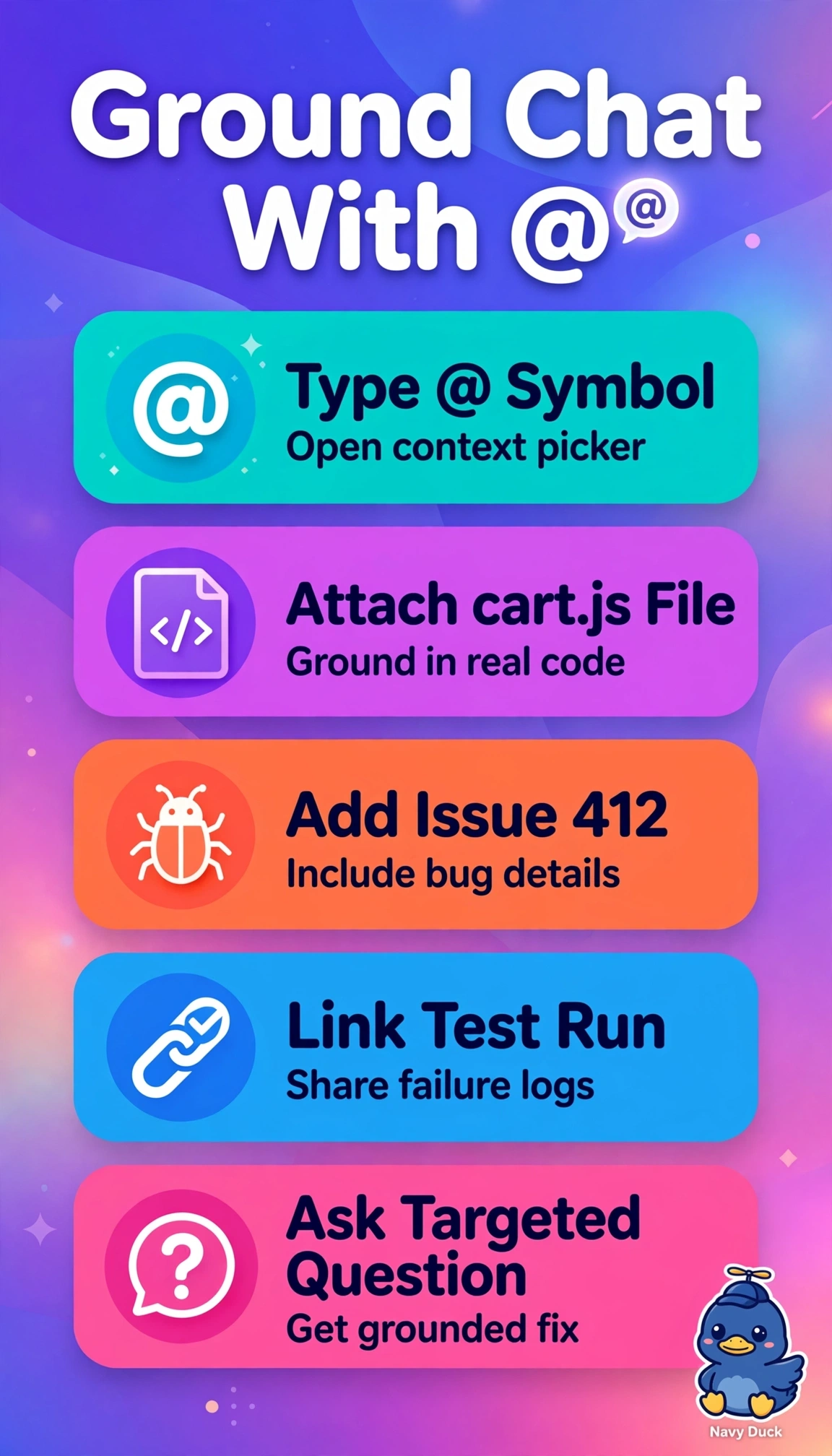
You're getting vague help because Copilot can't see what you're seeing. Tap @ to pull in cart.js, issue #412, and that failed run — it's like handing your mechanic the keys instead of describing the noise — so you get answers grounded in your real code.
Full Explanation
The correct approach succeeds because using @ to attach cart.js, issue #412, and the specific test workflow run injects all three context types directly into the Copilot chat session, allowing the model to reason over actual code, discussion history, and failure logs instead of offering generic guidance. Attaching only cart.js and issue #412 while describing the payments failure in words feels efficient and is common when logs seem verbose, yet it fails by concept of grounding since natural-language summaries omit stack traces, job names, and exit codes that retrieval needs for targeted diagnosis. Attaching cart.js and the workflow run while summarizing the issue from memory is likewise a sound habit for speed, but it breaks issue linkage and loses acceptance criteria, linked pull requests, and comments that disambiguate the checkout bug from similar defects. Attaching cart.js, the issue, and the local test file rather than the failed run looks thorough because files are versioned and reviewable, but it confuses static definition with dynamic execution and therefore provides no failing step output, timing, or runner environment. For the exam, remember that workflow runs and workflow files are distinct attachable objects and questions often test whether candidates select execution context when troubleshooting failures rather than source definition. As a practical check, confirm all three pills or attachments appear above the prompt and rerun the question after opening the failed job log to ensure Copilot cites line numbers, issue comments, and failed steps.