
A program manager asks Copilot Chat to brief status from 30 lengthy issues, but gets rambling paragraphs that executives skip. She needs scannable risks, owners, and dates with strict brevity for a mobile readout. Which instruction best specifies the structure of the response?
Select an answer to reveal the explanation.
Short Explanation
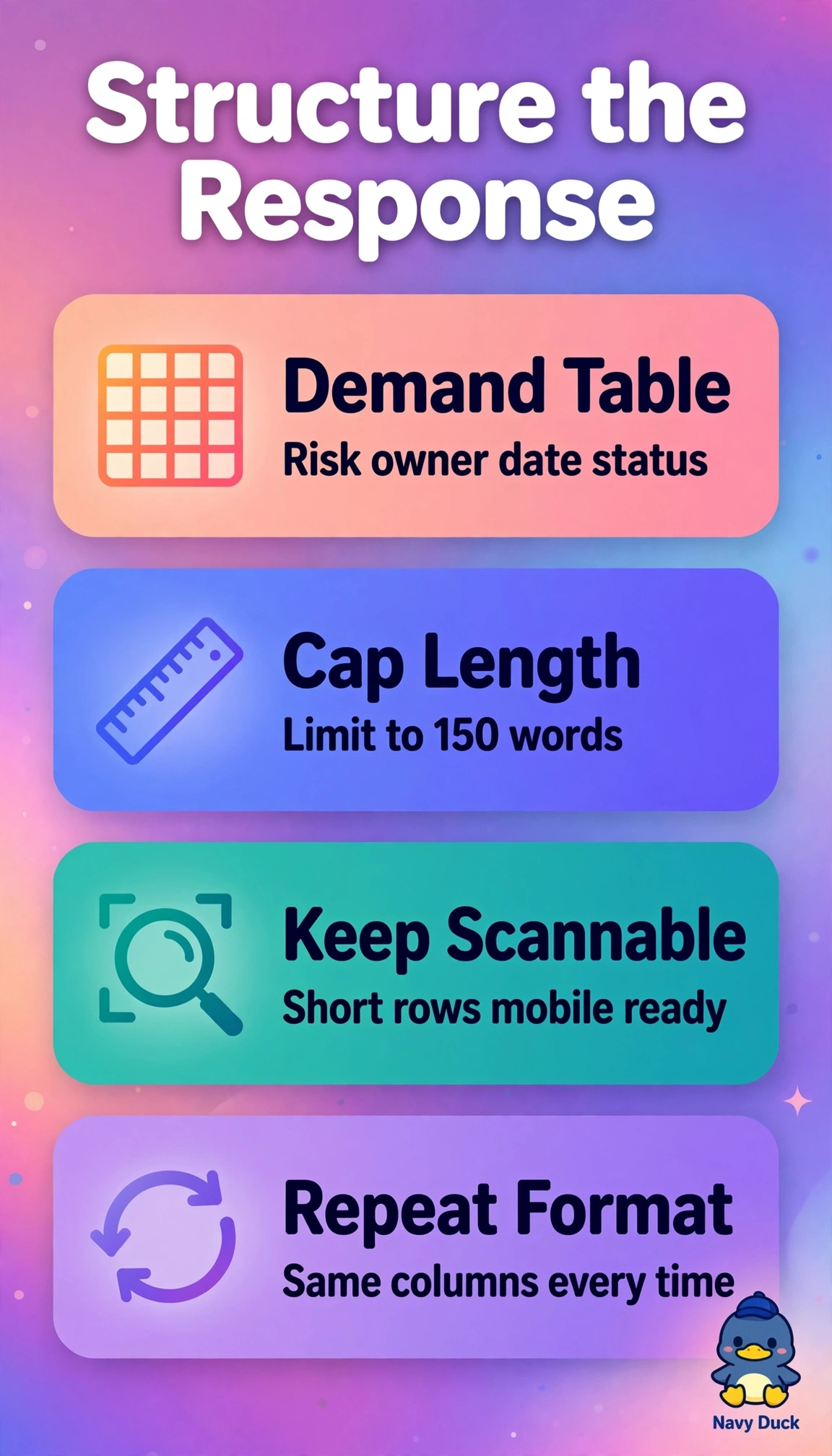
You'll keep your executives reading when you lock risks, owners, and dates into tight columns with a word cap. It's like handing them a quick dashboard instead of a novel on their phones, and that's the magic of output formatting.
Full Explanation
The correct instruction succeeds because it explicitly constrains both format and length for the stated audience and device, with a four-column table forcing risks, owners, due dates and status into a scannable grid that executives can skim on mobile and a 150-word cap preventing the rambling paragraphs from thirty lengthy sources. The paragraph summary fails by format concept despite keeping the content and word cap, because continuous prose remains hard to scan for owners and dates even when brief and does not enforce columnar alignment. The full-detail table fails by brevity concept despite preserving the ideal table schema, because removing the word limit invites exhaustive coverage that defeats the mobile readout and executive attention requirement. The mitigation table fails by completeness concept despite preserving table form and brevity, because replacing status with mitigation drops an explicitly requested field needed to brief current state and changes the deliverable scope. Exam caveat: prioritize wording that specifies output structure and limits when the stem complains about rambling or skipping, not just topic coverage. Practical check: paste the prompt with a sample of issues, verify the result renders without horizontal scrolling on a phone and stays under the word budget before sharing.