
A business analyst splits time between reviewing pull requests on github.com, triaging Slack-style follow-ups on the go, and updating local CSV reports from the terminal. She wants the right Copilot surface for each habit without extra setup. Which distinction guides her choice among Copilot Chat on github.com, the GitHub Copilot app, and Copilot CLI?
Select an answer to reveal the explanation.
Short Explanation
You're matching the tool to where the work already lives. Your surface fit saves setup time because each Copilot home handles its own kind of job best.
Full Explanation
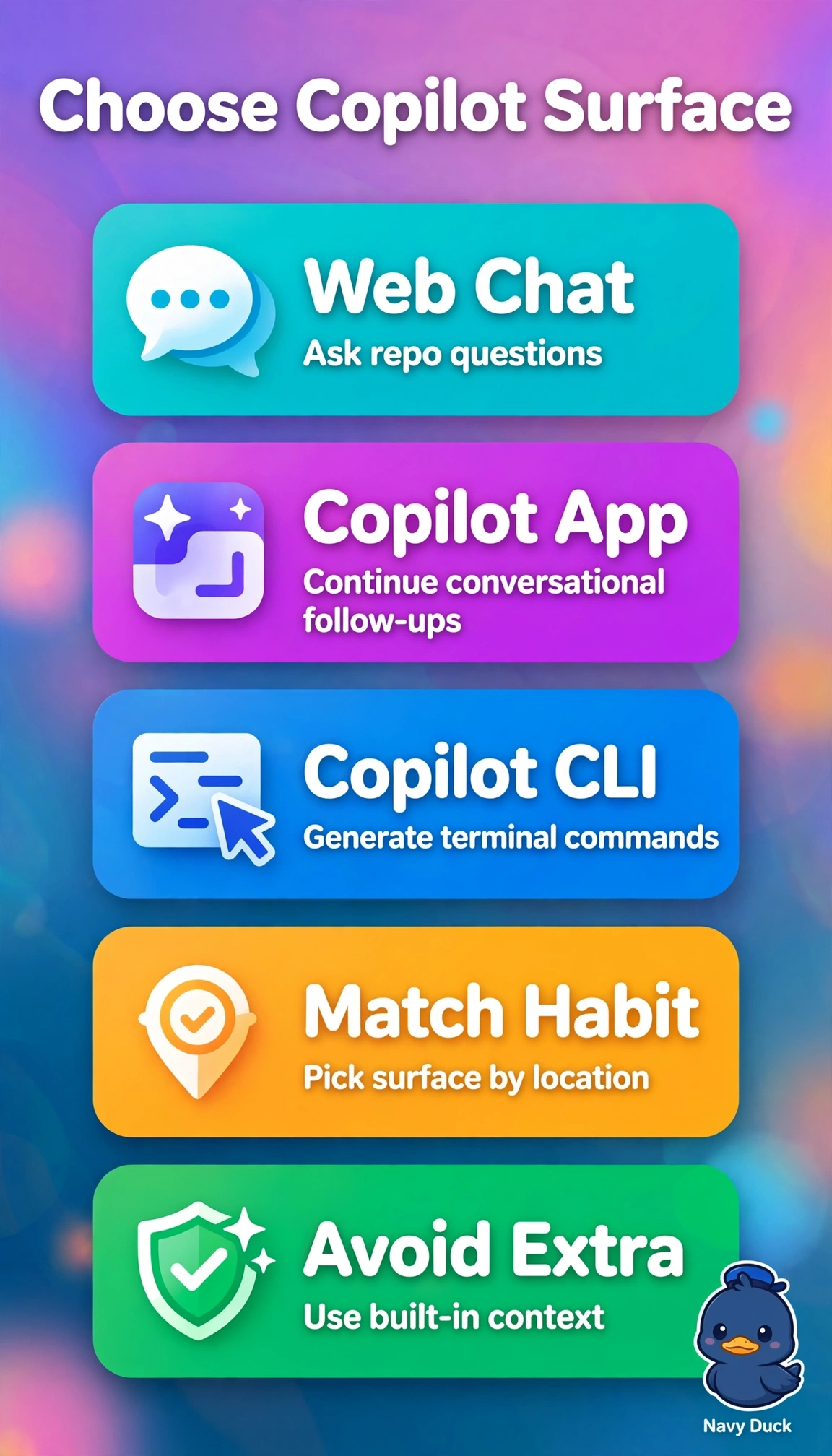
The correct mapping works because each surface is optimized for where the work already happens without extra setup: Copilot Chat on github.com is repo-aware in the browser so reviewing pull requests and asking about code, summaries and diffs needs no clone, the GitHub Copilot app is the conversational Slack-, Teams- and mobile-friendly agent for triaging follow-ups on the go, and Copilot CLI is terminal-native for generating and explaining shell commands to update local CSV reports. The choice that moves pull-request work into CLI explanation locally fails by location and setup concept because while CLI can explain a checked-out diff, it cannot replace browser-native review and would force cloning and context switching the scenario explicitly avoids. The choice that assigns the app to inline IDE completions fails by product concept because inline ghost-text completion is delivered by the Copilot code completion extension in the IDE, which requires editor setup, whereas the app is for chat-style follow-ups outside the editor. The choice that assigns web chat to quick questions on the go fails by modality concept because web chat only operates in github.com context and is not optimized for mobile Slack-style triage, which is the purpose of the app. Exam caveat is to anchor on where plus setup cost, not just capability, since many surfaces can summarize code but only one does it without extra moves for that habit. Practical check is to look at the current window before invoking Copilot: URL bar means use web chat, chat app or phone means use the app, shell prompt means use CLI.