
A business analyst asked Copilot coding agent to modernize a pricing calculator, but after three iterations the logic produces wrong totals and extra files clutter the branch. The analyst wants to discard only the faulty agent edits and return to the last working version without losing the original branch history. Which checkpoint capability should the analyst use to revert changes reliably?
Select an answer to reveal the explanation.
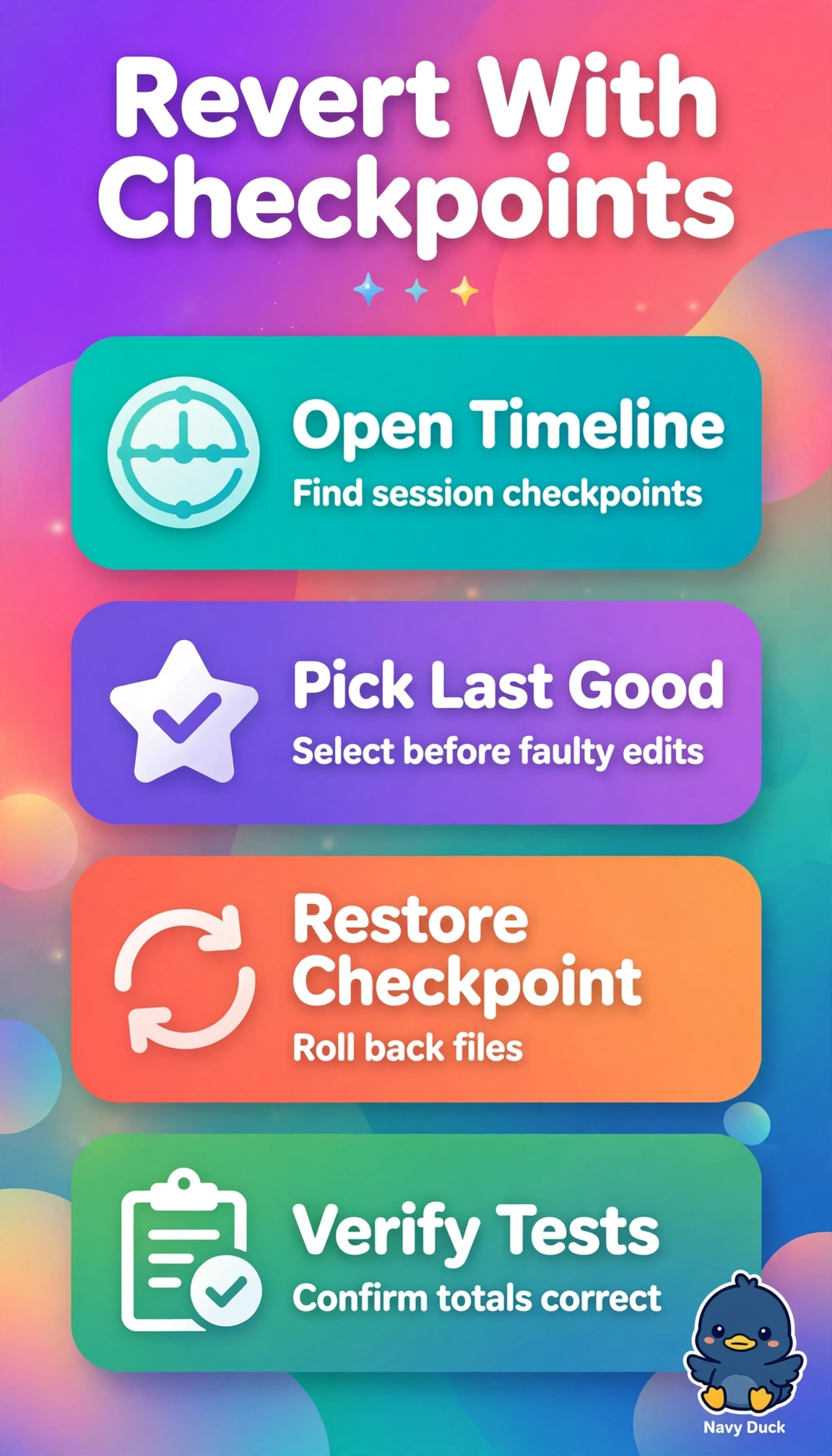
Short Explanation
You don’t need to rebuild from scraps. Rolling back to a saved checkpoint rewinds those faulty edits in one move. It’s your undo button for agent work.
Full Explanation
The correct approach works because restoring the Copilot session checkpoint captured before the faulty iterations performs an atomic rollback of both tracked code changes and agent-created untracked files while keeping the branch history intact, which directly satisfies the need to discard only faulty edits and return to the last working calculator. By contrast, resetting via Git history can return code to a prior commit but does not restore the agent session state and often leaves untracked extra files behind or requires destructive reset semantics that complicate history preservation. Creating a new checkpoint from the current faulty state is a sound versioning habit for preserving progress, yet it moves forward rather than backward and therefore retains incorrect totals and clutter instead of discarding them. Manually deleting extra files and re-editing formulas is a commonly used cleanup when changes are small, but it relies on human recall of the last working logic, risks incomplete removal and regression errors, and forfeits the reliable one-click consistency of a checkpoint restore. For exams, distinguish session checkpoints that couple code, files, and agent context from pure Git operations that manage commits only, and in practice verify the checkpoint timestamp, preview affected files, and confirm calculator totals before resuming iteration.