
A program manager is piloting a coding agent that started opening pull requests against the wrong branch and consuming Actions minutes. The run is still active in GitHub. Which control should the manager use first to stop an agentic workflow that is running?
Select an answer to reveal the explanation.
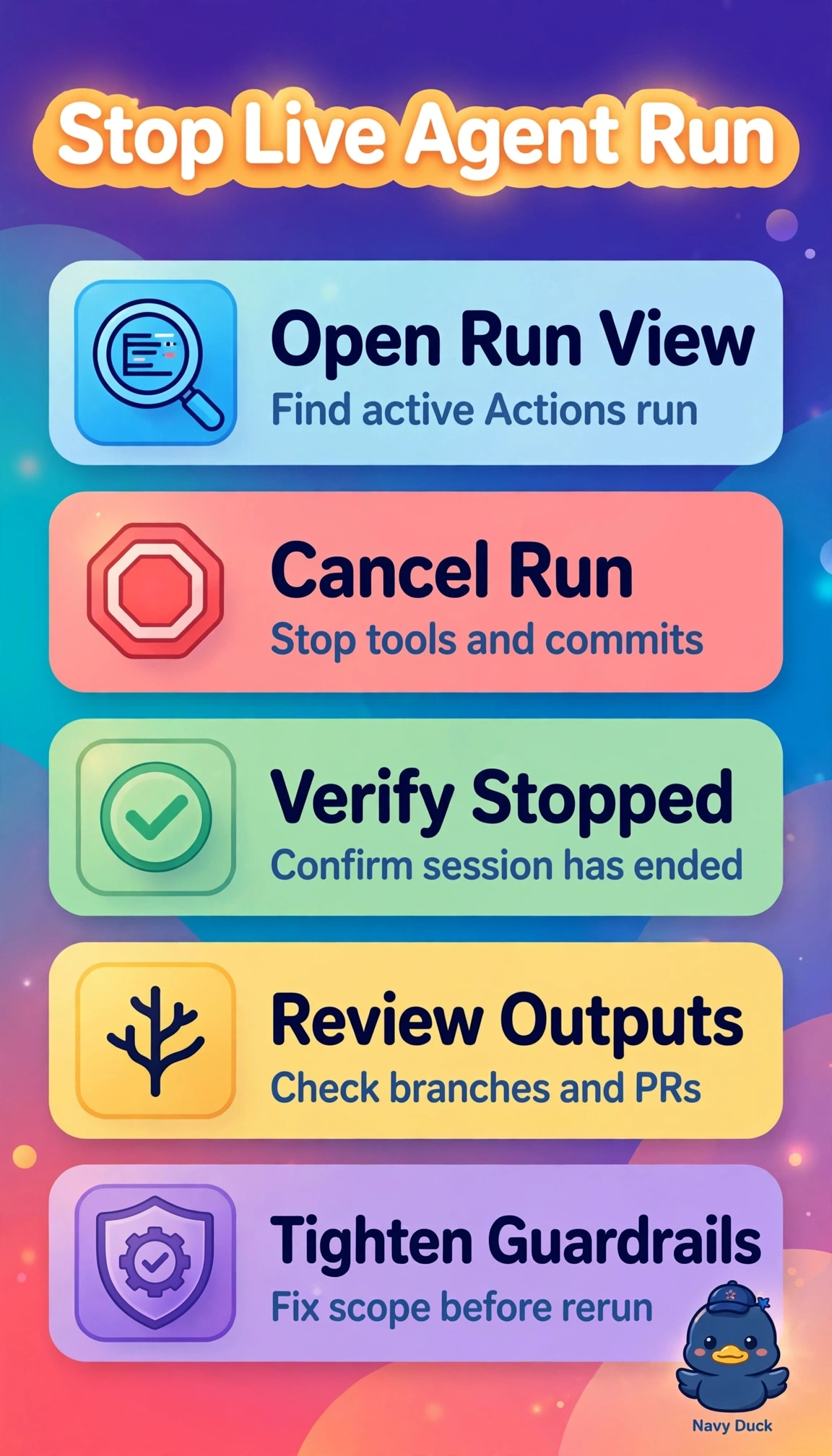
Short Explanation
You have a big red button: stopping the live run beats cleaning up later. Canceling it halts the active work and spend, and cancellation keeps you in control while you verify the agent session has ended.
Full Explanation
Cancel the active workflow run because an in-flight Actions run continues consuming minutes and driving agent behavior, including opening pull requests, until GitHub marks it canceled. Verify that the linked agent session has ended so no background loop continues making API calls after the workflow stops. Disabling the workflow file can prevent retriggering from push, schedule, or dispatch events, but it affects future runs and leaves the current execution active, able to target the wrong branch and consume minutes. Revoking the agent GitHub token can limit further pushes, but token invalidation controls authorization rather than the compute lifecycle; the runner may remain allocated, fail opaquely, and continue consuming budget without clean termination. Letting the job finish before fixing the prompt may avoid partial state, but it conflicts with the urgent goal of stopping spend and incorrect pull requests, allowing more activity in the meantime. For exam logic, the cues that the run is still active and asks what to use to stop it point to lifecycle termination, ahead of preventing retriggers, restricting credentials, or correcting the prompt. As a practical check, confirm the Actions run shows Canceled rather than Queued or In Progress and the agent session shows stopped; then correct the base branch setting before allowing another run.