
A program manager runs a 40-person mobile launch in a GitHub Project with engineering, design, and marketing work mixed together. She needs a board grouped by Status, cards that auto-move when pull requests merge, and a Priority custom field for triage. Which project view customization manages columns, automation, and custom fields for this launch?
Select an answer to reveal the explanation.
Short Explanation
You get visibility plus hands-off upkeep with that combo. A board is like an airport departures screen that updates itself while you sort by urgency with automation.
Full Explanation
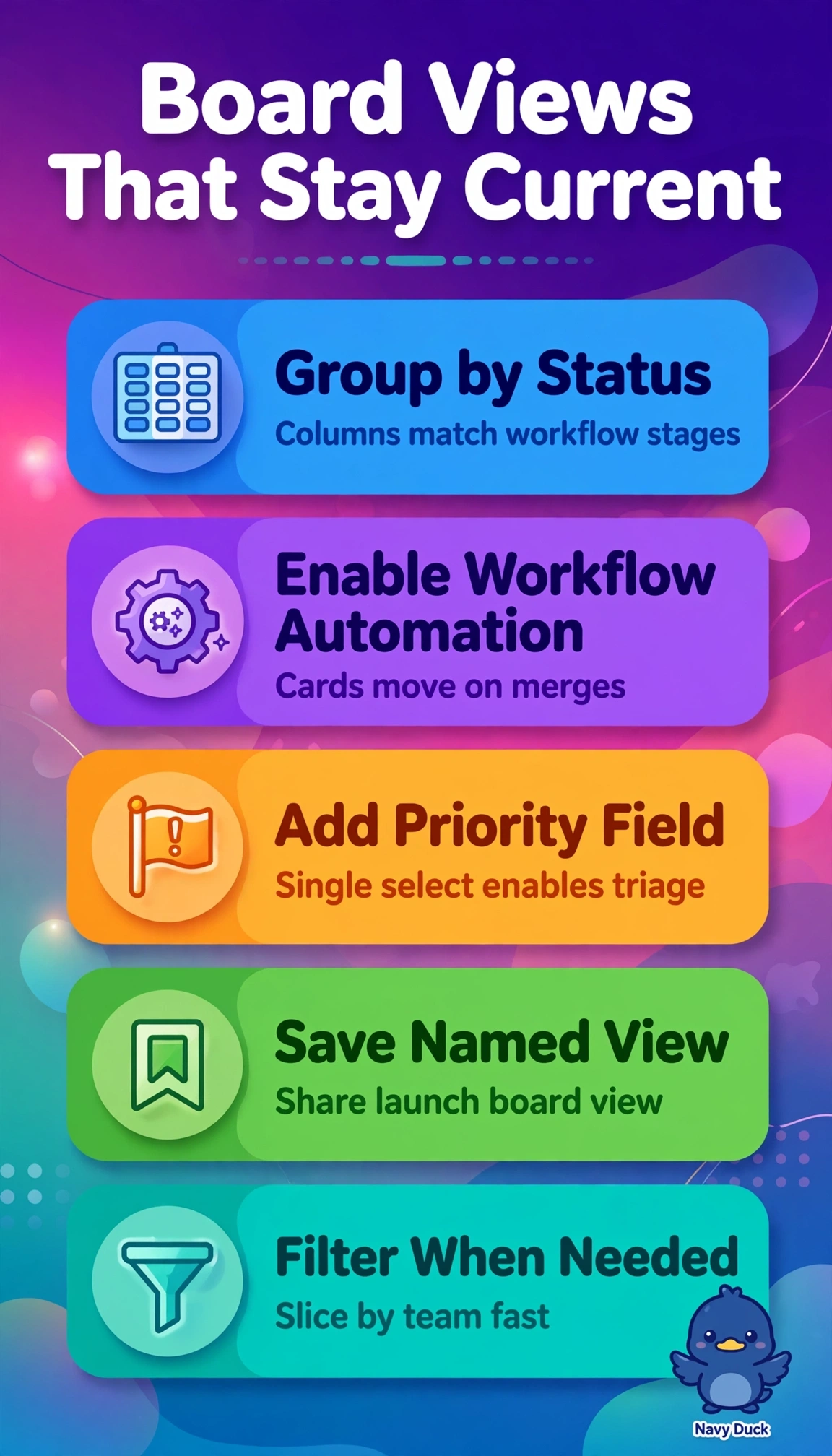
The correct configuration works because a GitHub Project board layout grouped by Status directly creates the kanban columns needed to visualize mixed engineering, design, and marketing work, built-in workflow automation satisfies the pull-request merge requirement by advancing cards without manual dragging, and a single-select Priority custom field provides a structured, filterable and sortable triage mechanism that scales to a 40-person program. The standup-reviewed board with manual moves fails on automation concept since human column updates cannot guarantee cards auto-move on merge and break the hands-off engineering workflow. The Priority-grouped board fails on grouping concept since lanes organized by Priority show urgency distribution but lose the Status-based flow of work through To Do to Done required for launch tracking. The repository-label approach fails on data-model concept since labels are repository-scoped and inconsistent compared to a project-level single-select custom field that unifies triage, filtering, and views across multiple teams. An exam caveat is that GitHub distinguishes board grouping, workflow automation, and field type as separate settings, so a choice that gets two of three correct is still incorrect when the prompt uses and for all requirements. As a practical check, open the project view menu to confirm Group by Status, open Workflows to confirm status update on pull request merge, and open Custom fields to confirm single-select Priority with defined choices before inviting the full team.