
A technical project manager wants a docs agent to query Figma specs and Jira issues using community-built integrations for a design-system rollout. Security requires vetting and centrally managed installation. Which step should the manager follow to install external skills?
Select an answer to reveal the explanation.
Short Explanation
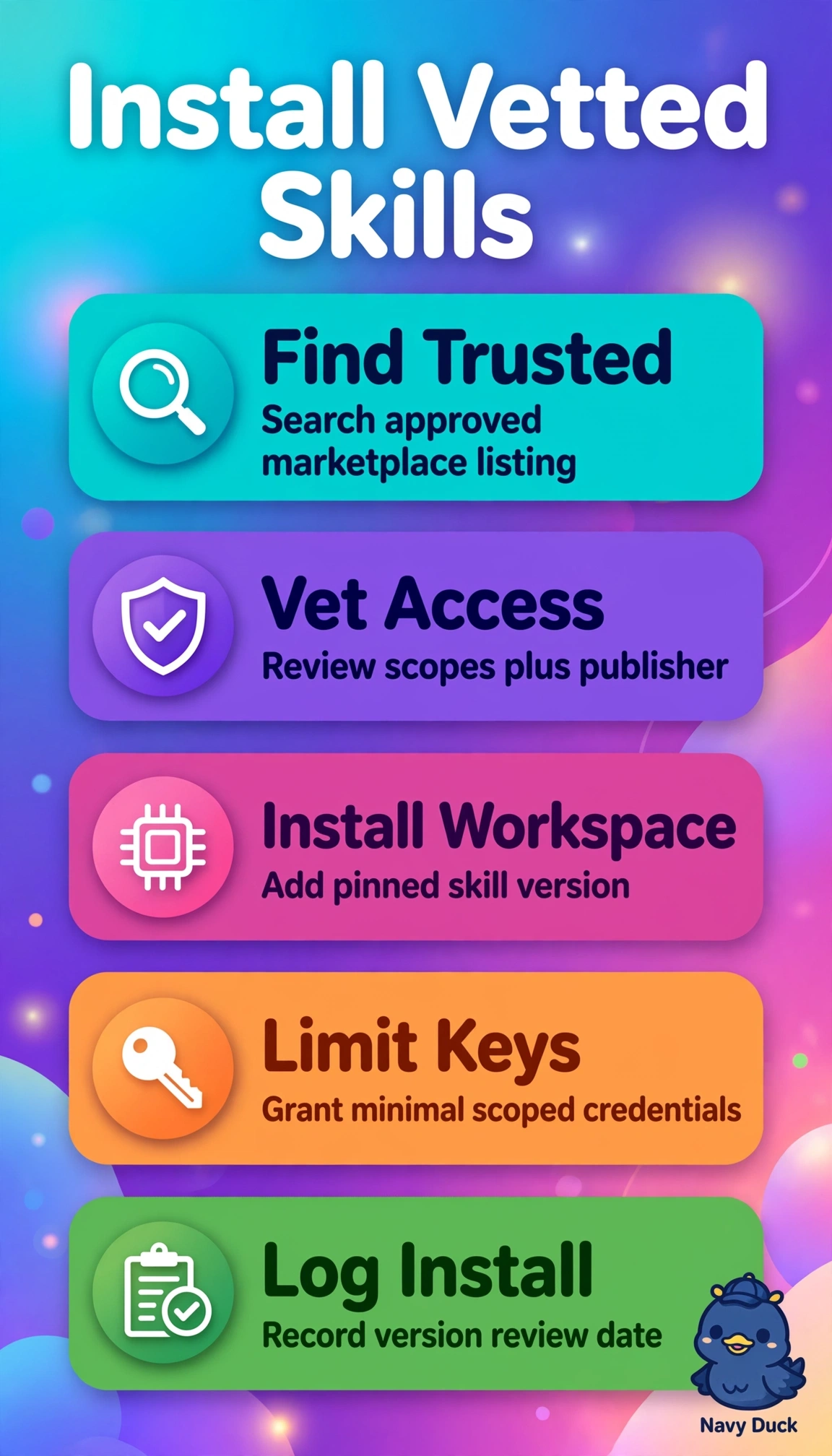
You can keep the rollout safe and manageable by choosing vetted skills from the trusted marketplace and installing them in the shared workspace. That gives you centrally governed access to approved Figma and Jira integrations.
Full Explanation
Installing vetted third-party skills from the trusted marketplace into the agent workspace meets all three requirements: the skills are external and community-built for Figma and Jira, they pass the required security review, and they are centrally managed in the shared workspace, where permissions and updates can be governed. Deploying platform-built custom integrations to the workspace after review supports central governance, but it does not use the requested community-built skills and would require building and maintaining new integrations rather than reusing external work. Installing vetted marketplace skills in a personal folder uses the appropriate source and vetting, but individual scope limits team sharing and administrative control, so it does not meet the central-management requirement. Enabling community skills in the workspace before security vetting uses the requested source and scope, but bypasses the required review and risks exposing Figma specs and Jira issues to unreviewed code. Exam caveat: a quick pilot or deferred review may seem convenient, but it does not satisfy stated security and central-management constraints. Practical check: before granting Figma or Jira access, verify in the admin console that the publisher is external, vetting status is approved, and installation scope is the shared agent workspace.