
A business analyst splits time between reviewing pull requests on the web, drafting specs in a desktop editor, and deploying fixes from a terminal. The analyst wants grounded code Q&A in each place without switching mental models. Which distinction should guide choice among Copilot Chat on github.com, the GitHub Copilot app, and Copilot CLI for each surface?
Select an answer to reveal the explanation.
Short Explanation
You're picking the right tool for each room you're in. Matching surface to context keeps help grounded where you work. It's like using phone, laptop, and radio for their best jobs.
Full Explanation
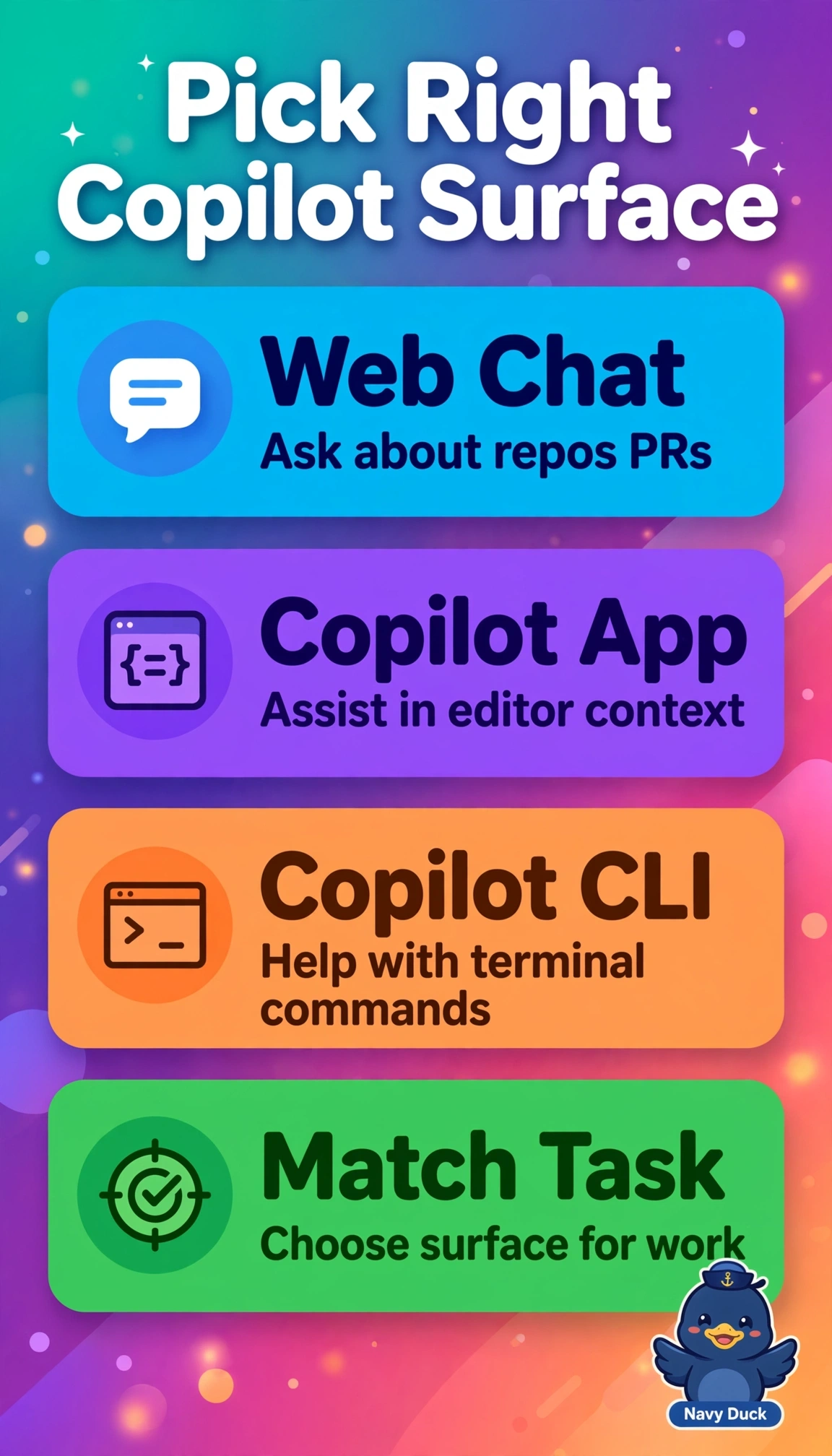
The correct distinction keeps grounded Q&A where work already happens: Chat on github.com answers repository questions with pull requests, diffs and issues as context, the Copilot app assists inside the desktop editor with workspace files and specs, and Copilot CLI helps in the terminal by explaining commands and deploy failures, preserving one mental model across surfaces. The idea of using CLI for desktop spec drafting fails by execution environment because CLI is shell-native and lacks editor workspace context, tabs and inline assistance needed for efficient drafting. The idea of assigning web pull request reviews to the app fails by surface authority because review discussion and cited code live in github.com state, while the app is tuned for local working-tree context rather than collaborative web context. The idea of limiting web chat to editor code completion fails by capability scope because completion is low-latency IDE ghost text, while web chat targets broader explanatory Q&A over the hosted repository. For exams, remember similar chat UX does not mean identical grounding, so watch for pull request versus local file versus shell cues. As a practical check, ask each surface for its unique context, such as summarize this pull diff on the web, explain the open file in the editor, and explain a deploy command in the terminal, and verify citations match.