
A business analyst launched an agentic triage workflow on a 400-issue backlog that starts re-labeling and commenting on customer-reported bugs incorrectly. The run is still active, stakeholders are watching the repository, and the analyst must halt further changes immediately without losing the log. Which control should the analyst use to stop an agentic workflow that is running?
Select an answer to reveal the explanation.
Short Explanation
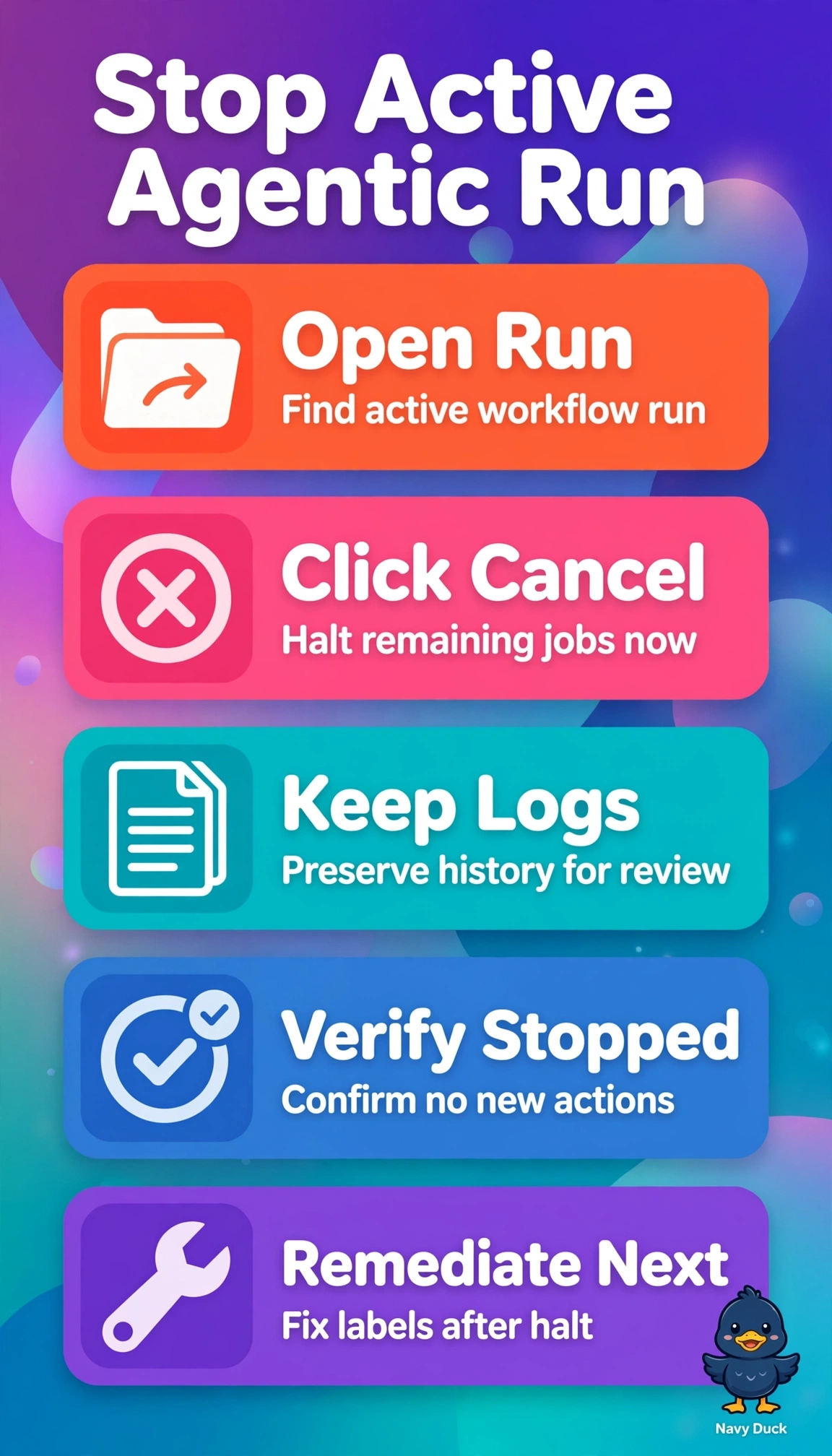
You need an emergency brake, not a plan for preventing future runs. Cancellation stops the active workflow while preserving its history. You can review the audit trail afterward.
Full Explanation
Canceling the active run from its Actions run page is the right control because it tells the runner to stop scheduling remaining jobs and steps. That halts further labeling and commenting while preserving the partial run, annotations, and logs for stakeholder review and audit. Disabling the workflow on the main branch can prevent future scheduled or event-driven triggers while retaining history, but it does not terminate a run that has already started, so the incorrect actions could continue across the backlog. Redeploying the last stable agent version can restore correct behavior for subsequent executions, but it does not abort in-flight jobs, which may continue using the faulty prompt or container already loaded. Saving logs for review and bulk-correcting issues after completion preserves evidence and addresses data quality, but it allows the faulty run to finish, failing the need for immediate containment. An exam caveat is that disabling and canceling can both sound like ways to stop a workflow; focus on scope and timing: disabling governs future triggers, while cancellation governs the current execution. As a practical check, after canceling, verify that the run status is canceled, confirm that no new labels or comments appear, and review the preserved logs.