
A consulting PM tracks 80 client requests in GitHub Projects with engineering, design, and support lanes. She needs grouped columns by stage, a priority custom field, and auto-add of new issues labeled client. Which management of project views, columns, automation, and custom fields achieves this setup?
Select an answer to reveal the explanation.
Short Explanation
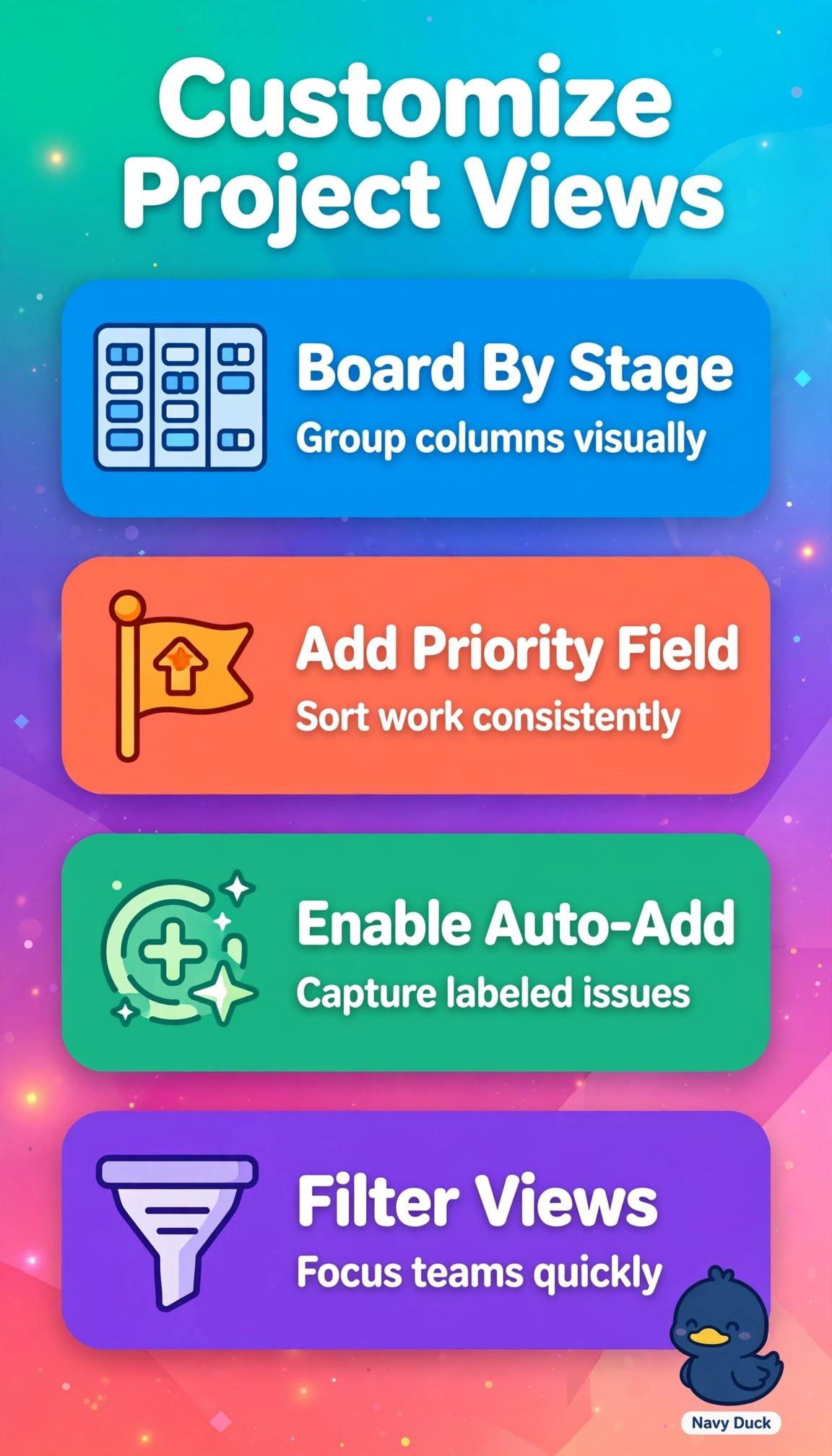
Eighty requests need structure you can see at a glance. Combining board, fields, and automation gives you clarity like a well-organized airport board. New work lands in the right lane.
Full Explanation
The correct setup succeeds because it unites board view, custom fields, and automation: stage columns visualize engineering, design, and support flow, a priority field provides structured filterable metadata across 80 requests, and auto-add with client-label filter adds new issues automatically. The manual daily triage approach fails automation despite correct board and field because native workflows evaluate labels on creation, so daily handling does not scale and risks delay and omission. The labels-only priority approach fails custom fields despite correct board and auto-add because repo-scoped labels lack single-select enforcement, sorting and reporting guarantees, while a typed field enforces values and insights. The priority-lanes grouping approach fails views and columns despite correct field and automation because it makes priority the kanban axis while stage must be the grouping axis with priority as ordering attribute. Exam caveat: displaying via lane names or labels does not replace storing in a typed field or triggering via filtered workflow. Practical check: confirm stage columns render, inspect priority values and defaults, then create a test client-labeled issue and verify history shows auto-add.