
A sales analyst lives in a browser, a field consultant uses chat inside GitHub Mobile flows, and a support engineer lives in a Linux terminal needing shell commands. Leadership asks for a one-slide guide. Which statement correctly differentiates Copilot Chat on github.com, the GitHub Copilot app, and Copilot CLI?
Select an answer to reveal the explanation.
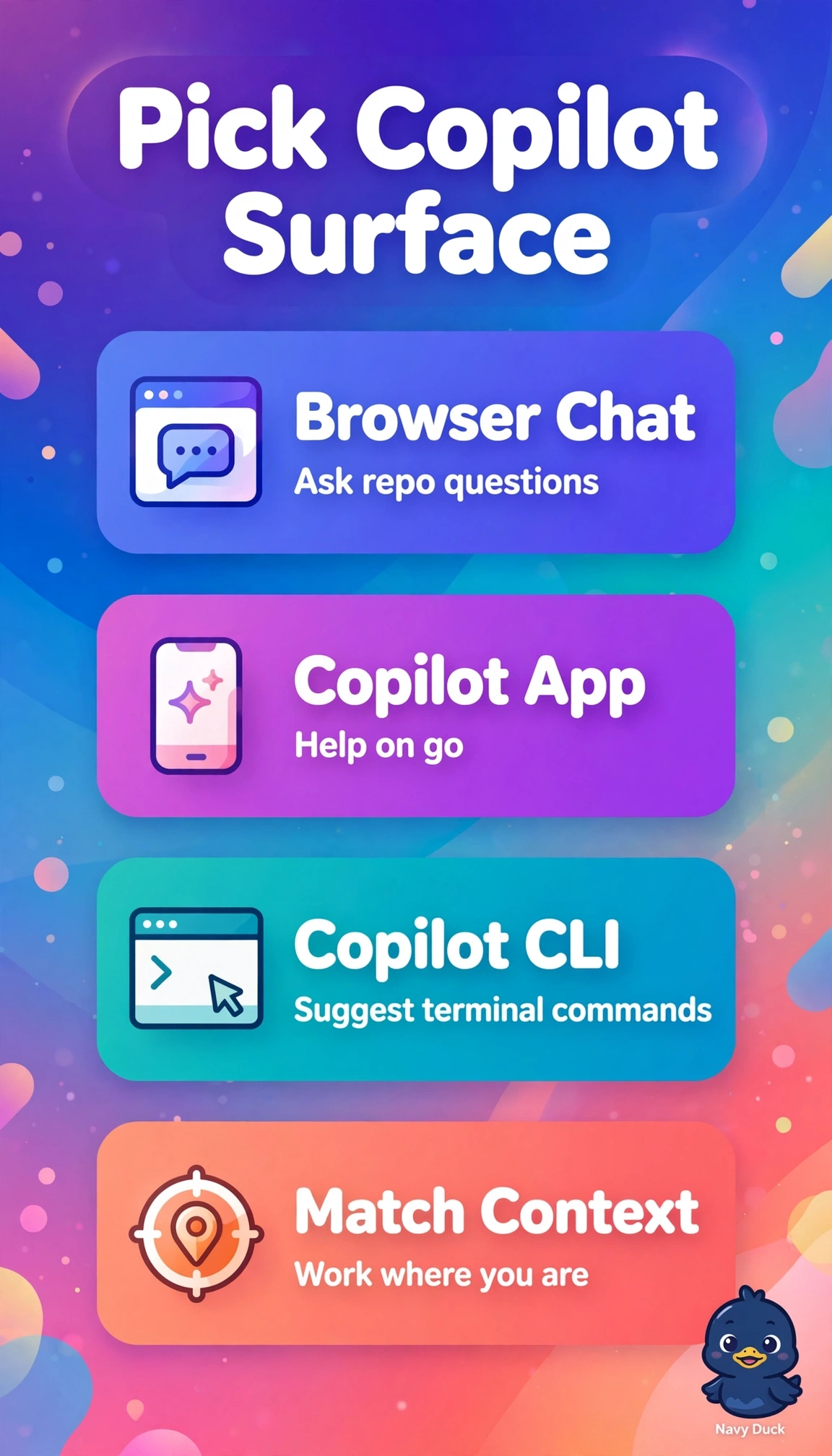
Short Explanation
You're mapping tools to habitats where work happens. Matching surface to context gives you fit like using the right shoe for each sport. Everyone gets help without switching worlds.
Full Explanation
The correct statement aligns each surface with its primary design intent: Copilot Chat on github.com runs in the browser with repository context for natural-language questions about code, issues, and pull requests, which fits the sales analyst workflow, the GitHub Copilot app provides conversational GitHub context inside mobile flows for triage and catch-up on the go, which fits the field consultant, and Copilot CLI operates natively in the Linux terminal to explain and generate shell commands, which fits the support engineer. The general web browsing summaries variant fails on the first concept because browser chat is scoped to GitHub repositories and organizational knowledge rather than open-web summarization, so it misrepresents grounding and permissions. The mobile code editing variant fails on the second concept because the app centers on chat with GitHub context and assistance rather than serving as a full mobile IDE for authoring and refactoring code. The inline IDE code completions variant fails on the third concept because ghost-text completions and IDE chat belong to the IDE extensions, while CLI is purpose-built for terminal workflows with shell explanation and command synthesis. As an exam caveat, do not conflate similarly named chat surfaces when stems emphasize where work happens, since browser, mobile app, and terminal cues usually determine the intended tool even when capabilities overlap. As a practical check, validate the guide by opening each surface and confirming context selectors, repository scoping in the browser, mobile conversation history tied to GitHub items, and shell command help in the terminal before publishing the slide.