
A technical project manager needs an agent that runs every Monday at 9am, can only read issues, and must post its cost-savings report as a job summary. Which configuration best sets the workflow schedule, permissions, and output for reliable automation?
Select an answer to reveal the explanation.
Short Explanation
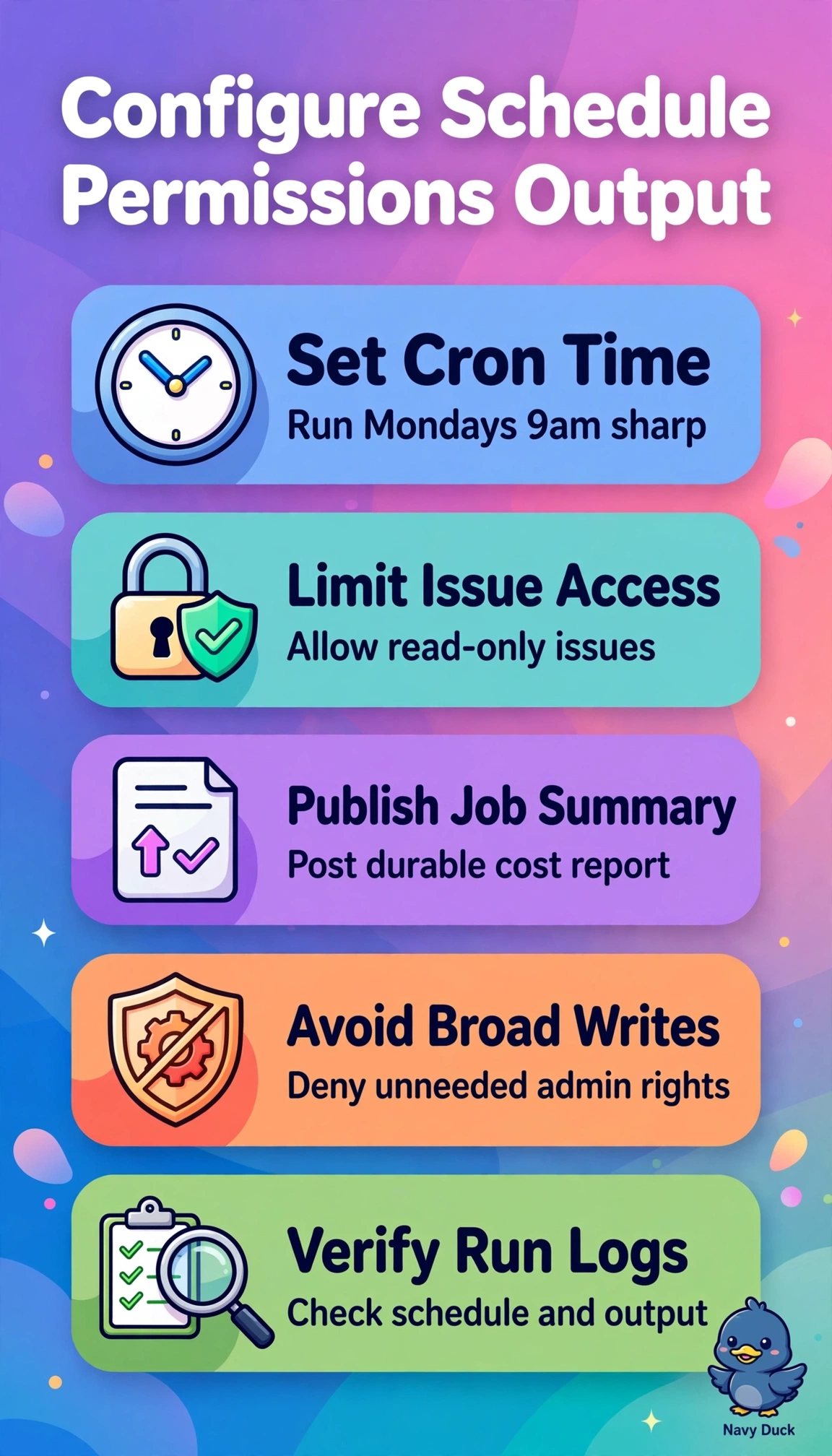
When you schedule the report for Monday at 9am, read-only issue access and a job summary keep the automation focused and easy to review. That’s least privilege in action: you get the report without granting extra access or hiding the results in a download.
Full Explanation
A cron schedule provides reliable time-based automation for the Monday 9am cadence, read-only issue permissions enforce least privilege while still letting the agent gather the needed data, and writing results to the job summary makes the cost-savings report visible alongside the run. Uploading results as workflow artifacts is a useful retention pattern, but it requires a download and does not display the report directly in the job summary. Granting read-and-write issue permissions still supports scheduled execution and summary reporting, but exceeds the read-only constraint and introduces unnecessary modification risk. Triggering on issue creation events with read-only permissions and job-summary output can suit real-time workflows, but cannot guarantee the fixed weekly reporting cadence. An exam caveat is to match every clause in the prompt rather than choose a configuration that meets only two of the three requirements: schedule, permissions, and output. As a practical check, inspect the workflow file for the cron expression, verify the permissions block, and confirm a run renders the expected report in the job summary.