
An organization deploys Windows Defender Application Control (WDAC) in audit mode. What does audit mode accomplish and why is it recommended before enforcement?
Select an answer to reveal the explanation.
Short Explanation
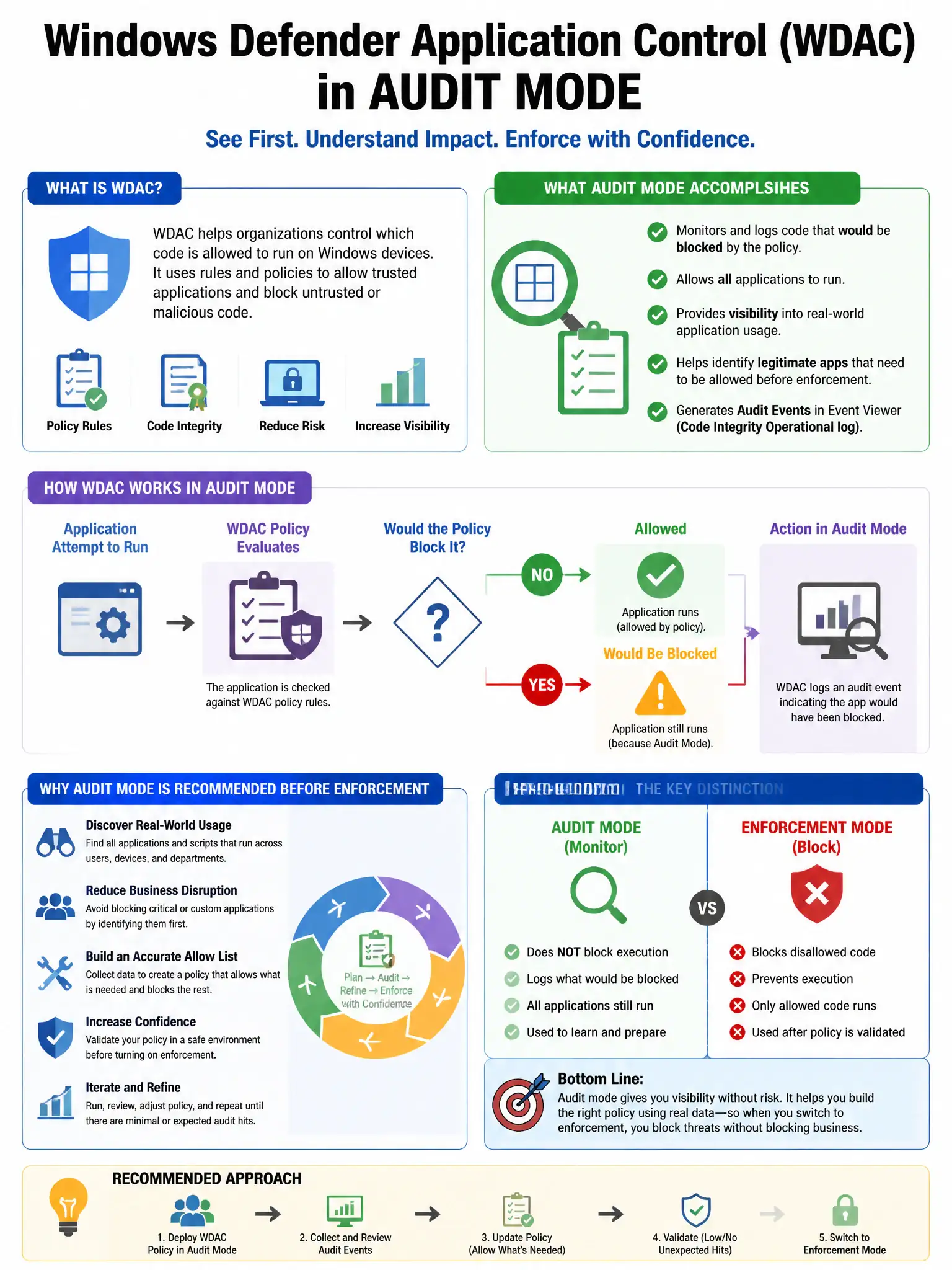
Audit mode is your dry run: it logs what WDAC would block without actually stopping anything, so you can spot legitimate apps and add them to the allow list before enforcement breaks business operations.
Full Explanation
The correct answer is the option stating that audit mode logs what would have been blocked without actually blocking anything, allowing the team to identify legitimate applications that need to be added to the allow list before enforcement breaks business operations. WDAC audit mode writes events to the Windows Event Log whenever an application would be blocked by policy, allowing administrators to identify legitimate software that is not yet in the allow list and refine policy before enforcement mode would deny these applications and disrupt business. The antivirus-scanning option is wrong because WDAC policies use file attributes, hashes, and signatures, not antivirus scanning, to make allow/deny decisions. The automatic-approval option is wrong because audit mode is a passive observation mode; it does not grant automatic approval. The per-user approval option is wrong because WDAC is a centrally managed policy, not a per-user approval mechanism.