
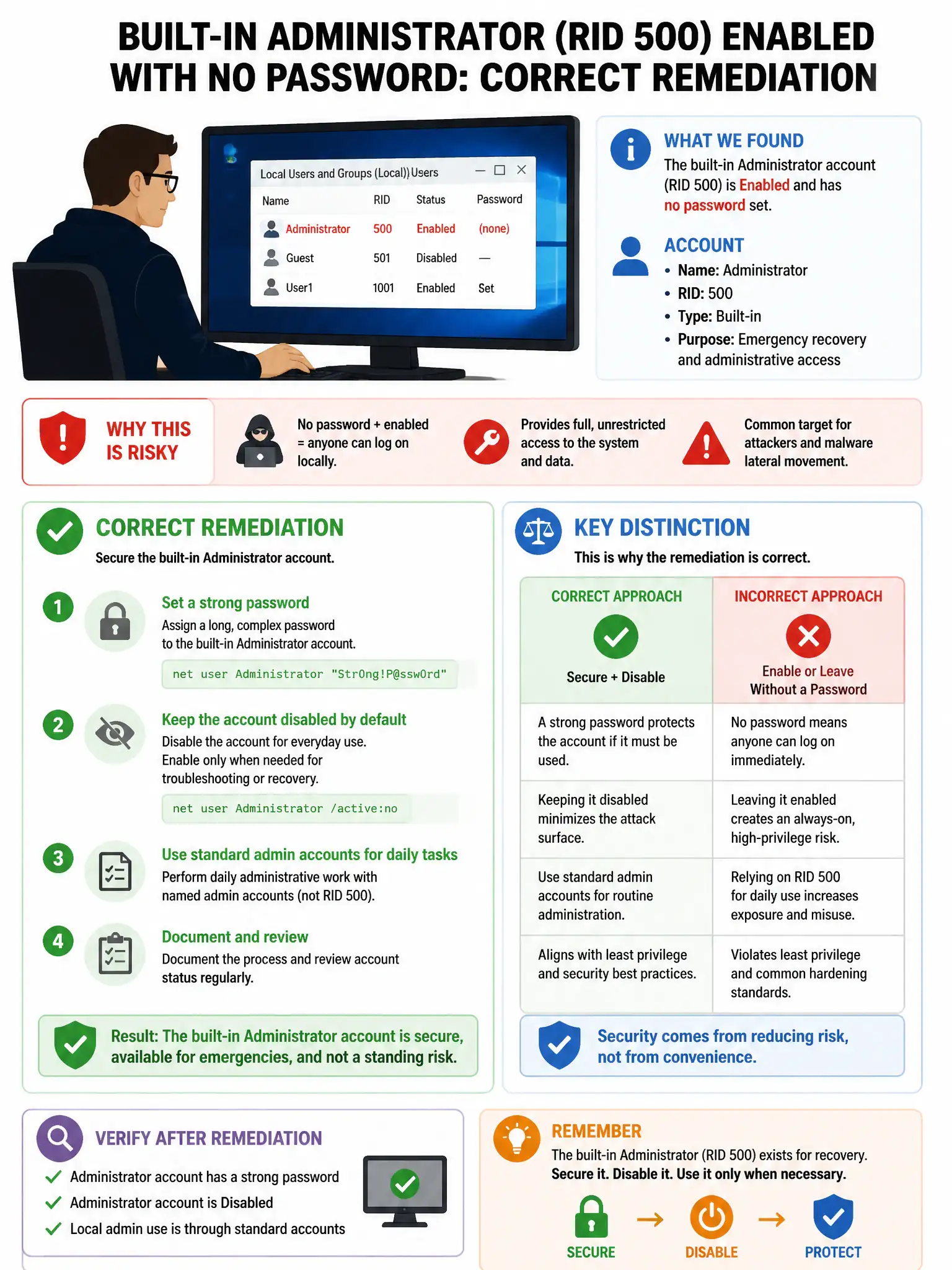
A security engineer reviews a Windows system and finds that the built-in Administrator account (RID 500) is enabled and has no password set. What is the correct remediation?
Select an answer to reveal the explanation.
Short Explanation
Here's the deal — you need to rename the built-in Administrator account, set a complex password, and disable it if you have named admin accounts. That kills the obvious target and closes the biggest hole.
Full Explanation
The correct remediation is to rename the built-in Administrator account to a different name and set a complex password, and to consider disabling it entirely if a named admin account exists. The built-in Administrator account with RID 500 is a well-known target; renaming it reduces automated attack success rates, setting a strong password addresses the immediate critical risk, and disabling it when named accounts exist eliminates the attack surface entirely. Enabling the Guest account as an alternative for administrative access is wrong because it increases attack surface rather than reducing it. Setting the Administrator password to 'Admin123' for easy remembering by IT staff is wrong because it is a trivially guessable weak password that provides minimal security improvement. Moving the Administrator account to the Domain Admins group for better tracking is wrong because, if the account is not already there, it is irrelevant to the local account security risk and does not address the missing password.