
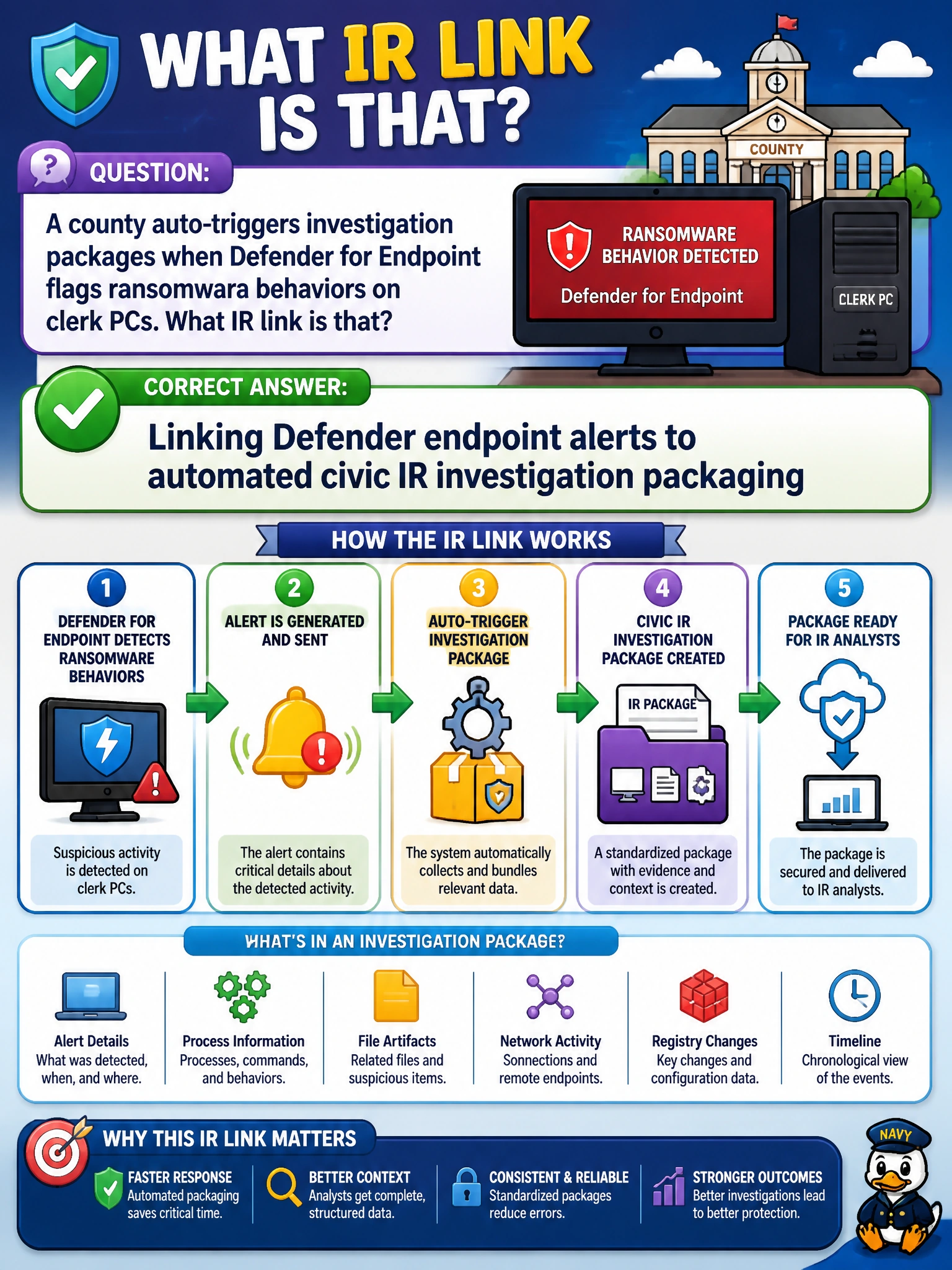
A county auto-triggers investigation packages when Defender for Endpoint flags ransomware behaviors on clerk PCs. What IR link is that?
Select an answer to reveal the explanation.
Short Explanation
When ransomware-class signals hit clerk PCs, you'll want that endpoint alert to kick off the investigation package automatically. Linking that alert to asset inventory tagging, patch rollout scheduling, or user access revalidation won't preserve evidence because you're updating records, pushing patches, or rechecking access and you'll miss the timeline and scope you'll need. Wire the alert to the package.
Full Explanation
Auto-triggering investigation packages when Defender for Endpoint flags ransomware behaviors on clerk PCs links endpoint detection to automated civic IR packaging. High-fidelity ransomware signals (encryption behavior, suspicious mass file changes, known ransomware TTPs) should start evidence collection—timeline, process tree, persistence artifacts, and scope of affected clerk devices—without waiting for a human to notice a ticket. County clerk environments process filings, payments, and identity documents; fast packaging preserves forensic value and feeds containment decisions while ransomware is still spreading. Linking Defender endpoint alerts to automated civic IR asset inventory tagging fails the action: asset inventory tagging only updates ownership, criticality, or CMDB labels, not active ransomware response, so it would refresh records instead of building timeline, process tree, and scope for the in-progress attack. Linking Defender endpoint alerts to automated civic IR patch rollout scheduling fails the response: patch rollout scheduling queues updates for hygiene gaps, not evidence collection for active ransomware behaviors, so it would delay containment instead of capturing timeline and scope for an active attack. Linking Defender endpoint alerts to automated civic IR user access revalidation uses the wrong action: access revalidation checks entitlements and prompts recertification, not endpoint ransomware behaviors on clerk PCs, so it does not link the ransomware-class Defender for Endpoint alert to automated investigation packaging or preserve endpoint evidence. Exam caveat: Automation should escalate confidence-based actions carefully. Linking endpoint alerts to asset inventory tagging, patch rollout scheduling, or user access revalidation may still need IR review; the investigation package can start automatically while containment follows playbook approval. Distinguish endpoint-alert-triggered investigation packaging from endpoint-alert-triggered asset inventory tagging, patch rollout scheduling, or user access revalidation. Operational check: In a test tenant, simulate or replay a ransomware-class Defender for Endpoint alert and confirm an investigation package (device timeline, related alerts, user context) is created and attached to the IR case; verify on-call is notified; and ensure clerk devices remain onboarded with healthy sensors so the trigger can fire in production.
Prefer to study offline? Printable PDF study book + test engine ($7.50, unofficial). These questions stay free here.