
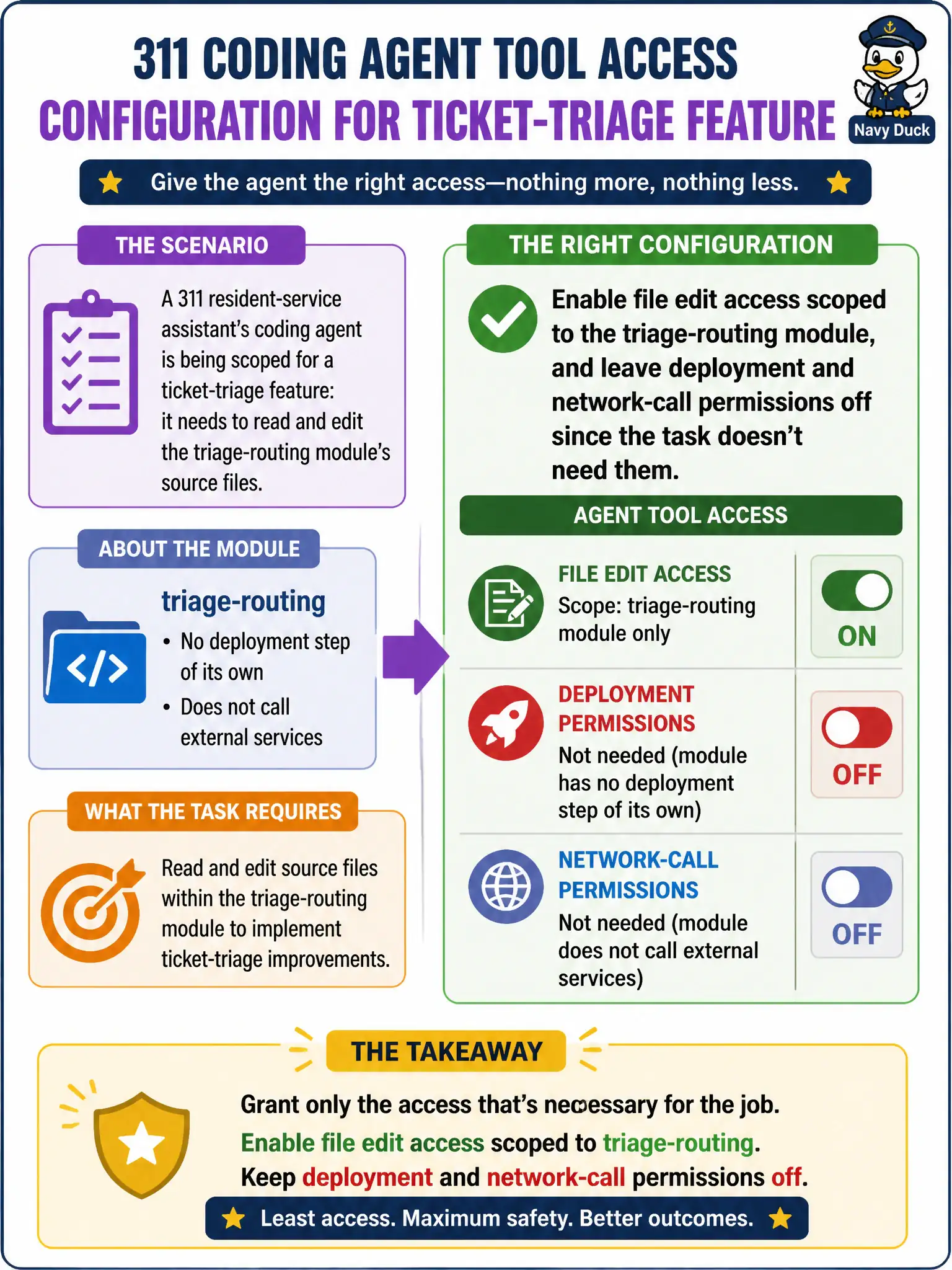
A 311 resident-service assistant's coding agent is being scoped for a ticket-triage feature: it needs to read and edit the triage-routing module's source files. The module has no deployment step of its own and does not call external services. How should the team configure the agent's tool access for this work?
Select an answer to reveal the explanation.
Short Explanation
Configuring a coding agent's tool access is like handing someone a toolbox for a specific repair, not the keys to the whole workshop. If the job is editing a self-contained module, the agent gets file-edit access to that module and nothing more — no network, no deploy. Give it exactly the tools the task needs, and no others.
Full Explanation
Least-privilege tool scoping means matching an agent's granted capabilities to what the specific task actually requires, not what might be convenient if scope expands later. Here the task is editing a self-contained module with no external calls and no deployment step of its own, so file edit access scoped to that module is sufficient and appropriate. Granting network and deployment access preemptively fails the least-privilege principle by expanding the agent's blast radius for a hypothetical future need rather than the present one, and unused permissions are still exploitable permissions. Limiting the agent to network access alone misunderstands the task: triage-routing work is a file-editing job, and routing it through a human intermediary to apply described changes adds friction without addressing the actual capability gap. Granting deployment access alone, on the assumption changes should go straight to production, skips the review and promotion steps that separate an agent-authored change from a released one, and conflates code editing with release authority. A practical check is to review the agent's configured tool list after setup and confirm it names only file-edit scoped to the module's path, with no network or deploy entries present.