
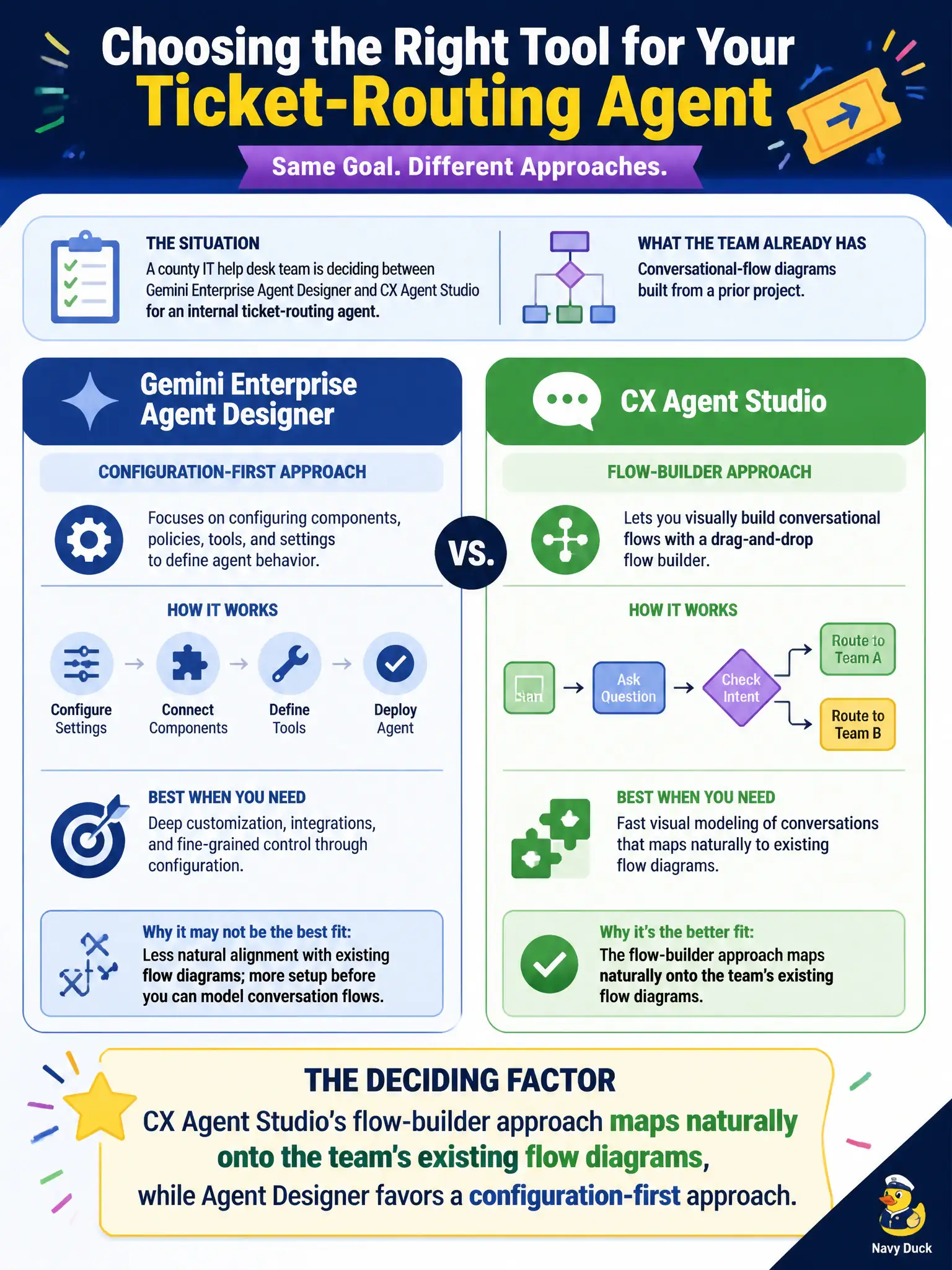
A county IT help desk team is deciding between Gemini Enterprise Agent Designer and CX Agent Studio for an internal ticket-routing agent, and the team already has conversational-flow diagrams built from a prior project. Which factor should tip the decision toward CX Agent Studio?
Select an answer to reveal the explanation.
Short Explanation
Think of it like choosing between a blueprint-first contractor and a checklist-first one — if the team already has the blueprints drawn, going with the tool that builds from diagrams saves redoing that work. CX Agent Studio's flow-builder leans into diagram-style construction, which is exactly what those existing flow diagrams line up with.
Full Explanation
Both Agent Designer and CX Agent Studio are low-code tools for building state-based agentic workflows in Gemini Enterprise, but they lean toward different authoring styles: Agent Designer favors configuration-first setup, while CX Agent Studio's flow builder is oriented around visually constructing and connecting flows, which maps more directly onto a team's existing flow diagrams and lets that prior design work carry over with less translation. The claim that Agent Designer lacks transition routes is false — transition routes are a core construct across the state-based workflow model, not something unique to one tool. System instructions are likewise a shared concept for shaping agent behavior, not something exclusive to CX Agent Studio. And multi-page workflows are exactly what Agent Designer is built to configure without requiring custom code; that claim mischaracterizes what makes it a low-code tool in the first place. Scope caveat: tool choice should still weigh other project factors, like team familiarity and integration needs, alongside how well existing assets transfer. Operational check: import or recreate one of the existing flow diagrams in CX Agent Studio and confirm how directly its structure maps before committing the whole project to it.