
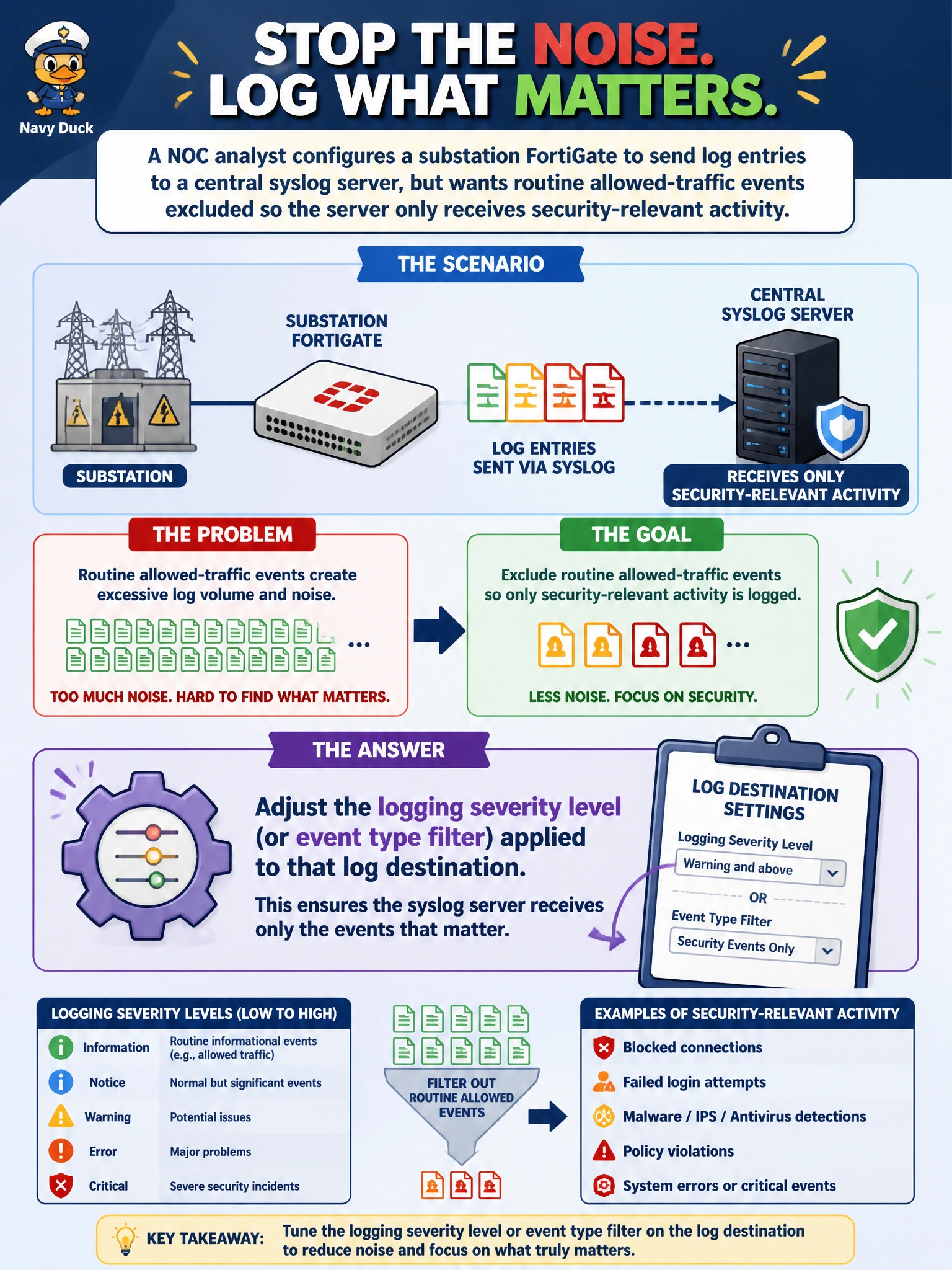
A NOC analyst configures a substation FortiGate to send log entries to a central syslog server, but wants routine allowed-traffic events excluded so the server only receives security-relevant activity. What should the analyst adjust?
Select an answer to reveal the explanation.
Short Explanation
Where the logs go and what gets sent are two different knobs — the destination address just tells the FortiGate where to mail the mail, while the severity or event-type filter decides which envelopes actually get stuffed and sent. To cut down on routine noise, that filter is the one to turn.
Full Explanation
FortiOS lets an administrator scope what gets logged to a given destination by severity level, such as filtering out informational or notice-level entries, or by event type, so a log destination can be tuned to carry only security-relevant activity like intrusion or antivirus events while routine allowed-session logging stays out. Changing the syslog server's IP address only affects where the traffic is delivered, not what's included in it. Changing the outbound interface controls the network path the log traffic takes to reach that server, again unrelated to content filtering. Adjusting the web filtering category list changes which web categories get blocked or allowed for users' traffic, a content-inspection setting entirely separate from log severity scoping. One caveat: over-filtering can remove context an investigator later needs to reconstruct a full session timeline, so a good operational check is periodically reviewing what's excluded to confirm it's still just noise and not something that turns out to matter during an incident.