
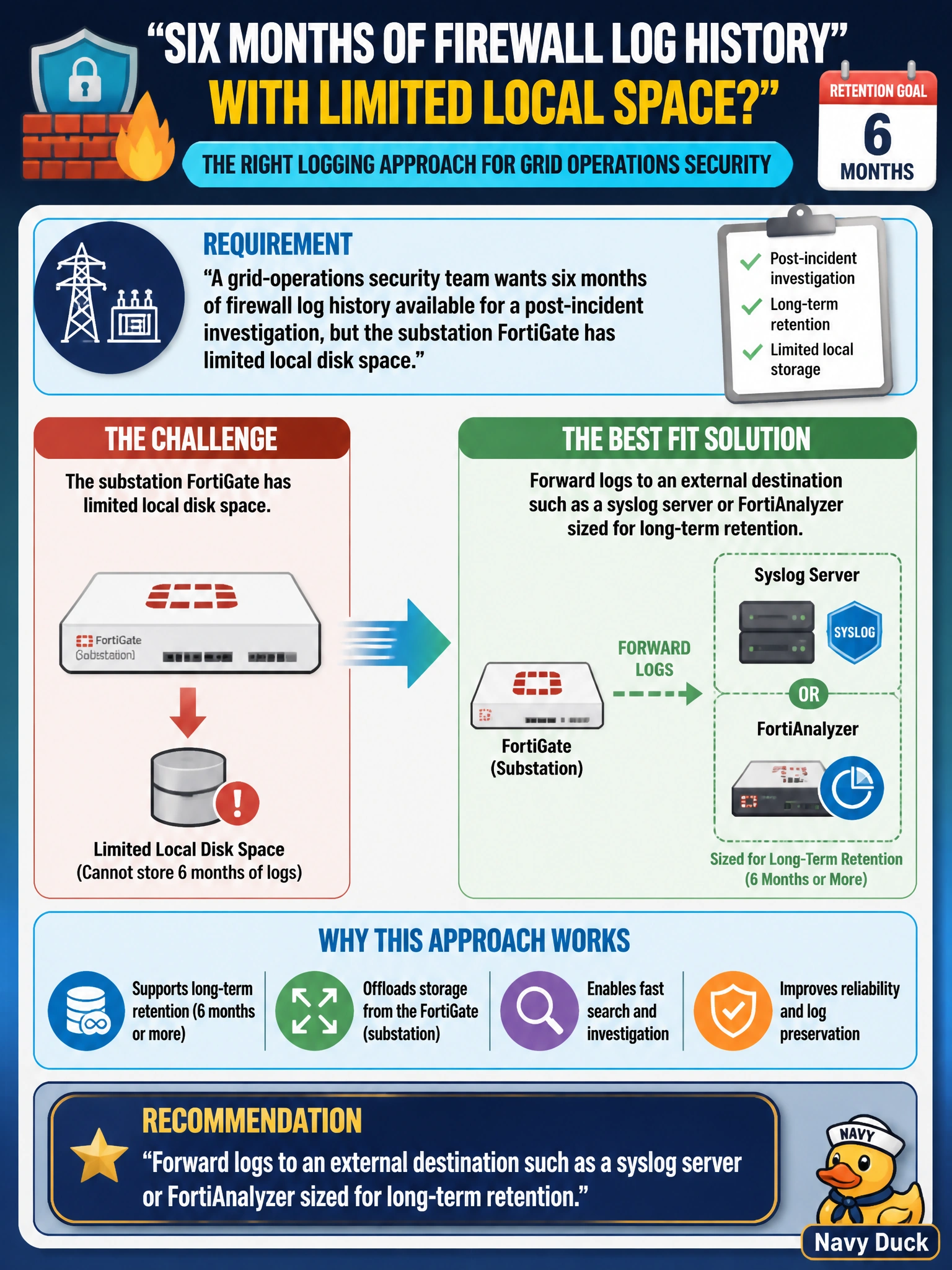
A grid-operations security team wants six months of firewall log history available for a post-incident investigation, but the substation FortiGate has limited local disk space. Which logging approach best fits this requirement?
Select an answer to reveal the explanation.
Short Explanation
Local disk on a field device is small and finite, so hitting a six-month target usually means sending logs somewhere built for long-term storage — think of the FortiGate as the sensor and the external destination as the archive. Anything that keeps everything local just delays the same space problem instead of solving it.
Full Explanation
When local storage can't hold the retention window a security or compliance requirement demands, the standard approach is forwarding logs to an external destination, such as a syslog server or a platform like FortiAnalyzer, that's sized and managed for the retention period actually needed, decoupling log lifespan from the constrained disk on a field device. Disabling logging removes the very data the investigation depends on, which defeats the stated goal outright. Raising the severity threshold to emergency-only reduces disk usage, but it also discards the routine traffic and policy-match events that most incident investigations actually need, trading away the wrong thing. Letting local logs overwrite the oldest entries when space runs low is the FortiGate's normal default behavior for local disk and is exactly the mechanism that would silently erase the older half of the six-month window before anyone notices. The caveat to flag: forwarding logs introduces a dependency on network reachability from the substation to the log destination, so the practical check is confirming logs are actually arriving and being retained at the external destination, not just that forwarding is configured.