
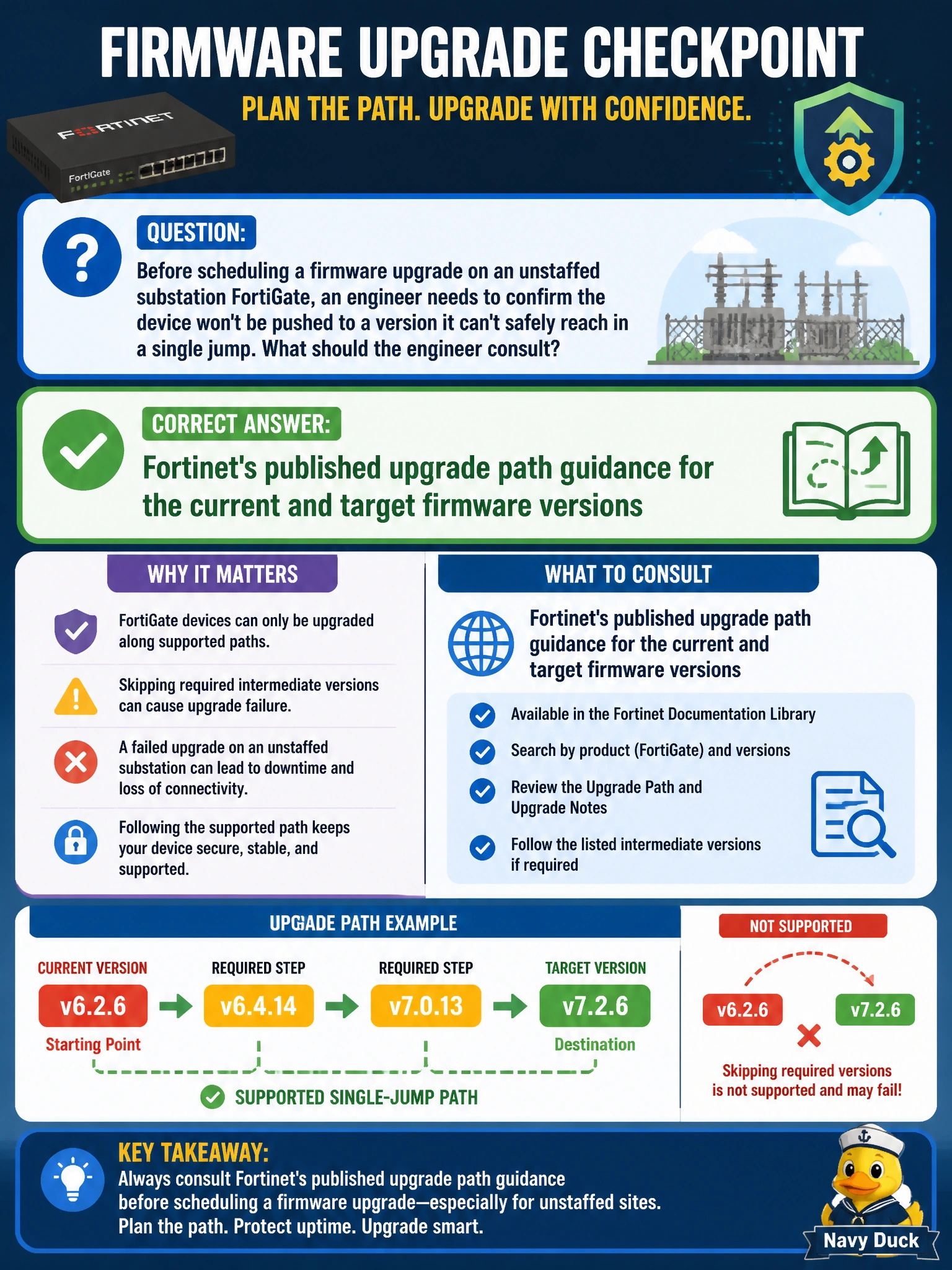
Before scheduling a firmware upgrade on an unstaffed substation FortiGate, an engineer needs to confirm the device won't be pushed to a version it can't safely reach in a single jump. What should the engineer consult?
Select an answer to reveal the explanation.
Short Explanation
Firmware isn't like a phone update where you just tap install the newest one — FortiOS upgrades sometimes need to stop at an intermediate version along the way, and skipping a required stop can leave a remote box in a broken state nobody's there to fix. Checking the documented path first is what keeps an unstaffed substation from becoming a truck roll.
Full Explanation
FortiOS major and minor releases can carry configuration or database migration steps that only run correctly when the device passes through specific intermediate versions on its way to the target, and Fortinet documents which upgrade paths are supported for a given starting and ending version. Jumping too far in one step risks a failed migration with no local administrator to intervene. CPU and memory graphs describe current load, not upgrade compatibility, and are irrelevant to whether a firmware jump is safe. An antivirus signature timestamp reflects FortiGuard content currency, a completely separate subsystem from firmware version migration logic. Interface LEDs on a remote switch say nothing about the FortiGate's own software state. The caveat that matters for unstaffed sites specifically: a failed or unsupported upgrade path can leave a device unreachable, so the practical check before scheduling is confirming the documented path for the exact from-version and to-version pair, not just assuming newer is always one step away.